
Cowork.
How to set up Claude Cowork with the /setup-cowork command:

You overthink Claude, your Claude Cowork setup, and how to optimize everything to “get the most out of it”.
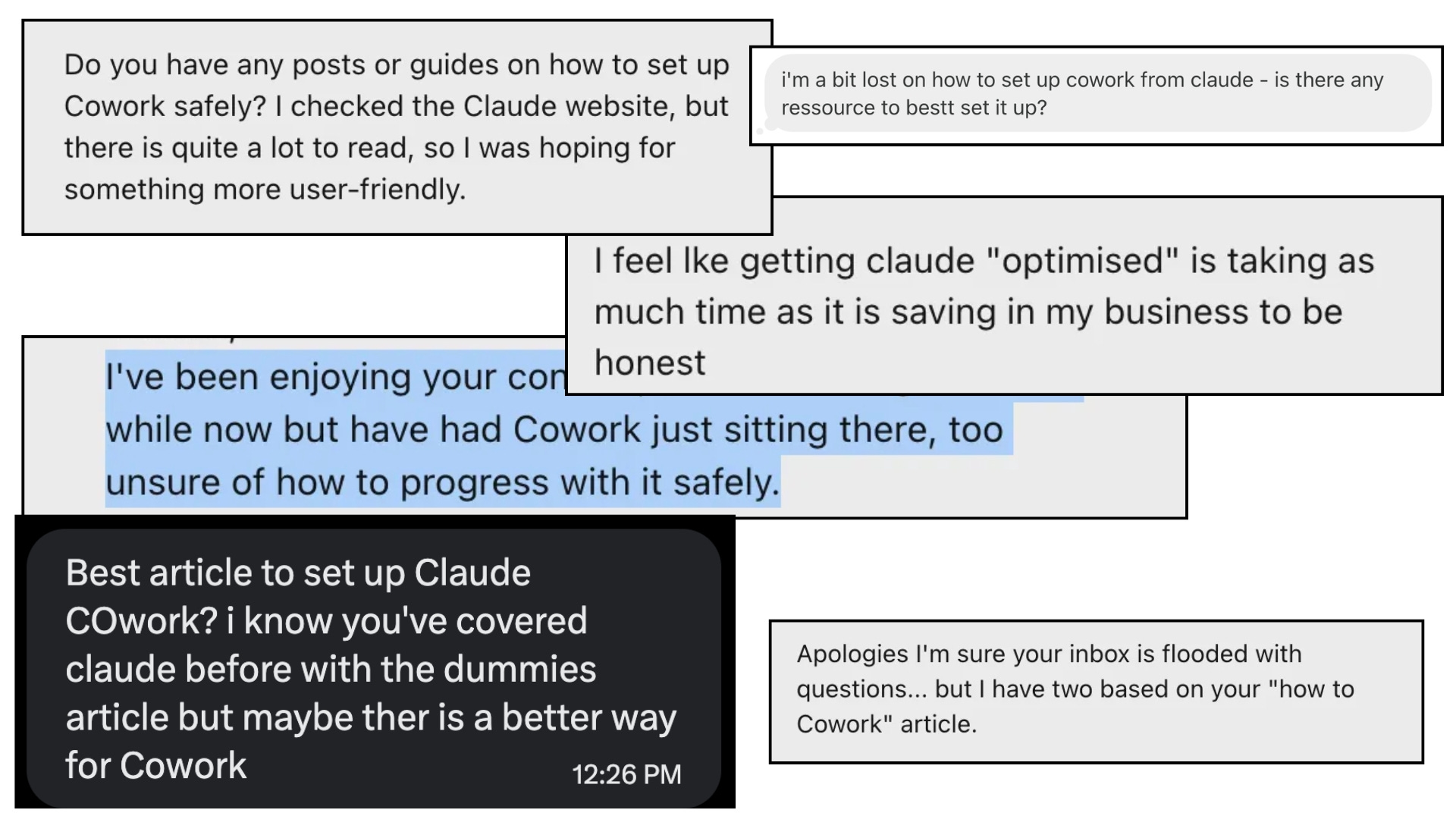
I have 900,000 subscribers on both Linkedin & Substack, so naturally people ask me questions (please keep asking btw):
And yet, it’s extremely simple. Just type:
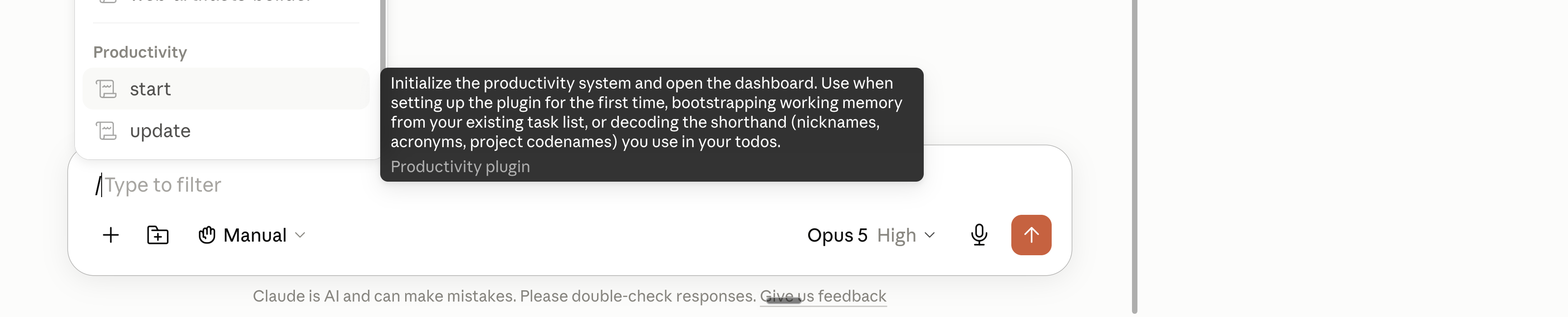
Prompt: “/setup-cowork start”
And Claude will literally set up Claude Cowork, for you.
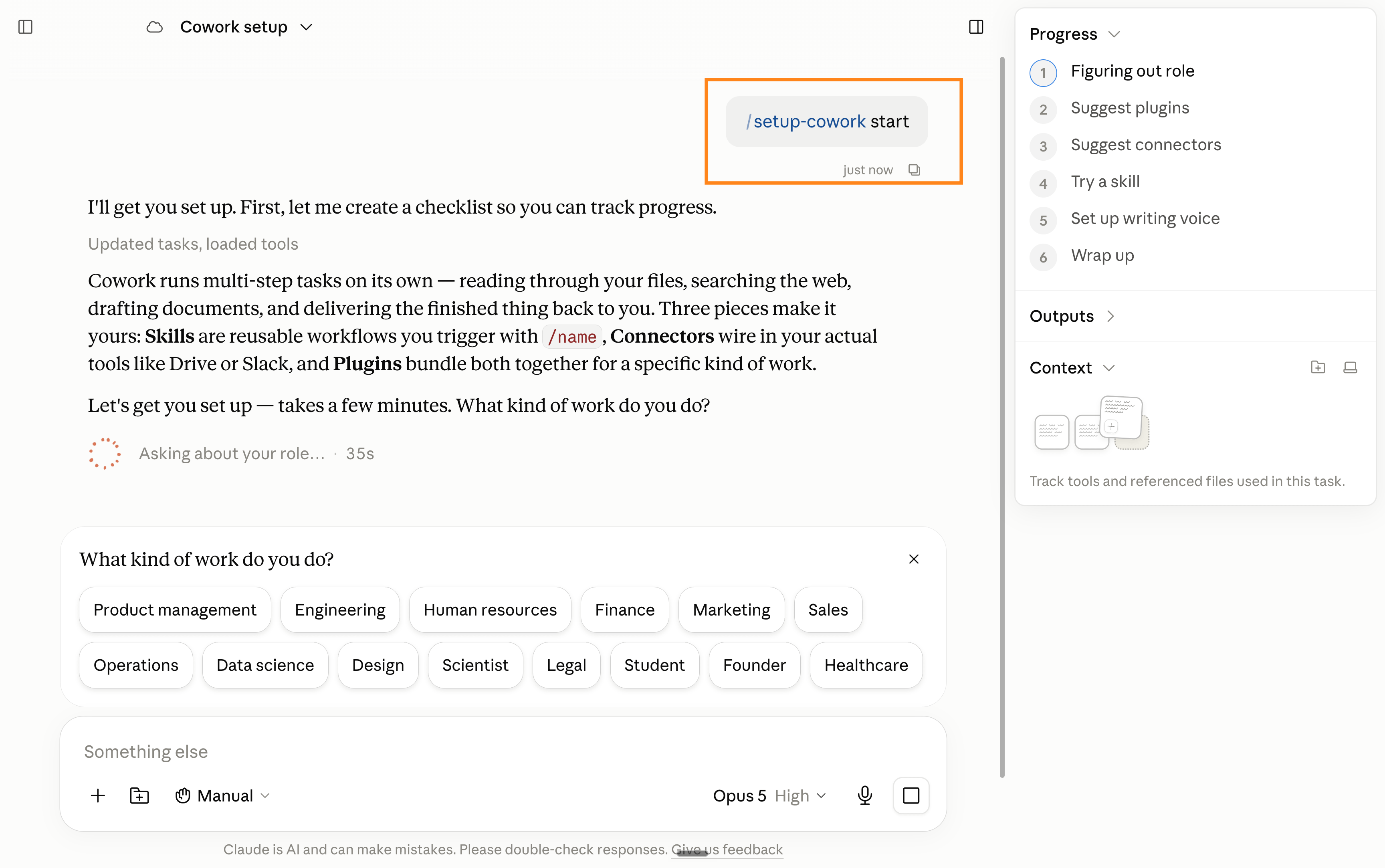
You can stop the newsletter here, use the skill /setup-cowork, and follow the steps, and you’d be good to go.'
But if you give me another 12 minutes, I will cover:
for rookies → the screenshots of the entire setup (and the mistakes to avoid, especially for cloning your voice),
for advanced users → how I use Claude these days (spoiler: less and less with Cowork).
This newsletter is free because people like you share it to people they love.
1. How to set up Cowork.
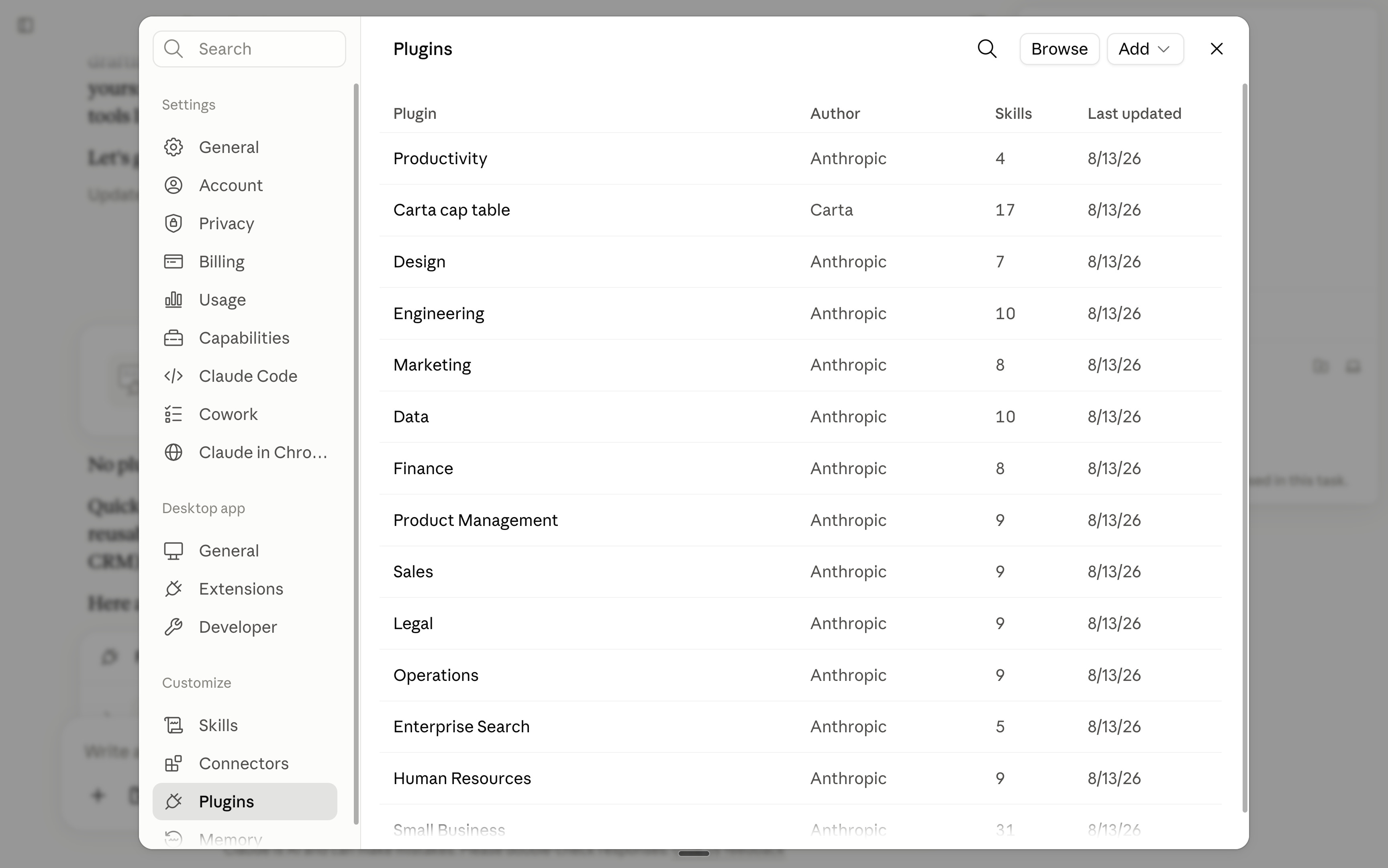
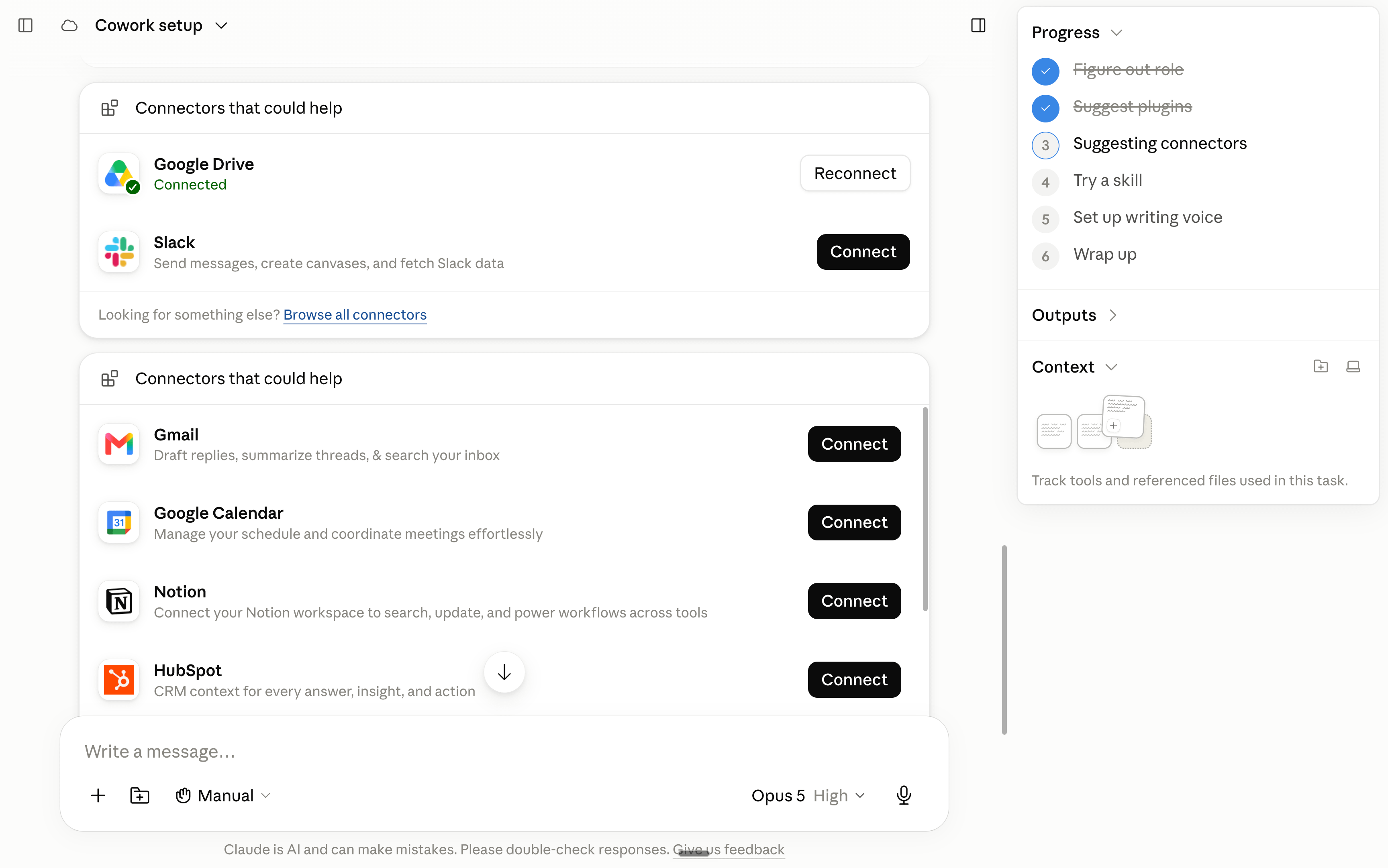
Once you type the skill /setup-cowork + start, you need to complete the entire setup form it generates.
Instead of writing how I answered, I will share screenshots.
Gmail/Outlook might block you from seeing the entire email because it’s too many screenshots. So you should open the article here.
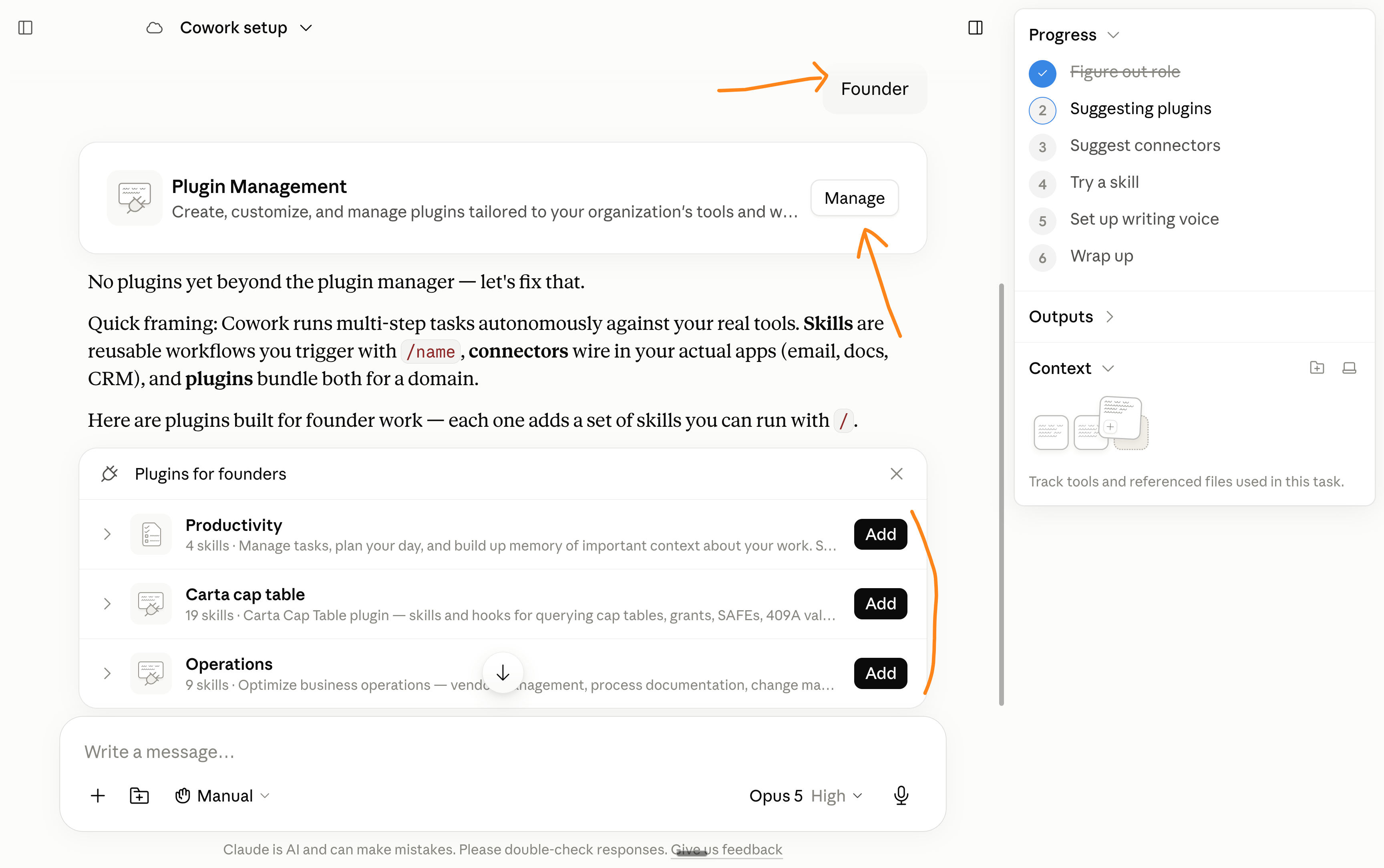
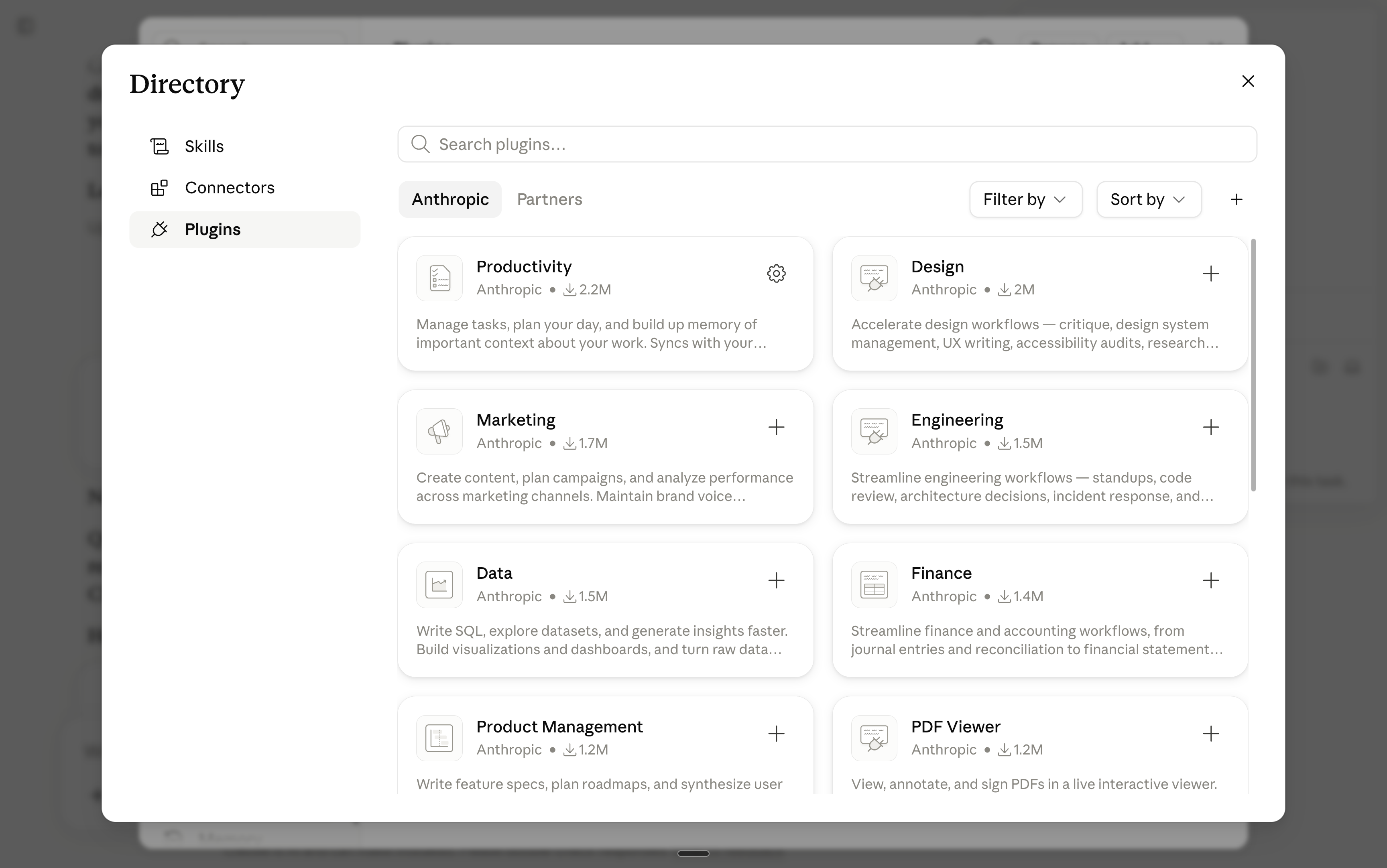
If this was confusing, here’s a quick video:
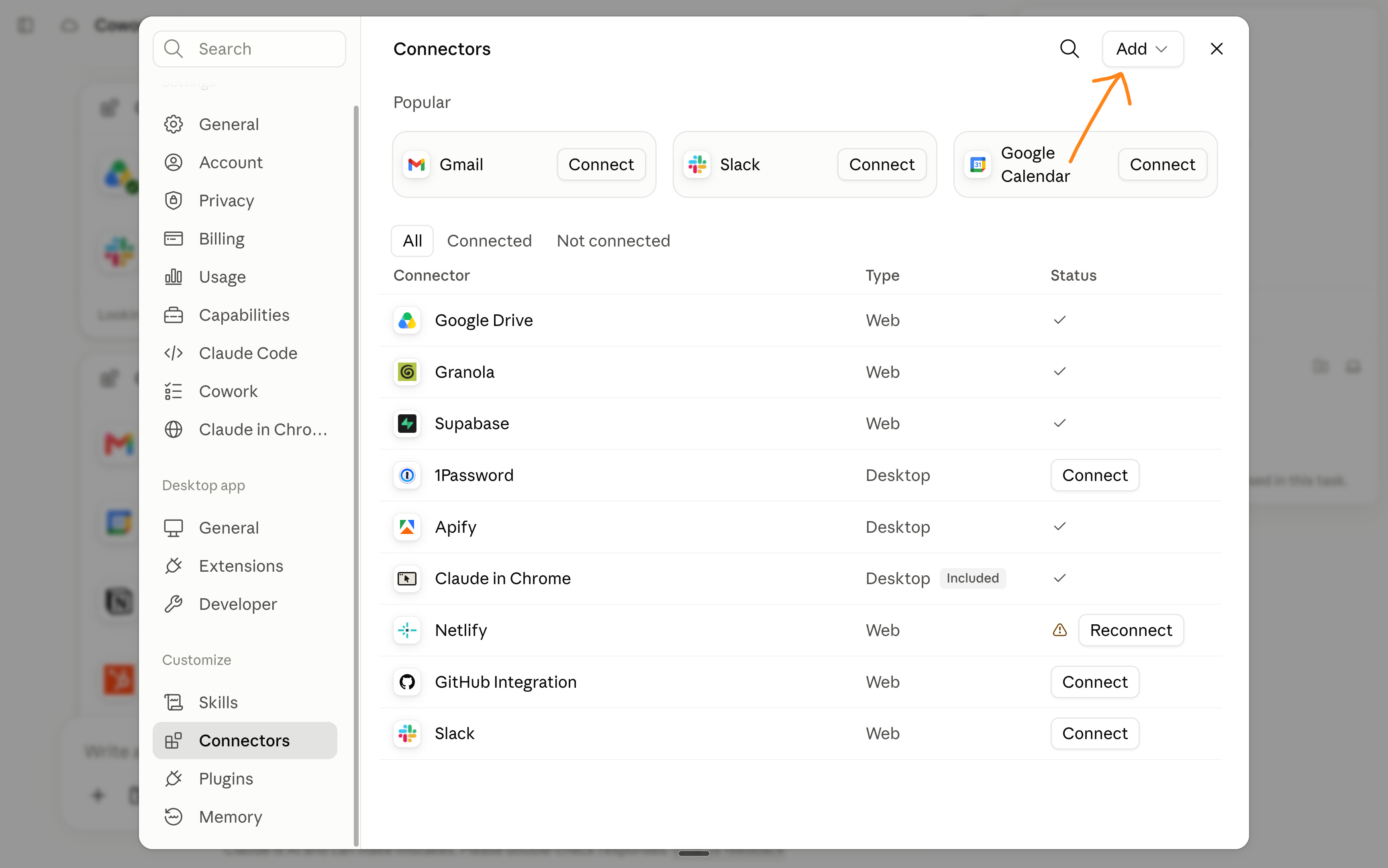
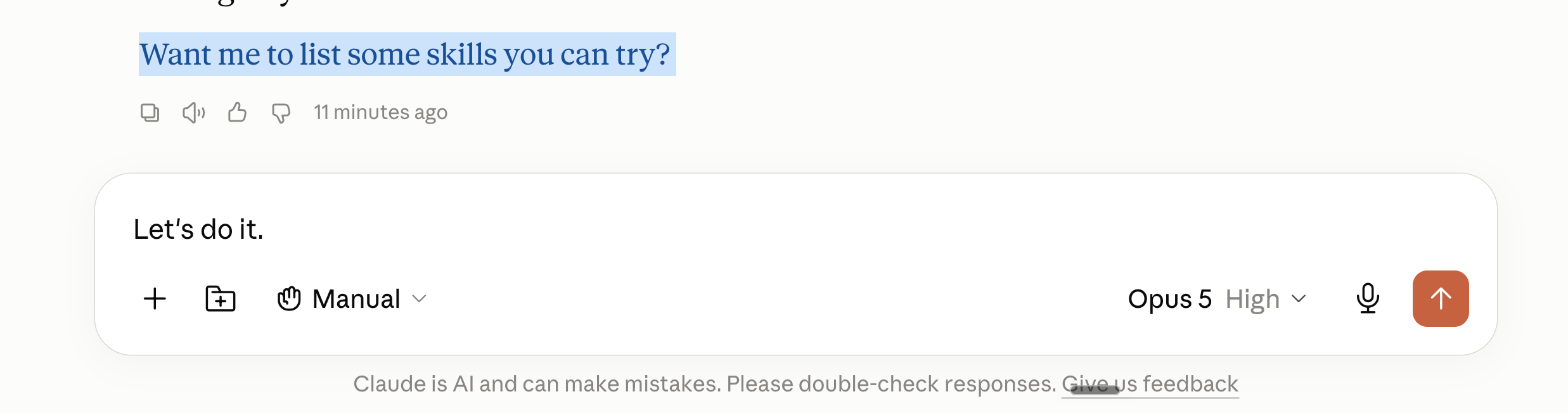
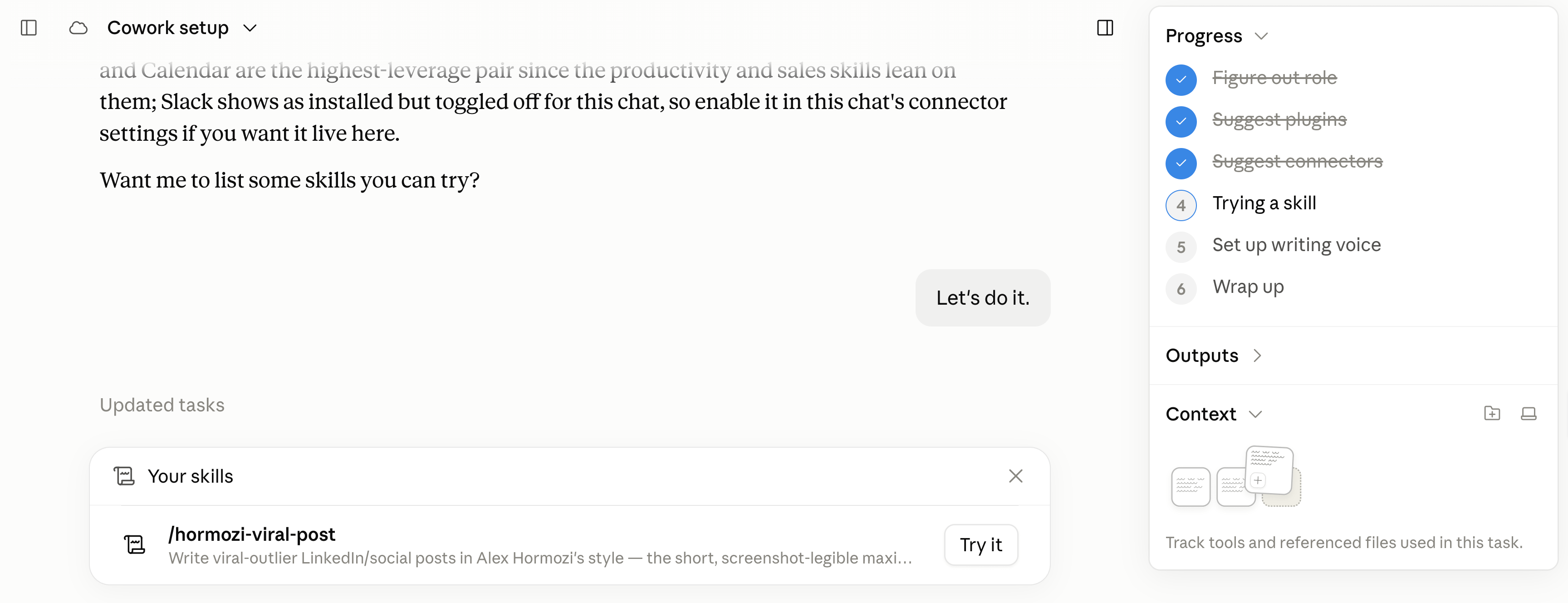
Now I told you about the mistake not to make when setting up Claude.
Claude Cowork wants to build your “writing voice”.
I wrote a lot about mirroring your voice with Claude. And you can do it to some degree. But I deeply believe writing is thinking. AI can help you search and form an opinion, be the best 24/7 thinking partner you can have, but you won’t be a Linkedin/Substack star by writing with AI. And you certainly won’t be a loved coworker/boss if your reports are AI-slop.
AI is very good at many things. But some things are better kept unique & flavorful. And I think writing (especially publicly) is one.
2. How I use Claude.
Less and less with Claude Cowork.
More and more with Claude Code instead.
Now I’m not technical. I don’t know how to code. But I’ve been spinning up live websites almost every day for any use case with this simple prompt: