
Claude + Linkedin.
How to train Claude on your (best) Linkedin posts.

You can train Claude on your (best) Linkedin posts.
It goes like this:
It’s important not to do it from your account (never do any automation).
So you go to a tool that can safely & legally extract your Linkedin posts.
How is it possible? Well, your Linkedin posts are all publicly on the web.
The tool costs $2 for 1,000 posts. It’s cheap.
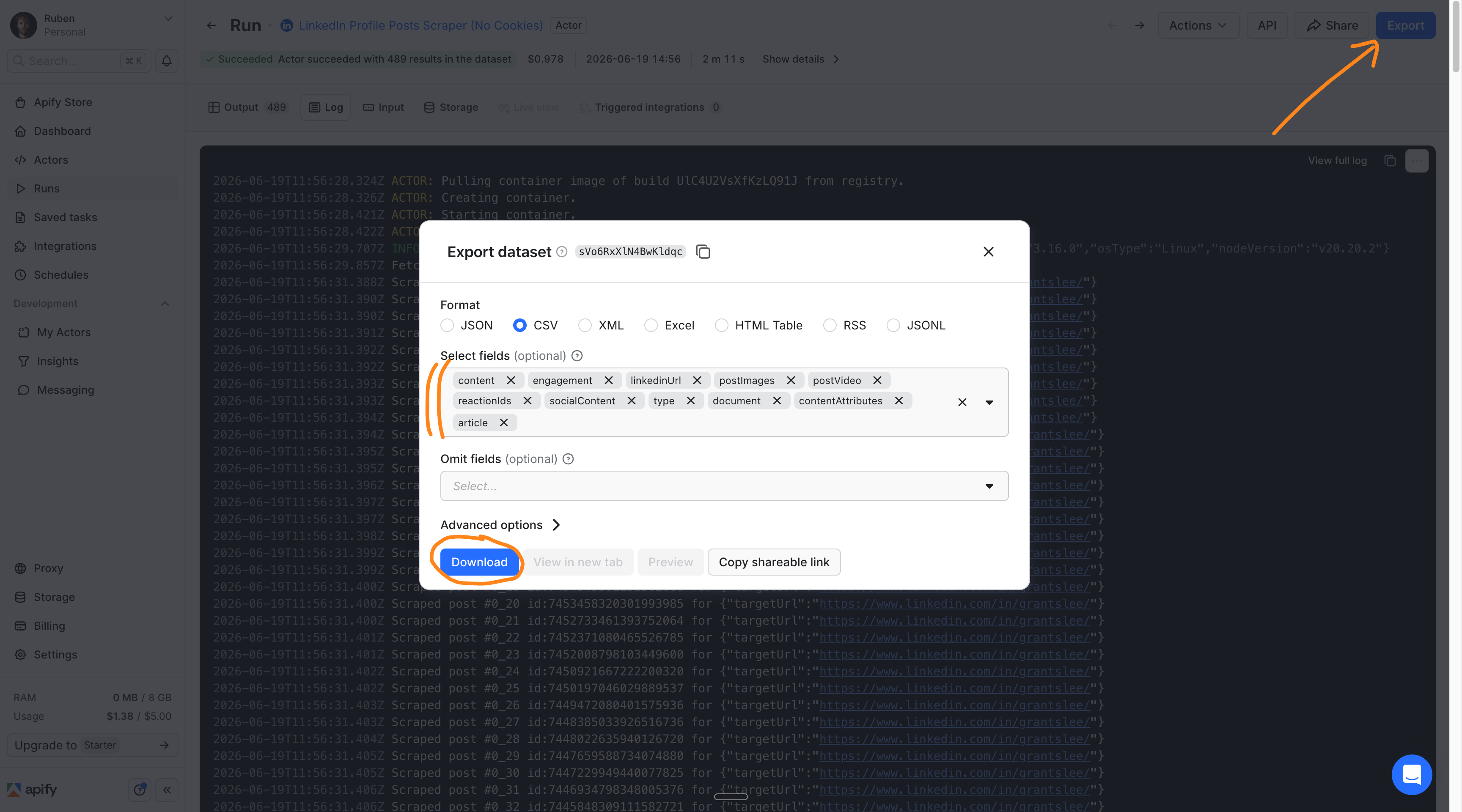
Once it’s done, you download it as a spreadsheet.
You then go to Claude and upload the spreadsheet.
I built a custom /skill to create a (massive) report.
You then create a personal /skill from your best Linkedin posts.
Now whenever you want to write a post, you invoke your /skill.
I will teach you each step, with screenshots, to do it on your account (or any account, but not on mine because you’re nice and you love me - right? right???).
But first, this is how it looks at the very end, once it works:
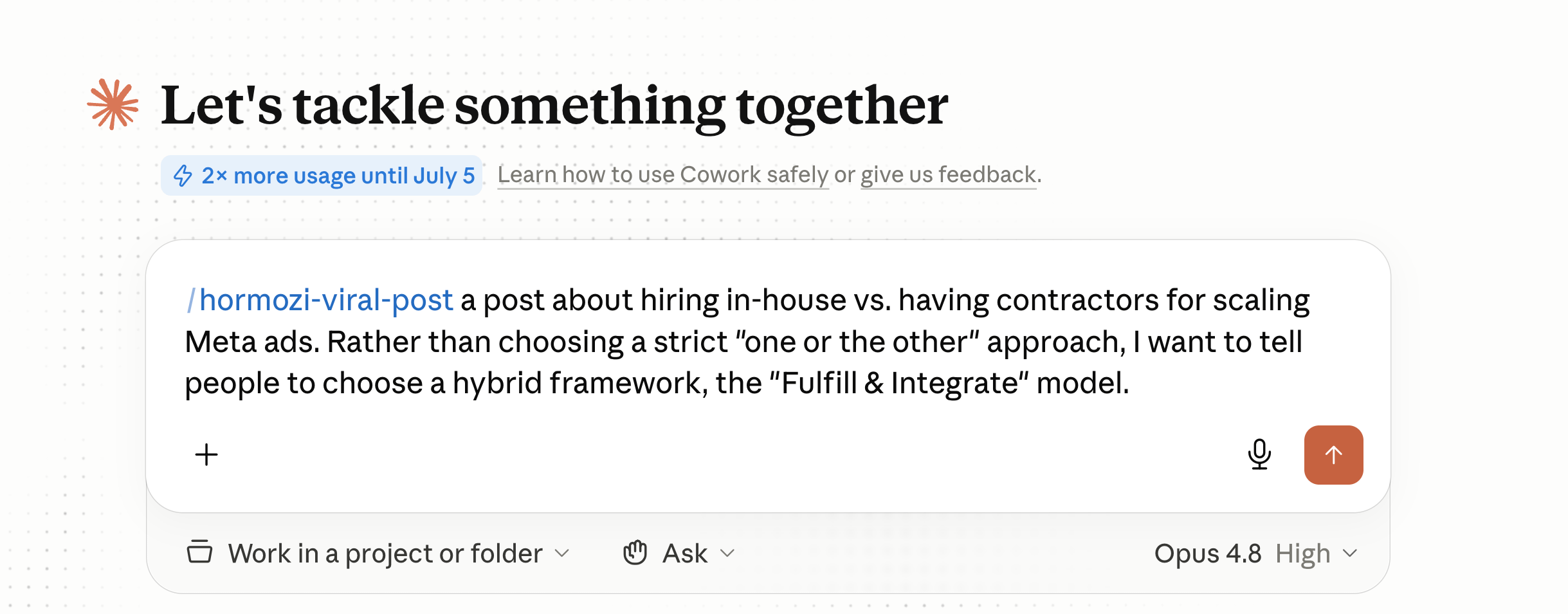
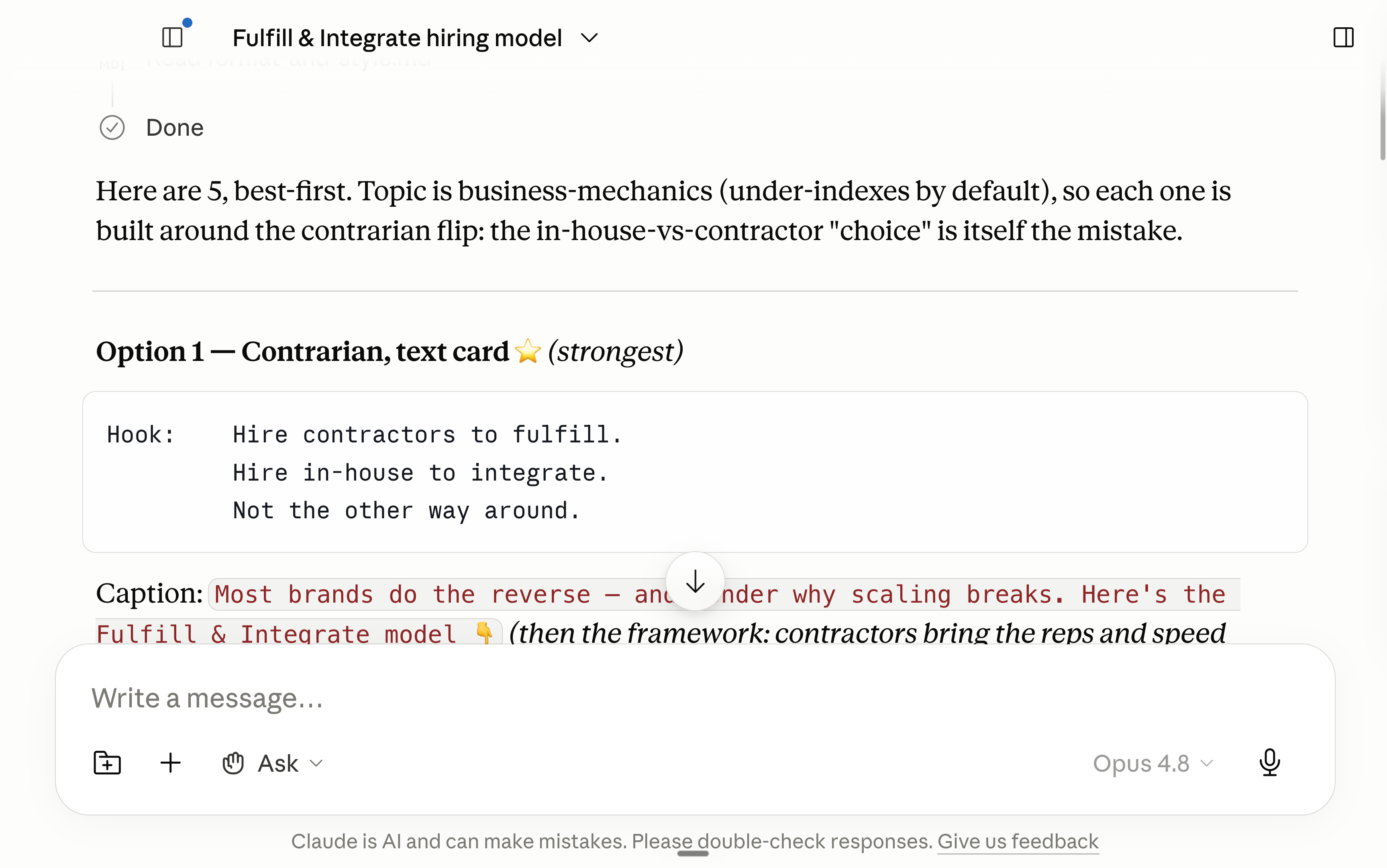
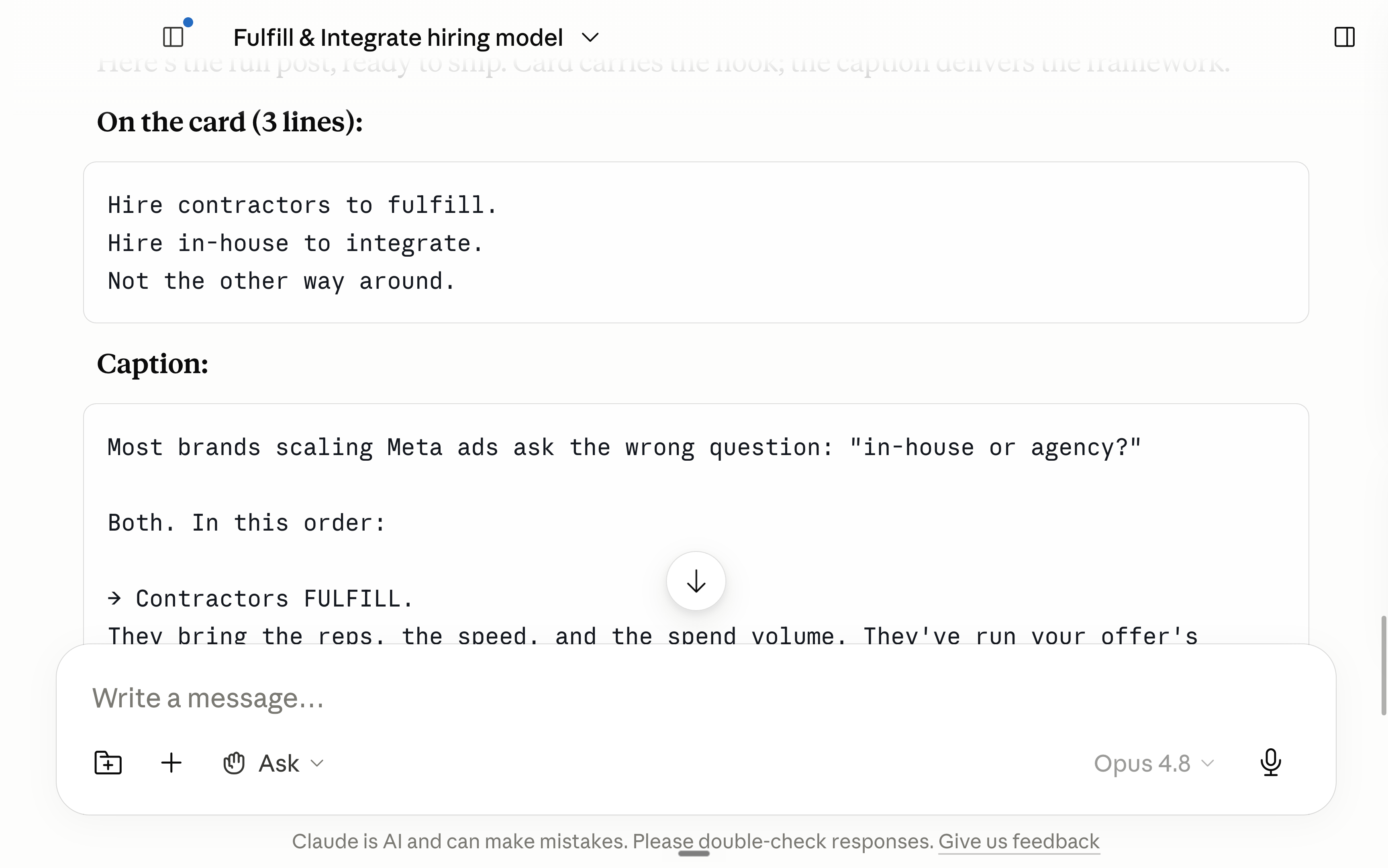
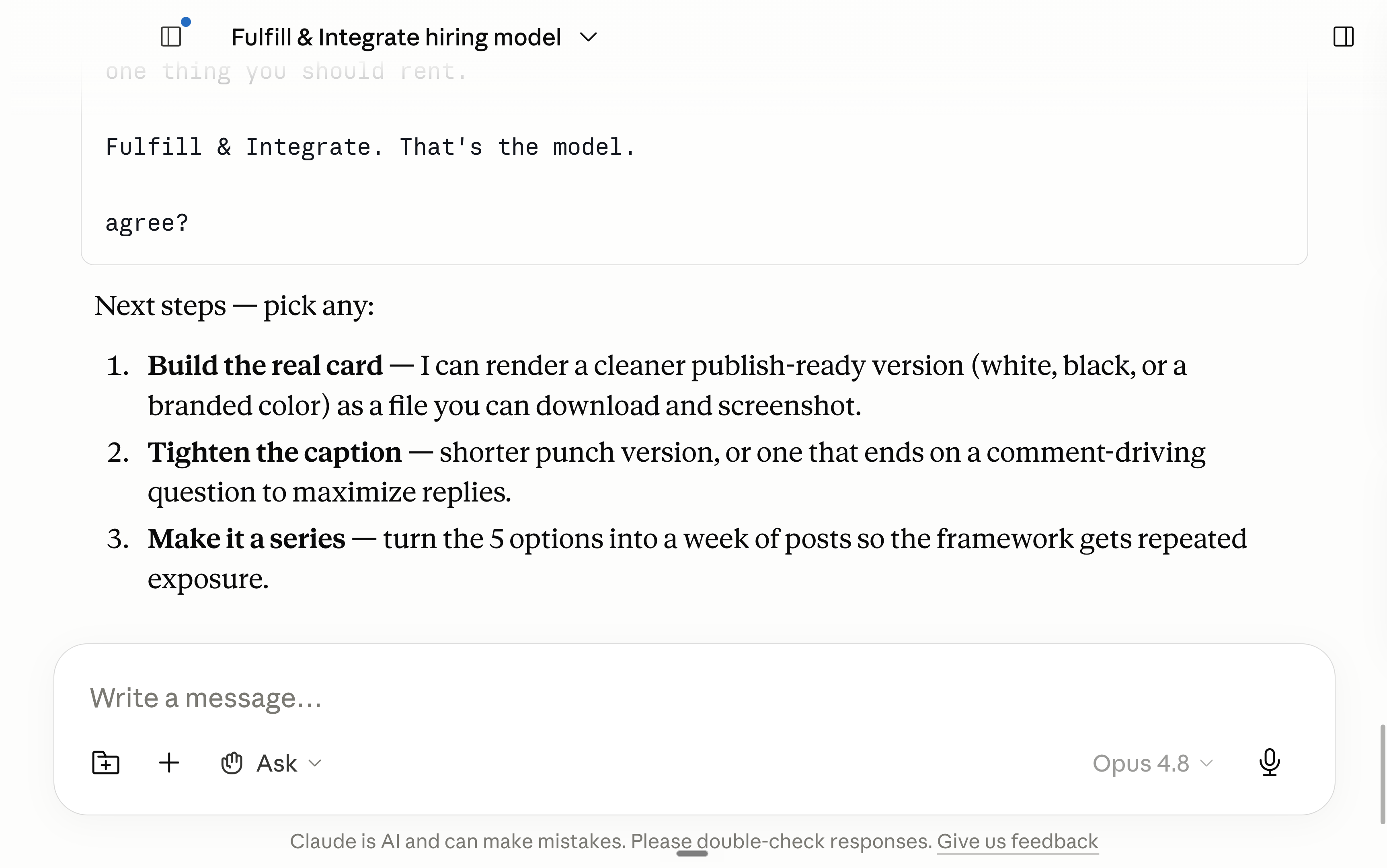
This newsletter is the full playbook of Claude to power your Linkedin.
How to set it up. How I use it every single week to write (good) posts. How to create a positive feedback loop of better posts = trains Claude better = to write better posts.
Two things before we start:
1. Save this guide and spend 30 minutes this weekend to set up Claude.
2. Send it to anyone who wants to get better results on Linkedin.
I know Linkedin better than you.
Few people know Linkedin better than I do.
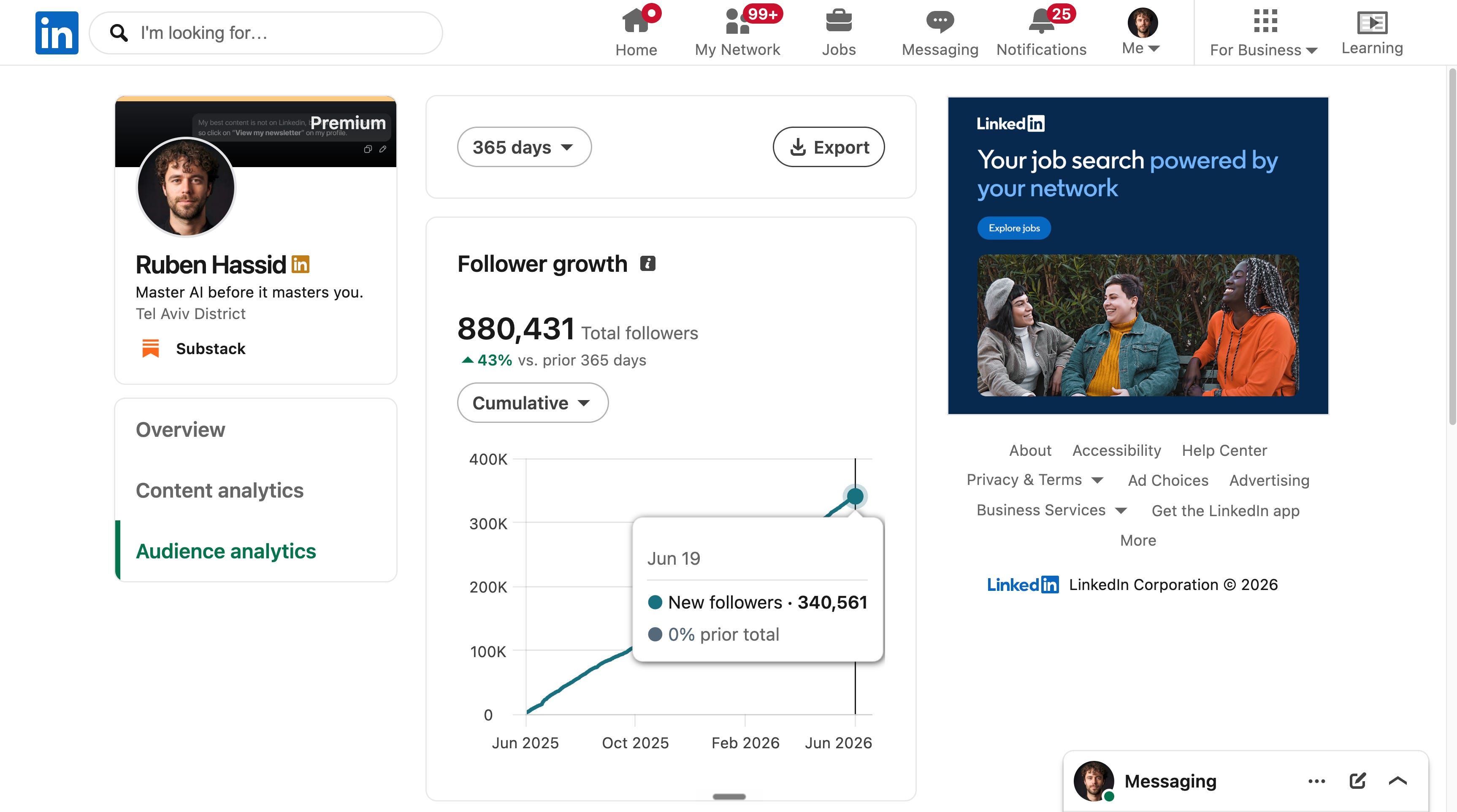
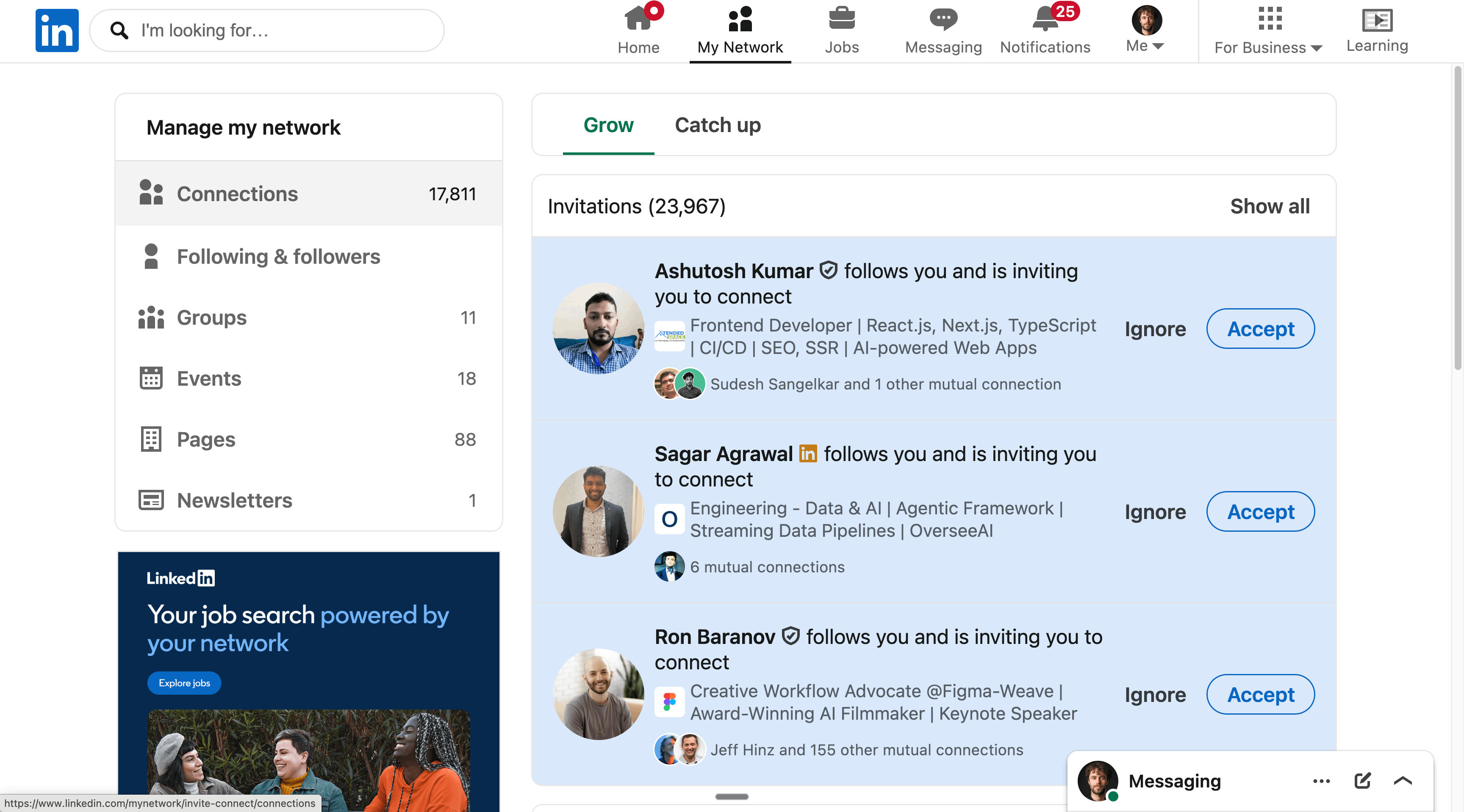
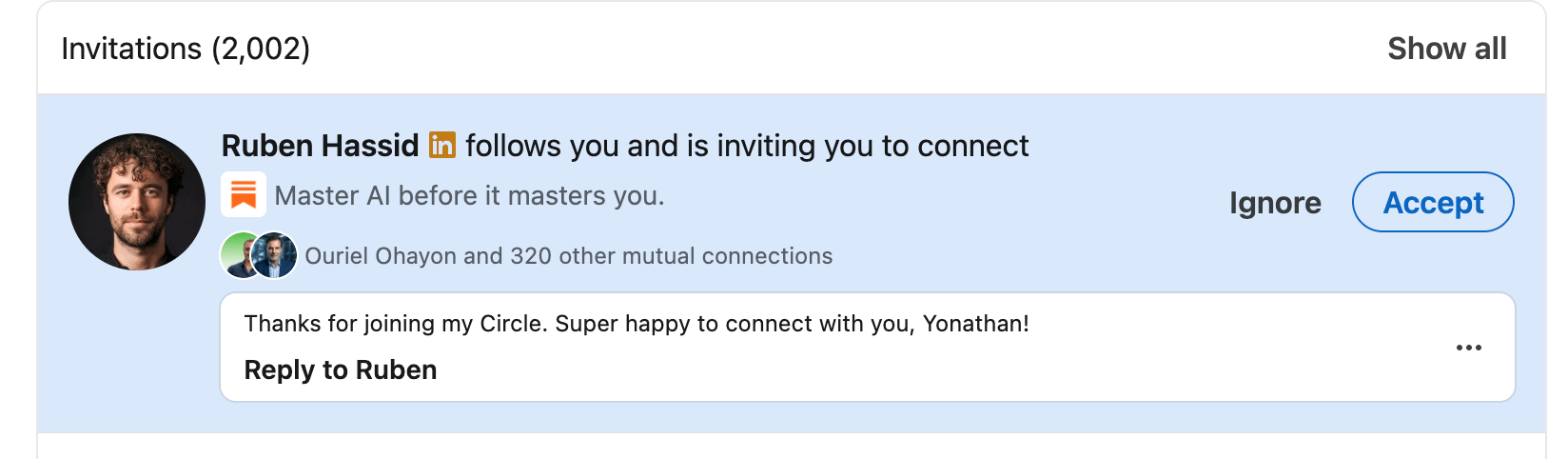
I connect with people who join my Circle on Linkedin. Already 3,700 people have joined it for $200 a year. Since Linkedin blocks you past 30,000 connections, I can still connect with 12,000 people. Join us here.
OK, now time for the step-by-step guide.
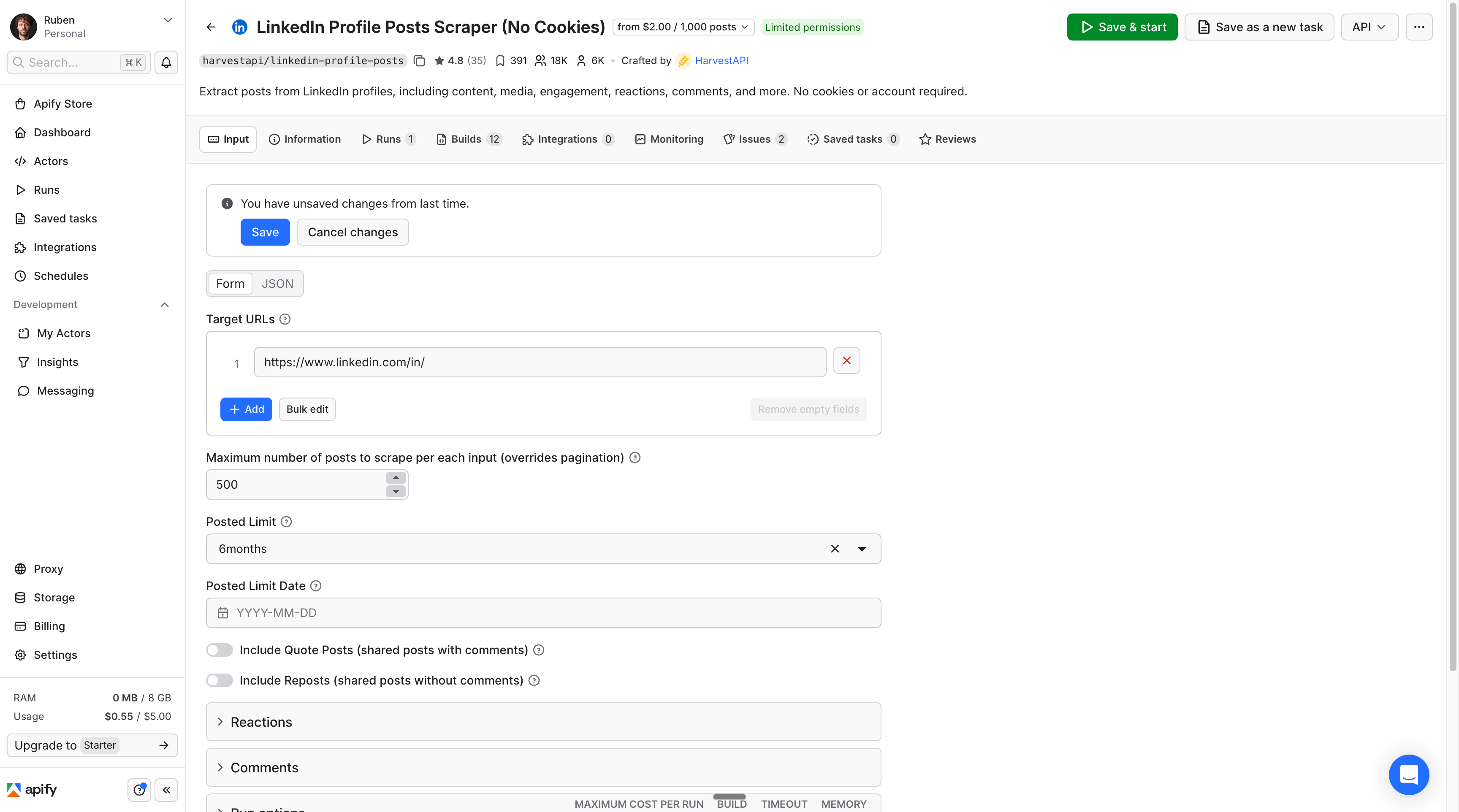
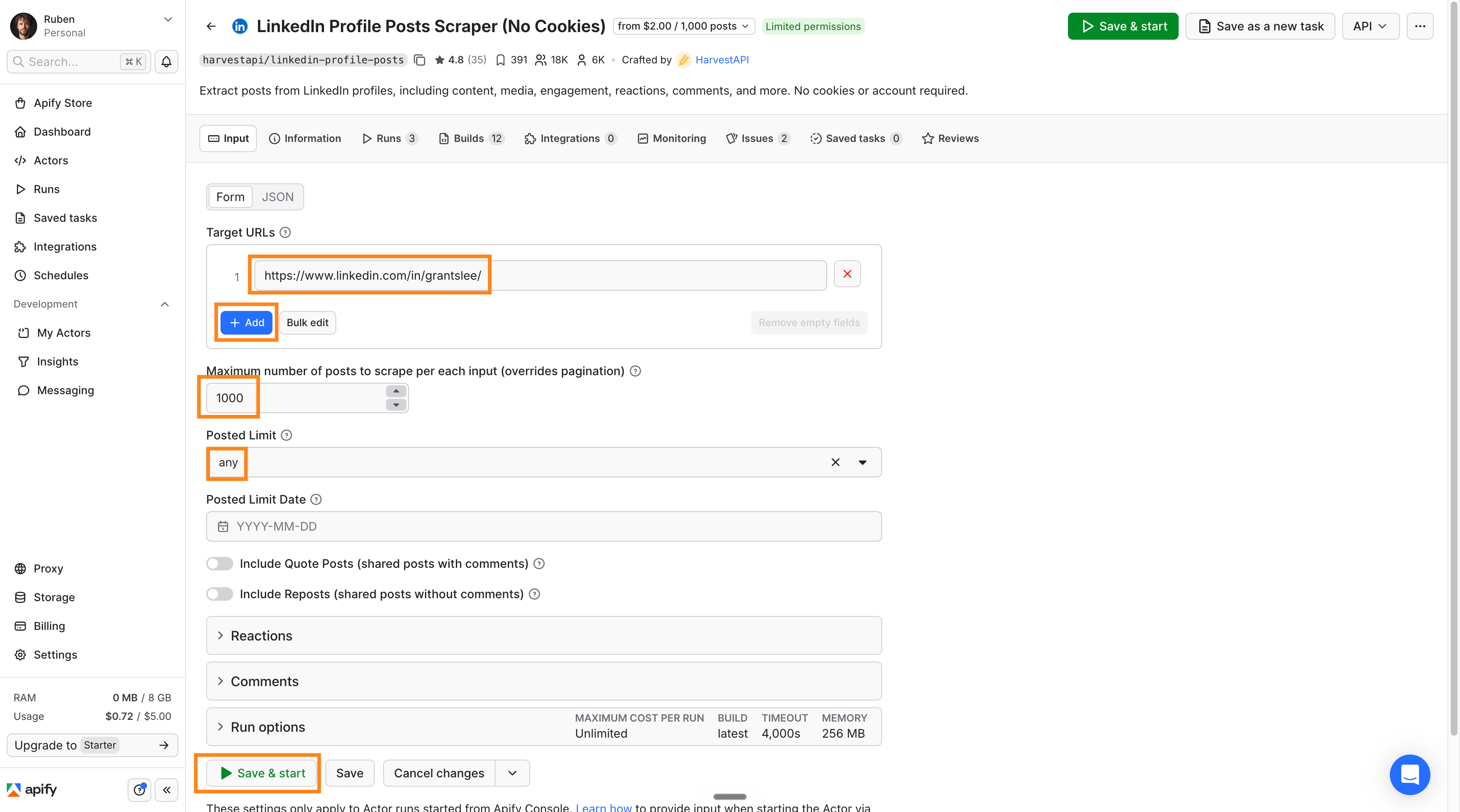
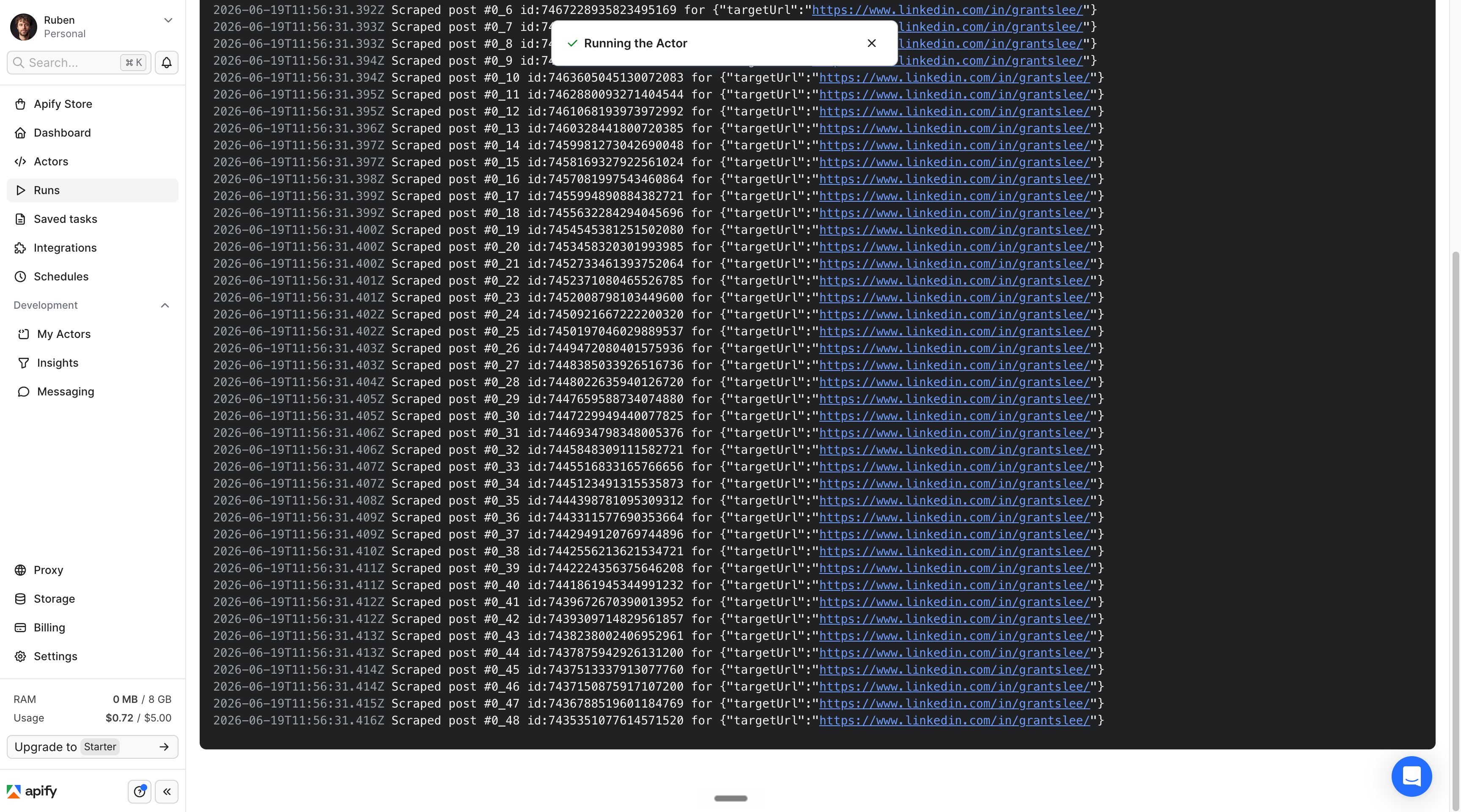
1. Spend $2 to extract 1,000 posts.
We need to extract your Linkedin posts safely and legally.
I use Apify for it. I’m not affiliated, it’s just the best way to do it.
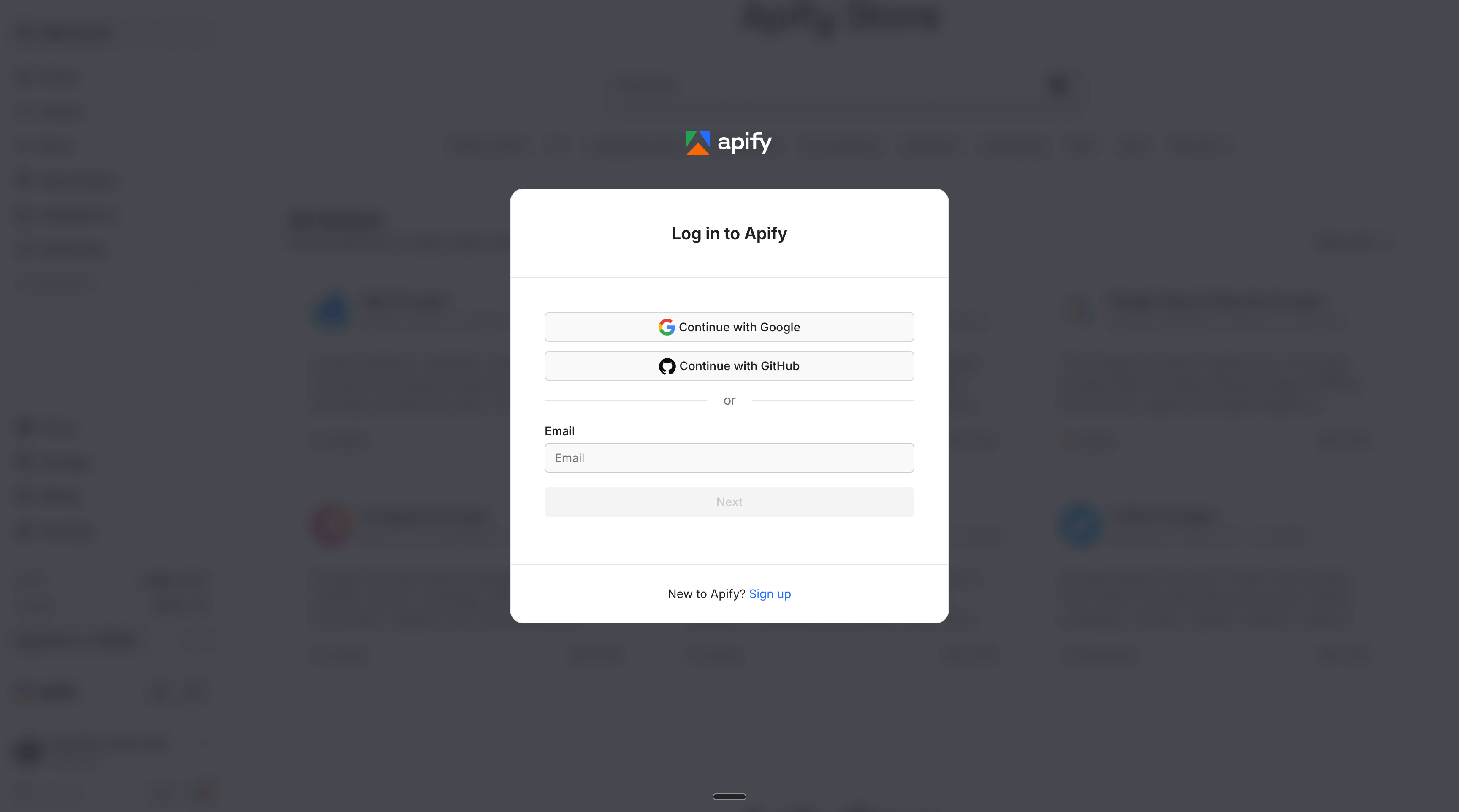
Not only is it free to create an account, but you’ll get $5 of free credits by signing up. And that’s enough to extract 2,000 Linkedin posts.
So you don’t need to pay.

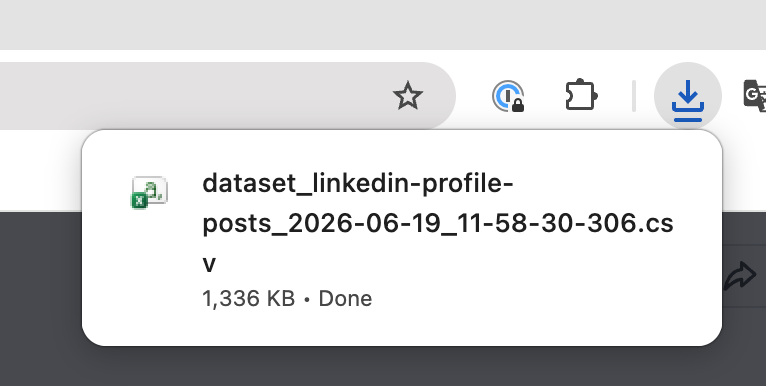
Time to move on to the 2nd part of this newsletter.
2. Train Claude on your Excel.
We will train Claude on our Linkedin posts to create a report and then create a reusable /skill so it can help us make new posts.
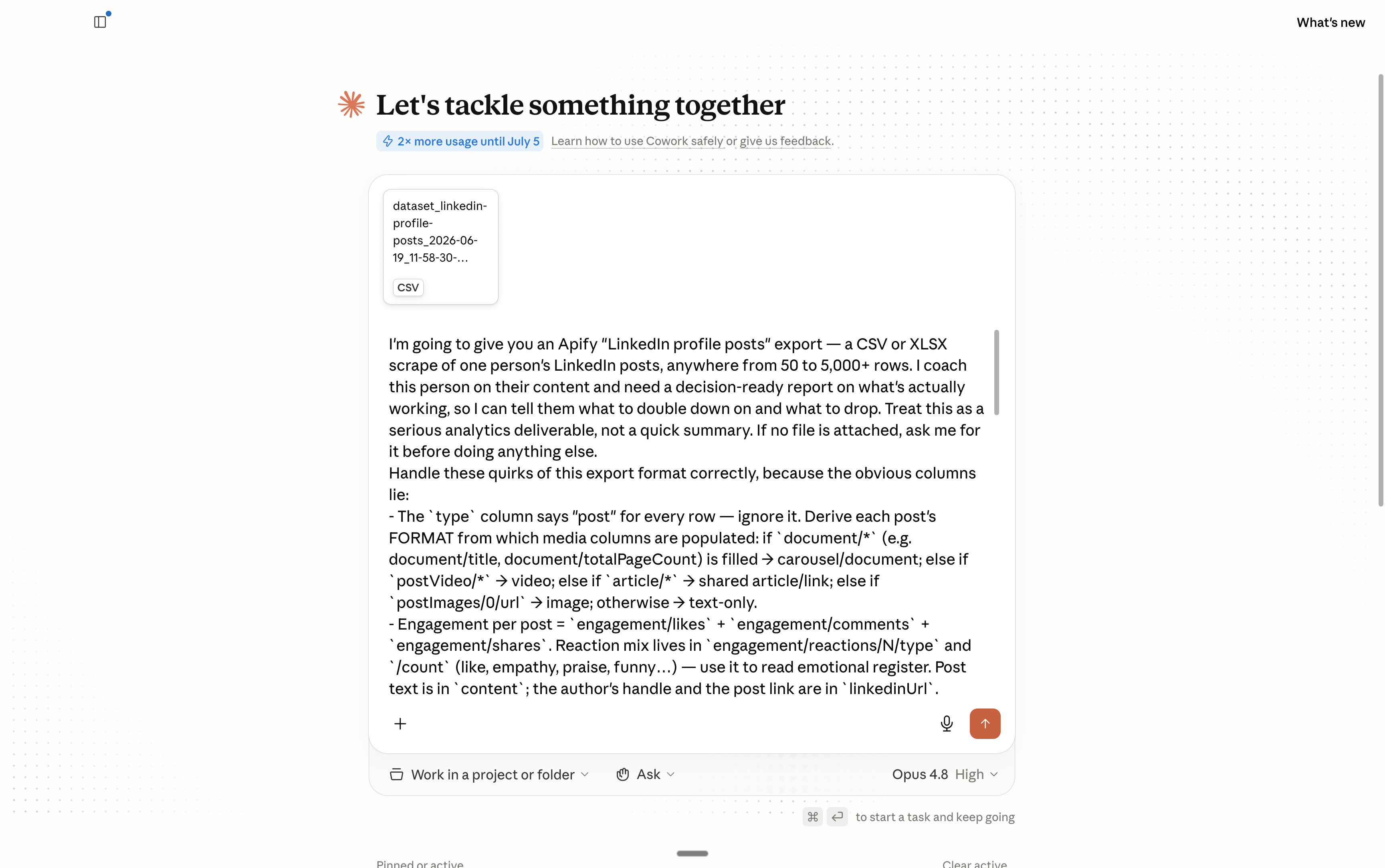
Here’s the prompt you can copy & paste (you do this just once, don’t worry).
I'm going to give you an Apify "LinkedIn profile posts" export — a CSV or XLSX scrape of one person's LinkedIn posts, anywhere from 50 to 5,000+ rows. I coach this person on their content and need a decision-ready report on what's actually working, so I can tell them what to double down on and what to drop. Treat this as a serious analytics deliverable, not a quick summary. If no file is attached, ask me for it before doing anything else.

Handle these quirks of this export format correctly, because the obvious columns lie:
- The `type` column says "post" for every row — ignore it. Derive each post's FORMAT from which media columns are populated: if `document/*` (e.g. document/title, document/totalPageCount) is filled → carousel/document; else if `postVideo/*` → video; else if `article/*` → shared article/link; else if `postImages/0/url` → image; otherwise → text-only.
- Engagement per post = `engagement/likes` + `engagement/comments` + `engagement/shares`. Reaction mix lives in `engagement/reactions/N/type` and `/count` (like, empathy, praise, funny…) — use it to read emotional register. Post text is in `content`; the author's handle and the post link are in `linkedinUrl`.
- There's no date column, but the timestamp is encoded in the activity ID (`engagement/id`, also the number after "activity-" in the URL): take it as a 64-bit integer and shift right 22 bits for Unix milliseconds (date = id >> 22, then ÷1000). Use this to build the timeline for cadence and best-day/time.

Compute the quantitative stats across ALL posts in code so the numbers are exact. Define an outlier as a post whose engagement is some multiple of its baseline, and state the multiple you used.

Then do the qualitative read on the standouts — top and bottom performers, every outlier, and a representative sample of the middle. Don't infer what a post said from its numbers, and for visual posts don't judge from the caption alone: actually OPEN THE MEDIA and look at it. Download and view the image (`postImages/N/url`) and the video thumbnail (`postVideo/thumbnailUrl`); for carousels, pull the on-slide wording from `document/transcribedDocumentUrl` (or `document/manifest/transcribedDocumentUrl`) and view the cover/slide images (`document/coverPages/.../imageUrls`, `document/manifest/perResolutions/N/imageManifestUrl`). For every winning visual post, describe what's literally on it — the on-image or first-slide text and hook, the visual style (candid photo, selfie, screenshot, data chart, quote/text card, diagram, meme), the layout — and tie those visual choices to why it performed. Quote the hook and link the post every time.

The report must deliver, with specifics and real examples:
- Bottom line first: in 3-4 sentences, what's working and what should change.
- What FORMAT wins (text / image / carousel / video / article) — average and median engagement and sample size per format, flag any format that looks strong but rests on only a few posts, and for the winning visual formats spell out what the strong images/slides actually look like.
- What ANGLE / hook / topic wins: cluster posts into the angles this person actually uses (personal story, contrarian take, how-to, news reaction, list/framework, hot take, etc.), rank them by engagement, and name the opening-line and first-slide patterns that track with high engagement.
- The biggest outliers: the posts that massively over- and under-performed their baseline, each with numbers, the hook, the link, what was on the image/slides, and your best read on WHY.
- Stop / Continue / Start: what to stop (formats, angles, habits that reliably underperform), what to keep, and what to test next — concrete enough to act on this week.
- Whatever else the data clearly supports and a sharp strategist would want: posting cadence and consistency, best day/time, ideal length, comment-to-reaction ratio (conversation vs passive likes), reaction-mix tells (controversy vs warmth), recurring themes, signs of fatigue or decline, and the single highest-leverage change.

Save two new files (don't modify my upload):
1. A written report I can read top to bottom — clear hierarchy, bottom line up front, no filler, every claim tied to a number or a quoted/linked post.
2. An SOP for the next post, reverse-engineered from the highest outliers: the repeatable recipe spelled out step by step — the hook formula, the winning format and angle, and the visual template (what slide 1 / the image should contain and look like), with real outlier posts as worked examples.

Ground every finding in the data. If the export lacks what a section needs (e.g. too few videos to judge, or media URLs that won't open), say so plainly instead of guessing. Before you call it done, re-check your headline numbers against the file and confirm every format, angle, and visual claim matches what's actually in the export.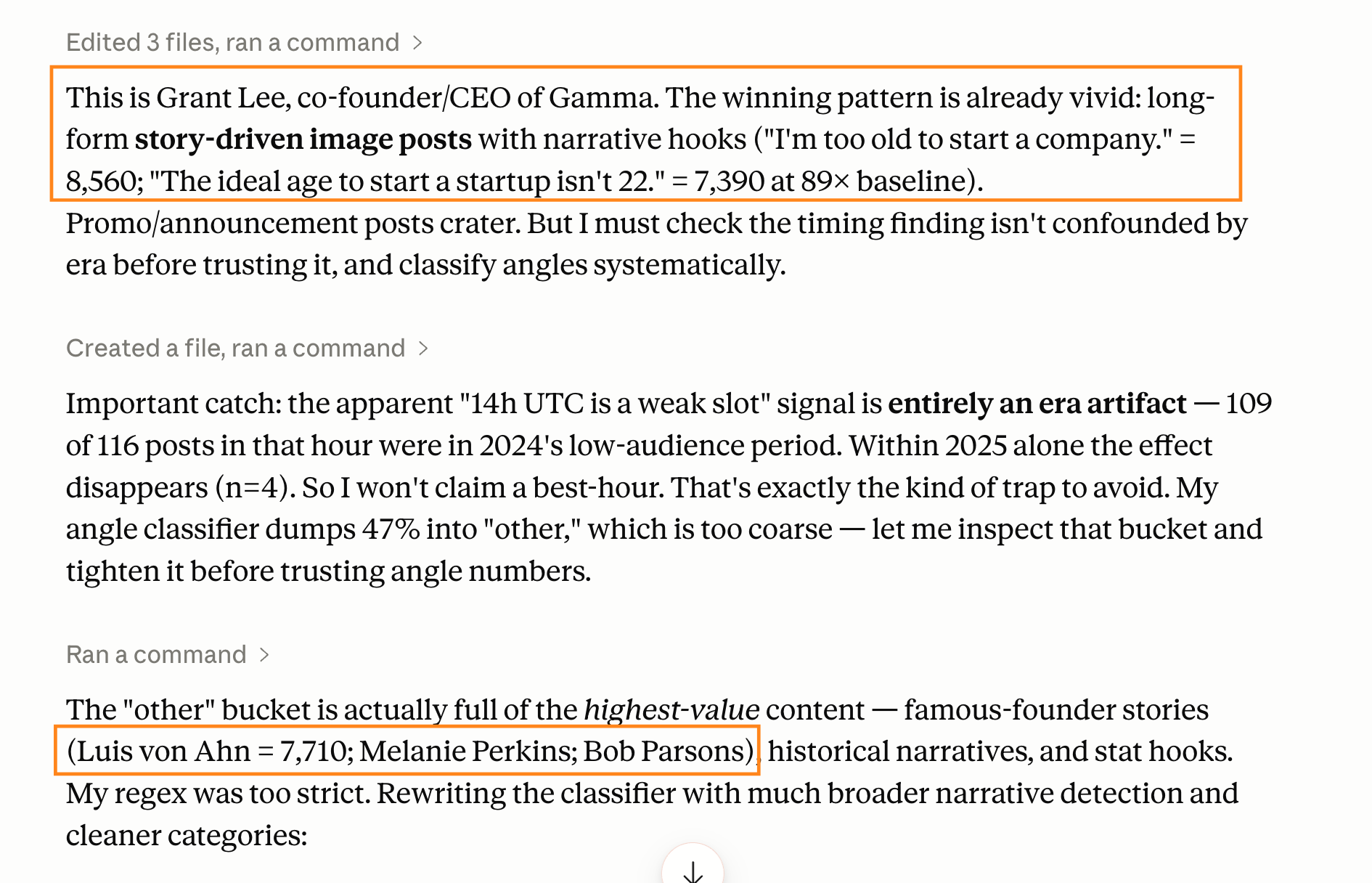
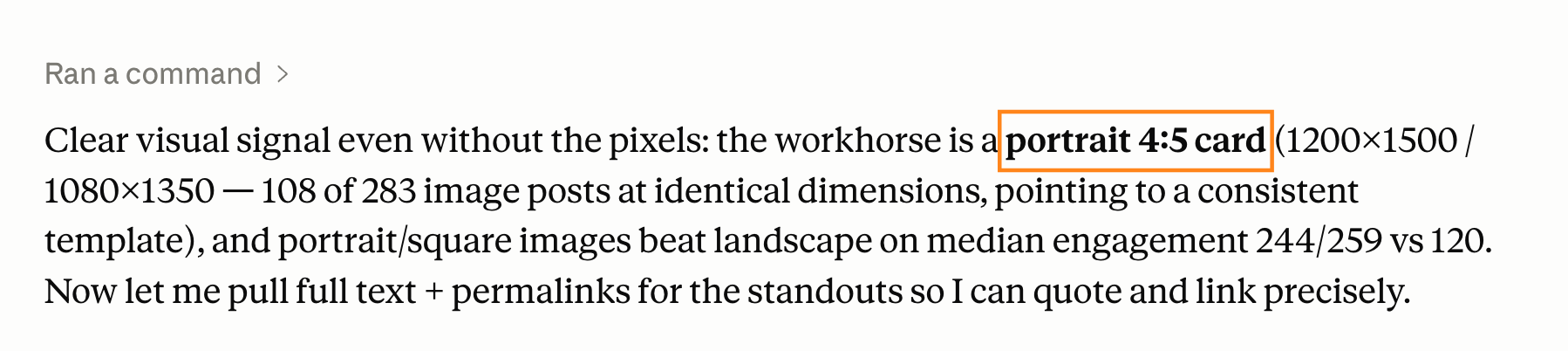
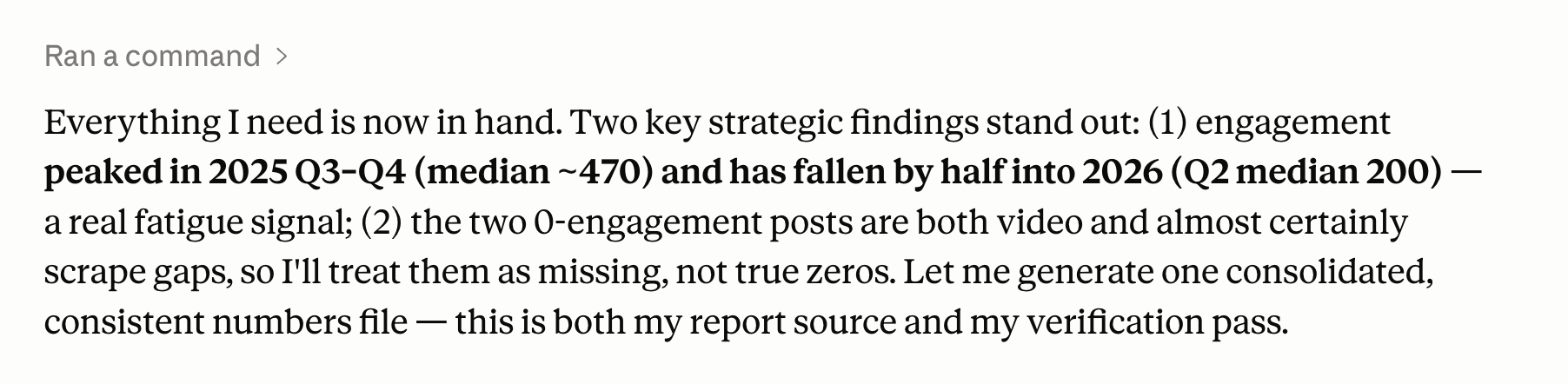
My Claude Cowork ran for like a solid 8-10 minutes.
And this was the result:
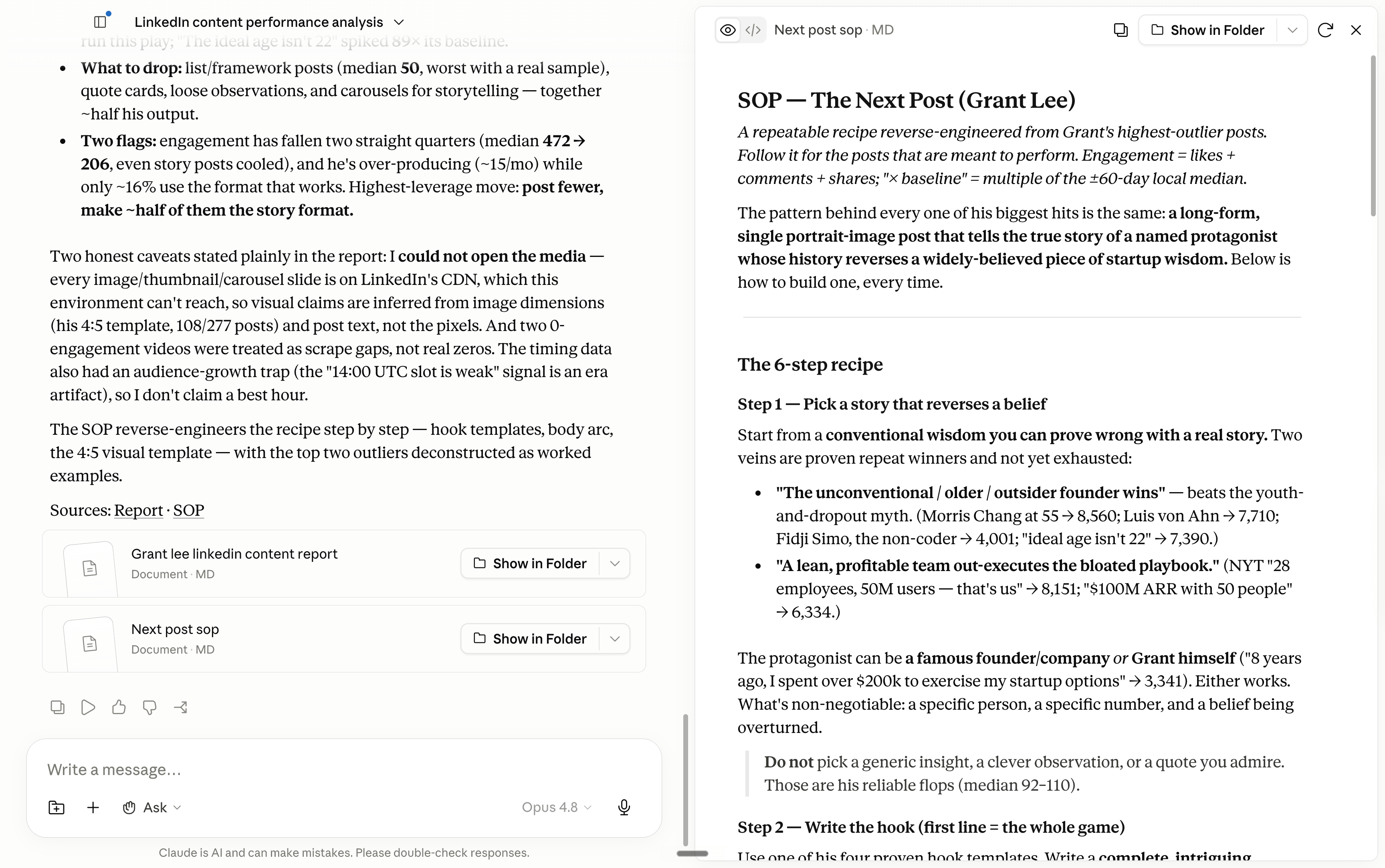
I had to put everything inside one google document because it was quite long: https://docs.google.com/document/d/1z3m98wl7FhwvYZE8Gx0L2689UZWAFKbtEzDOlaMdHtg/edit?usp=sharing.
Ok, cool, you have a nice report and SOP (standard procedure on how to make a viral post). Now you must create a Claude skill with it.
3. Create a reusable skill.
You want to create a skill inside Claude to not copy & paste the same prompt and the same context, over and over again.
You just need to continue inside the same chat, with this prompt:
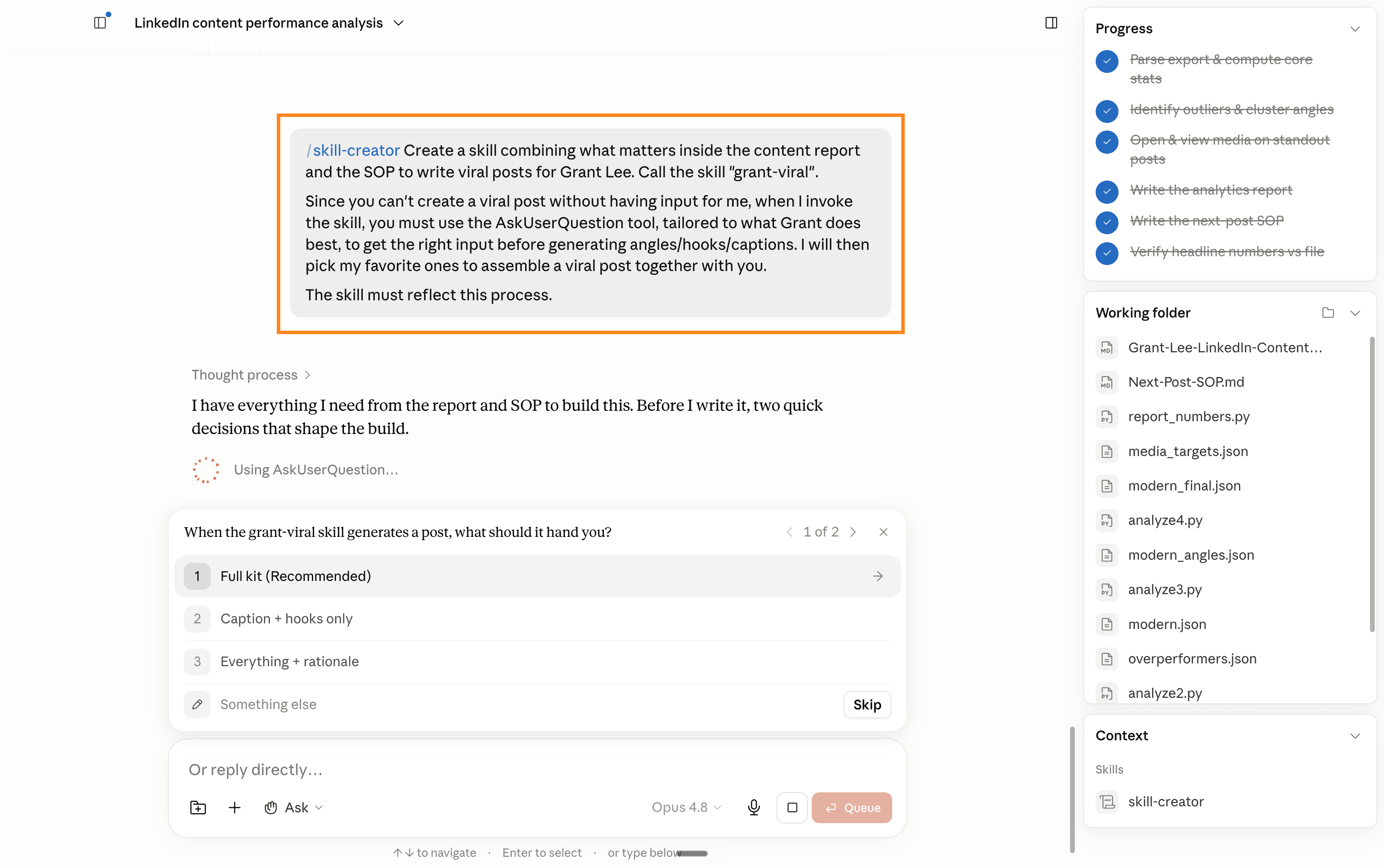
Copy and paste this:
/skill-creator Create a skill combining what matters inside the content report and the SOP to write viral posts for Grant Lee. Call the skill "grant-viral".

Since you can't create a viral post without having input for me, when I invoke the skill, you must use the AskUserQuestion tool, tailored to what Grant does best, to get the right input before generating angles/hooks/captions. I will then pick my favorite ones to assemble a viral post together with you.

The skill must reflect this process.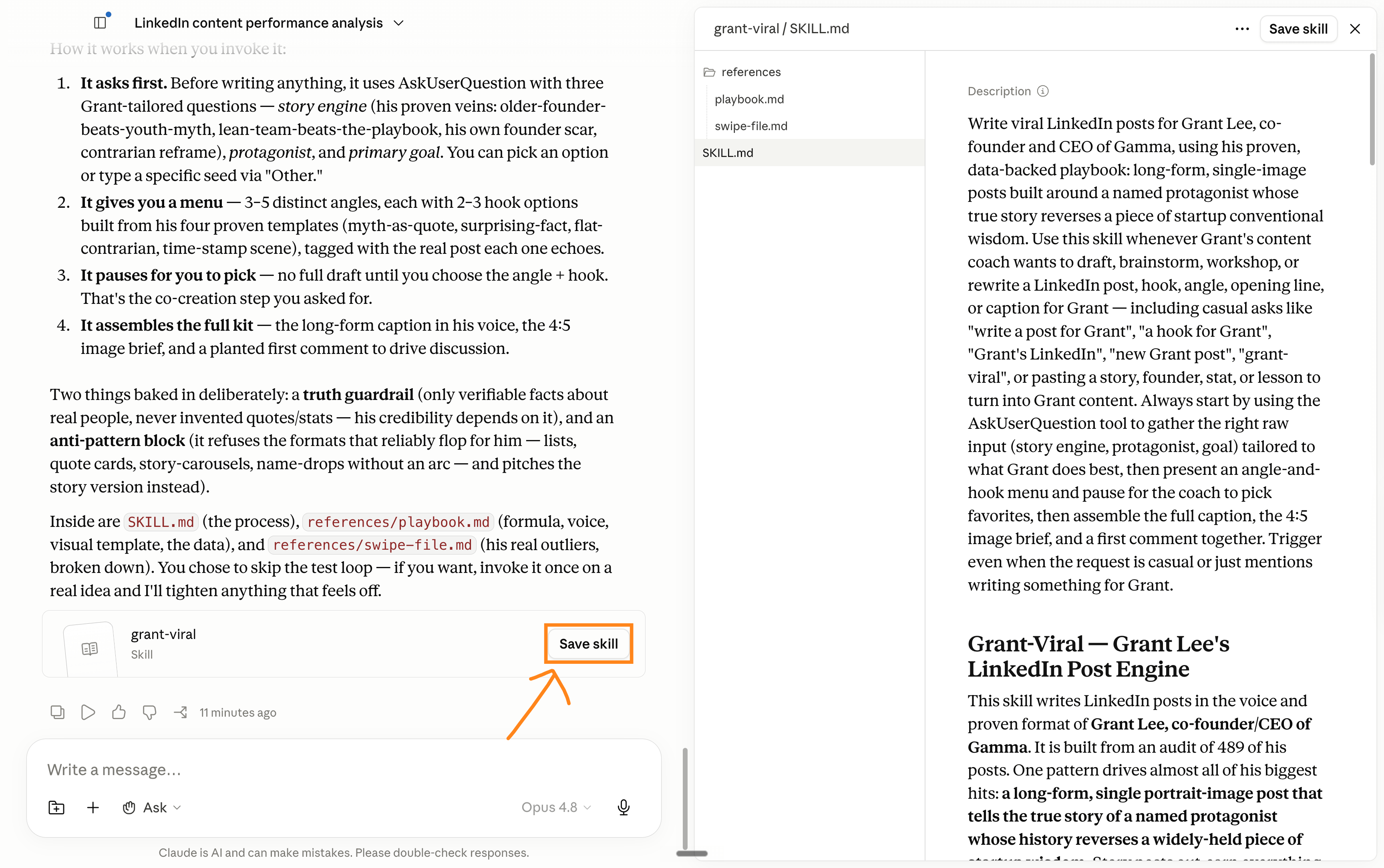
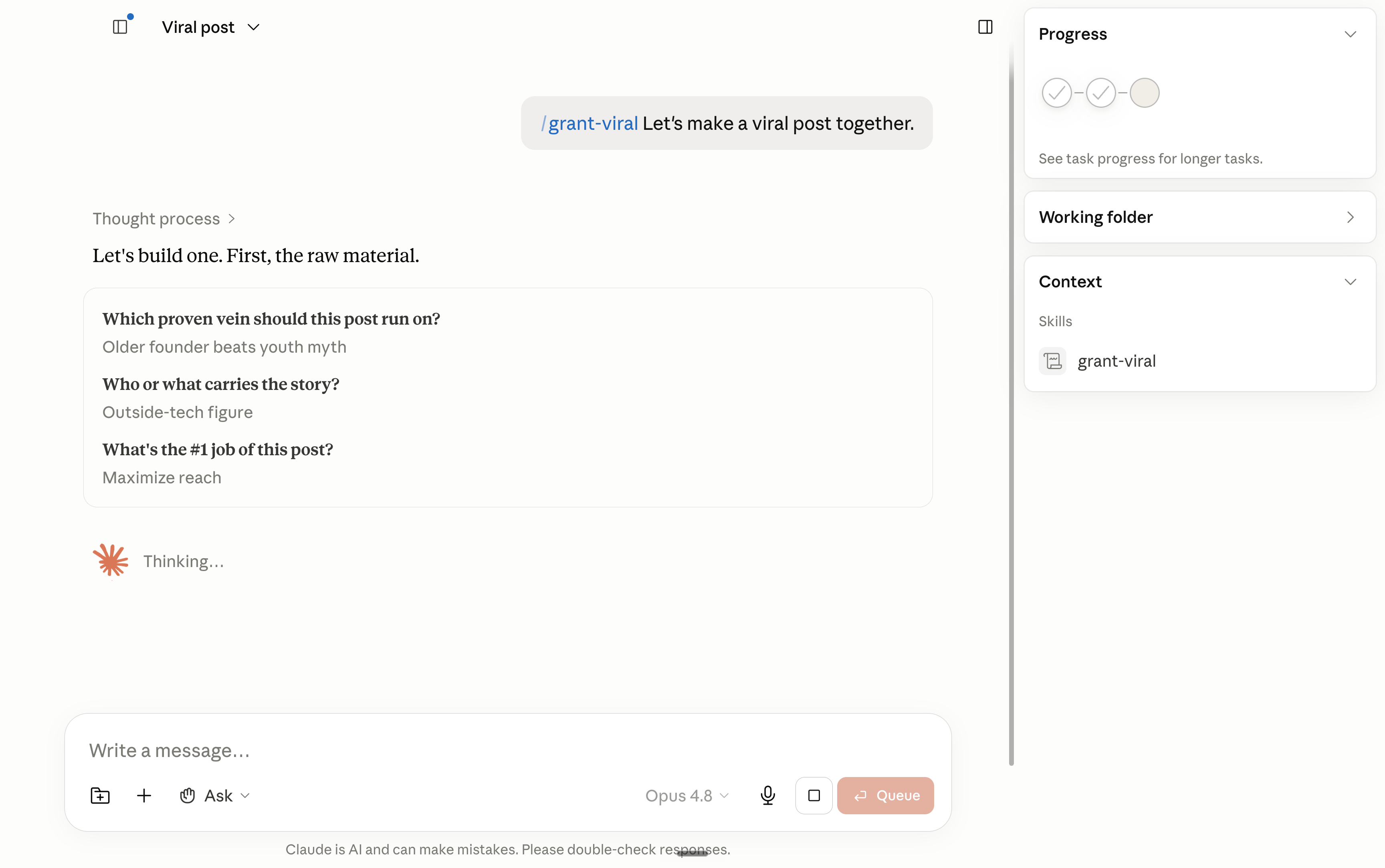
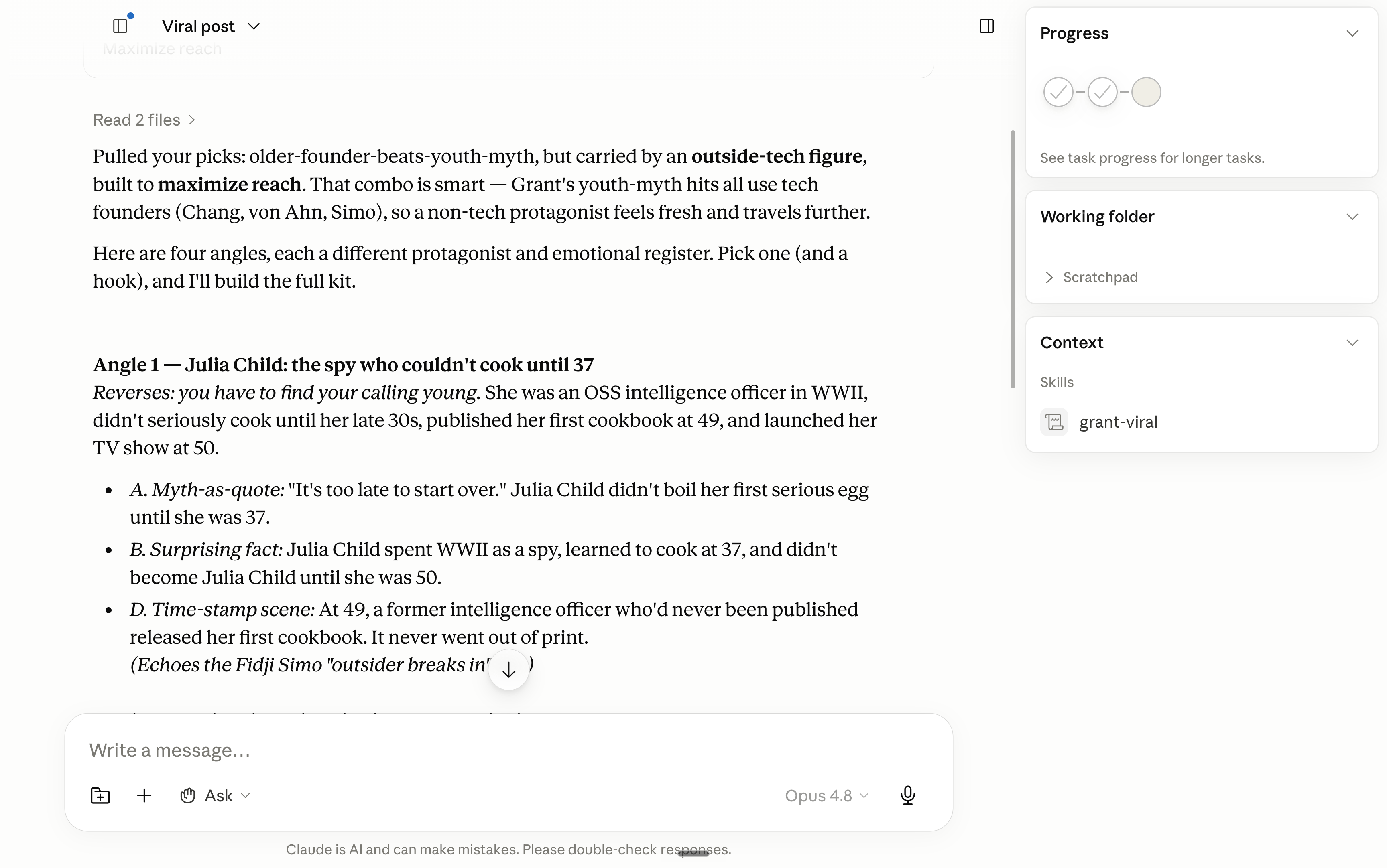
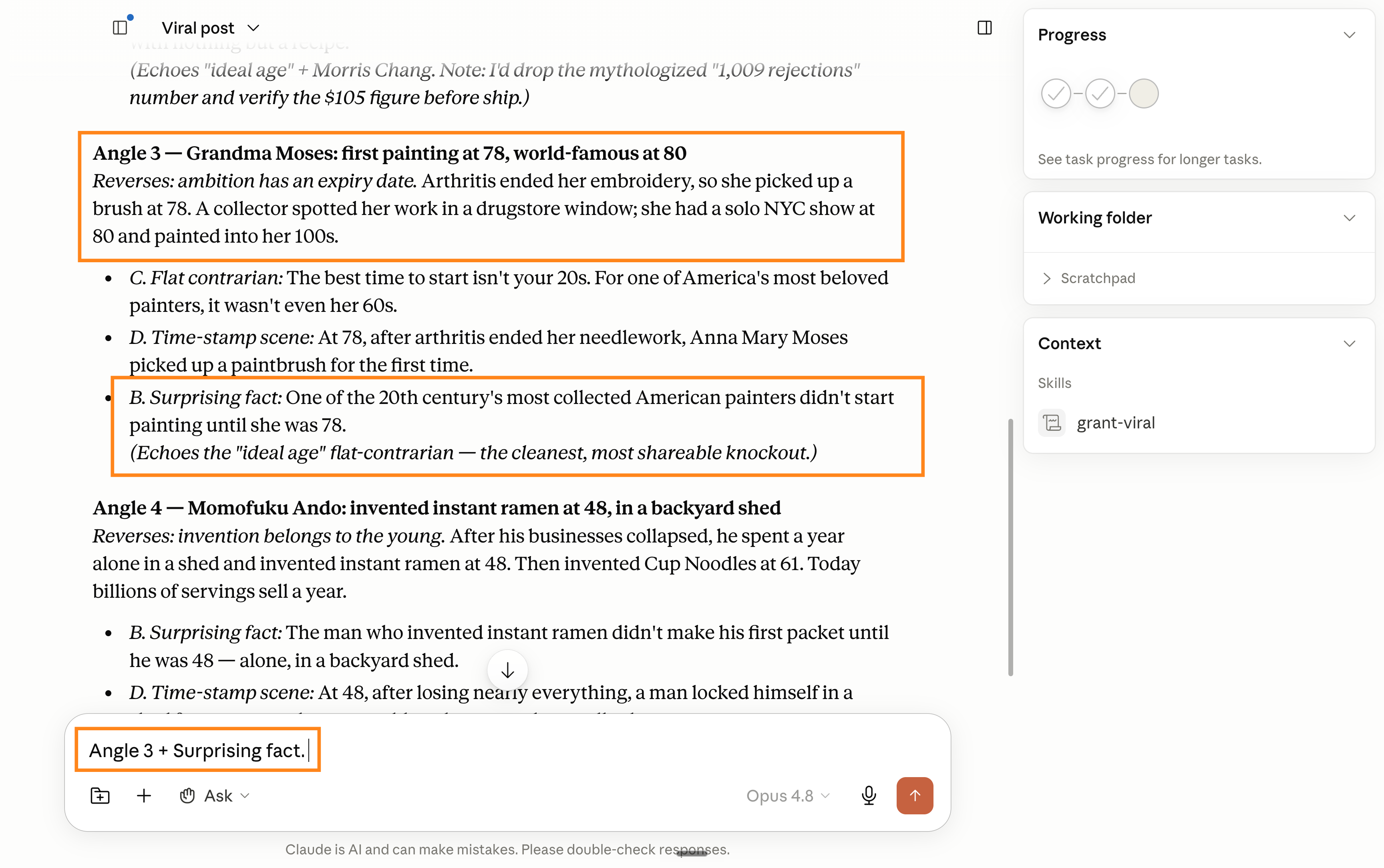
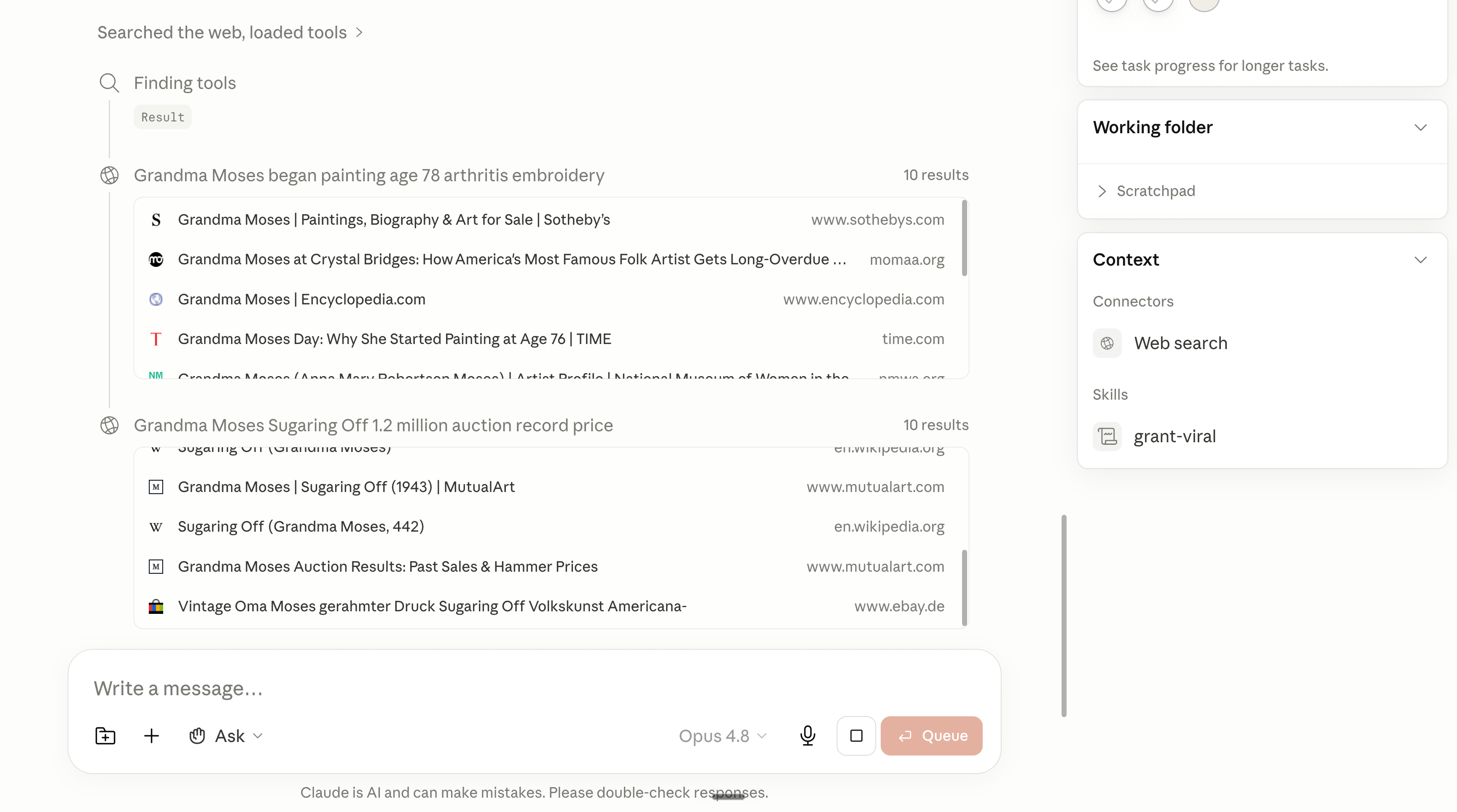
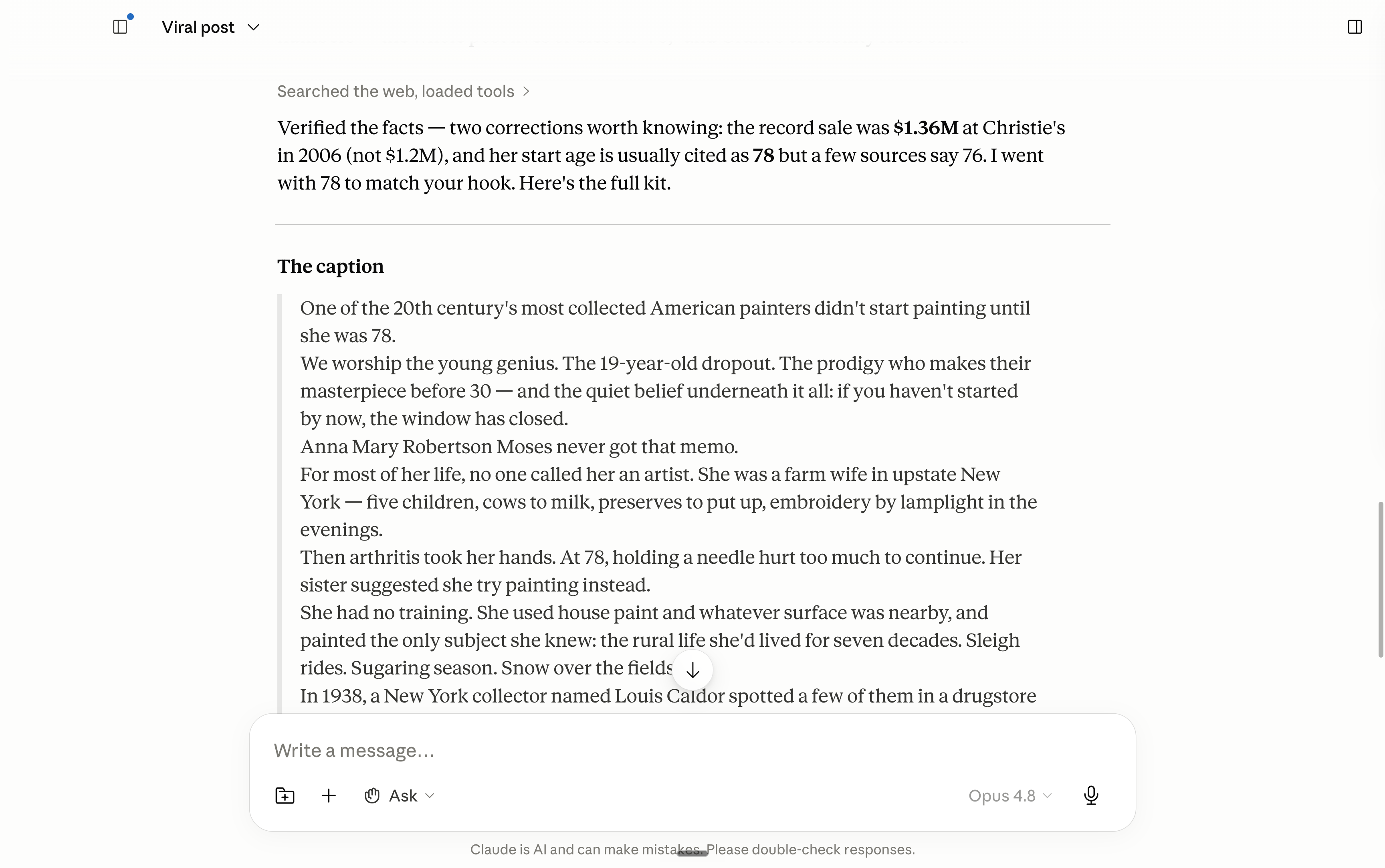
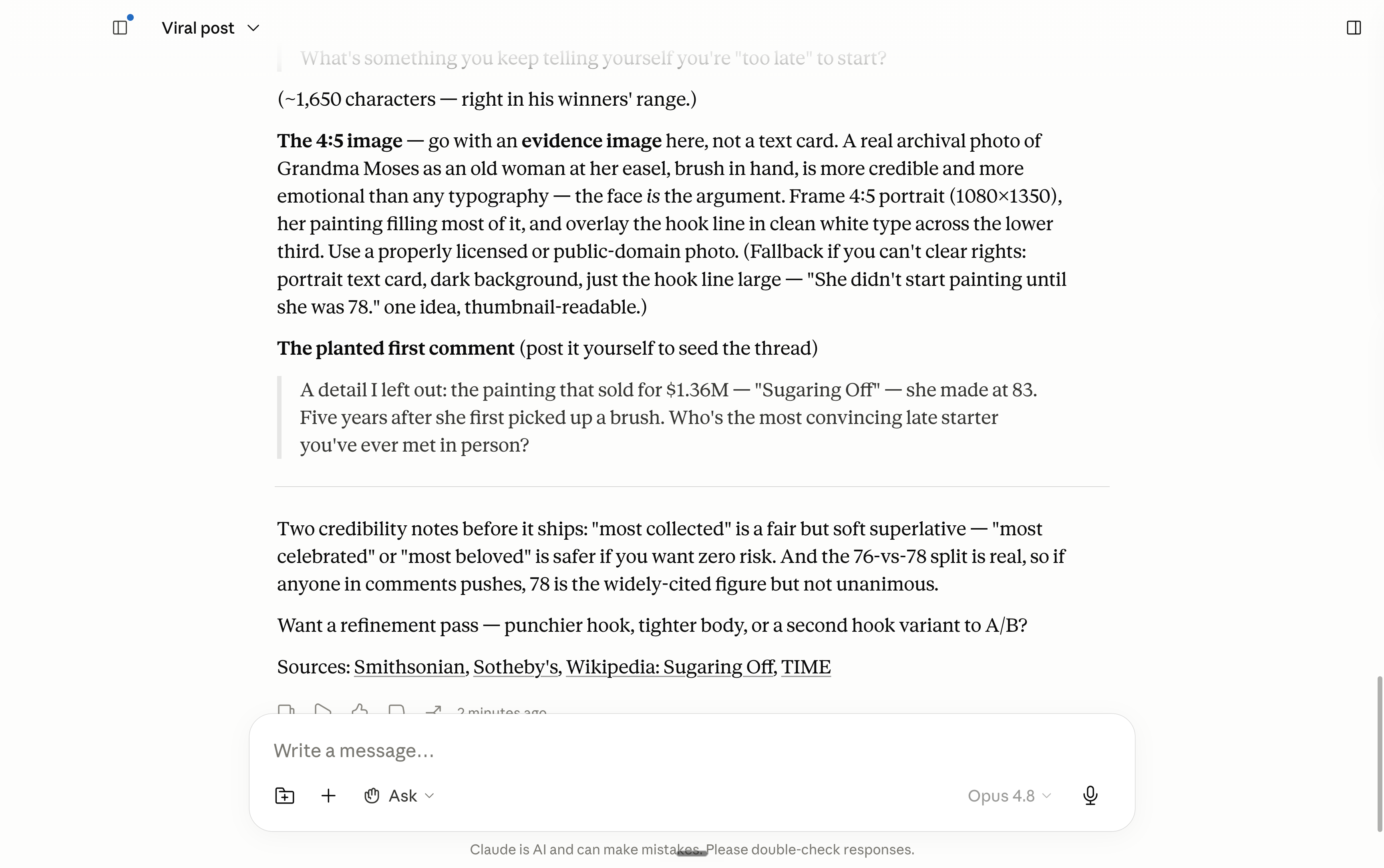
Yes, you could technically go & start a ghostwriting agency.
4. “I went ultra-viral once.”
Ultra-viral: just me being over the top to say that you made a post that did really, really well for your standards. It doesn’t matter the number of likes. If you’re used to 5 likes and you got 100 once, I’m talking about this post.
You went ultra-viral once, and you want to repeat it.
Just create a Claude skill to capture the “recipe” of that post for any new post.
I’m taking this post as an example:
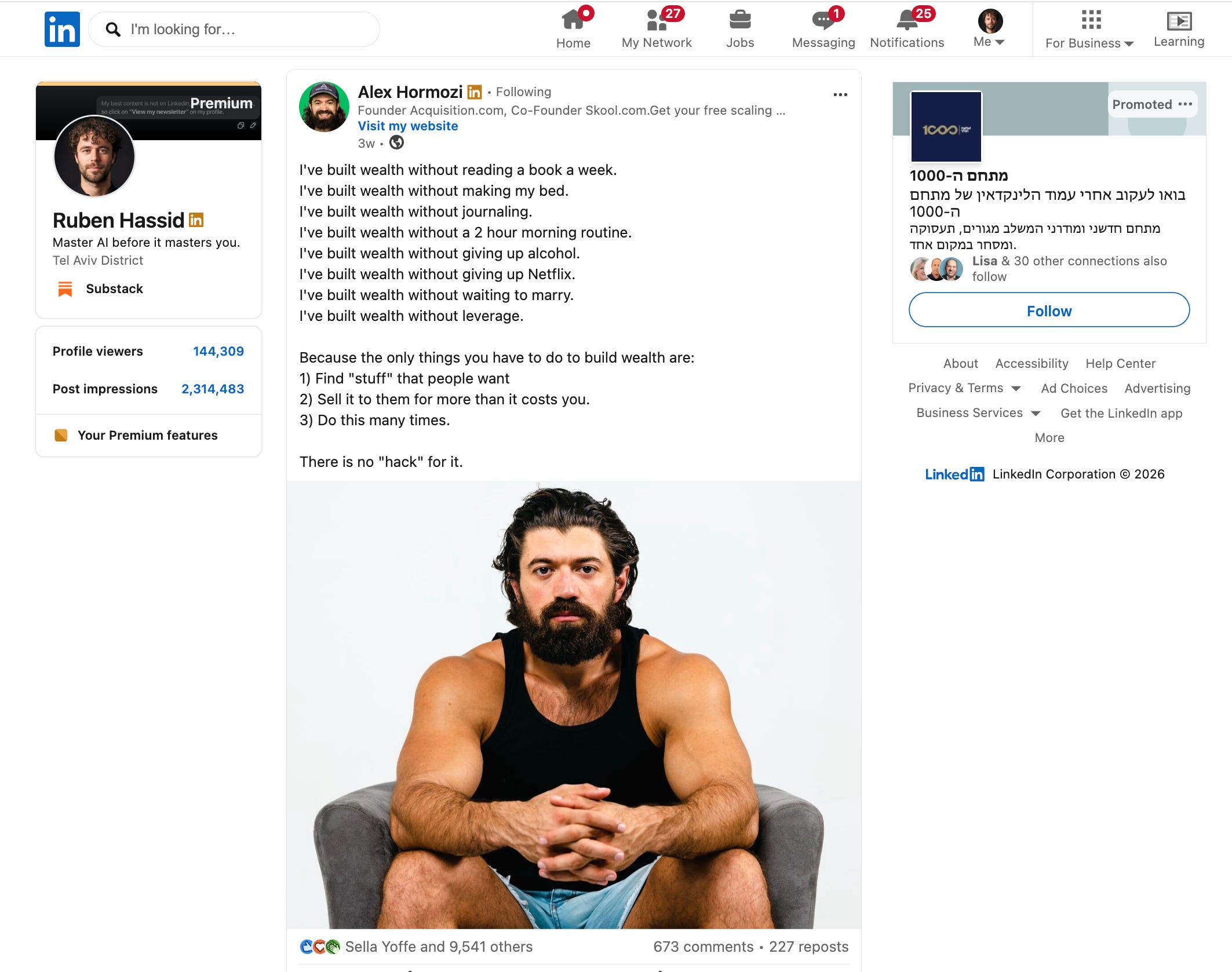
Take a screenshot of the post (and if there is a video, explain the video) and go to Claude. Give it this prompt:
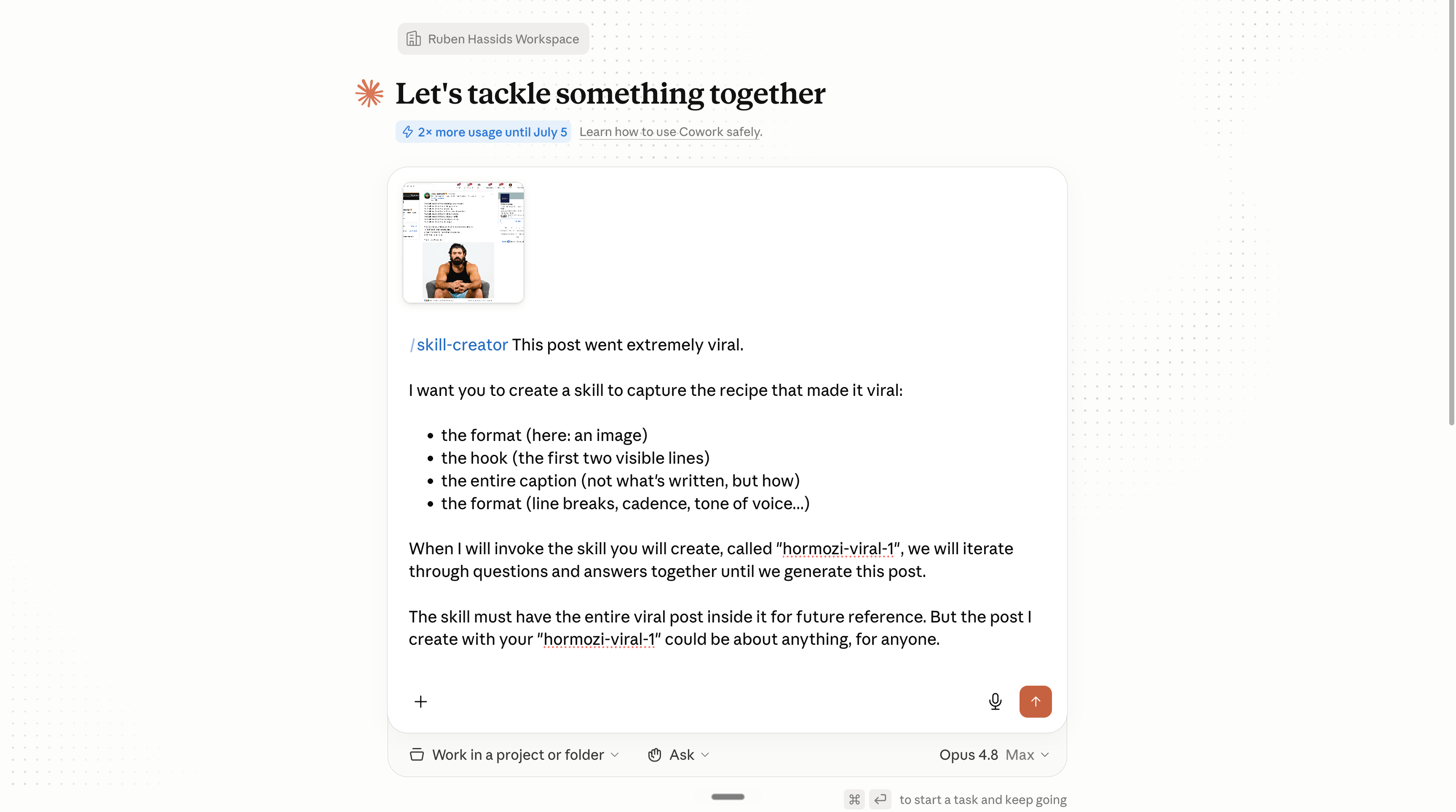
If you want to copy and paste the prompt:
/skill-creator This post went extremely viral.

I want you to create a skill to capture the recipe that made it viral:

* the format (here: )
* the hook (the first two visible lines)
* the entire caption (not what's written, but how)
* the format (line breaks, cadence, tone of voice...)

When I will invoke the skill you will create, called "[to add]", we will iterate through questions and answers together until we generate this post.

The skill must have the entire viral post inside it for future reference. But the post I create with your "[to add]" could be about anything, for anyone.
Here’s what happens once you have the /skill in Claude.
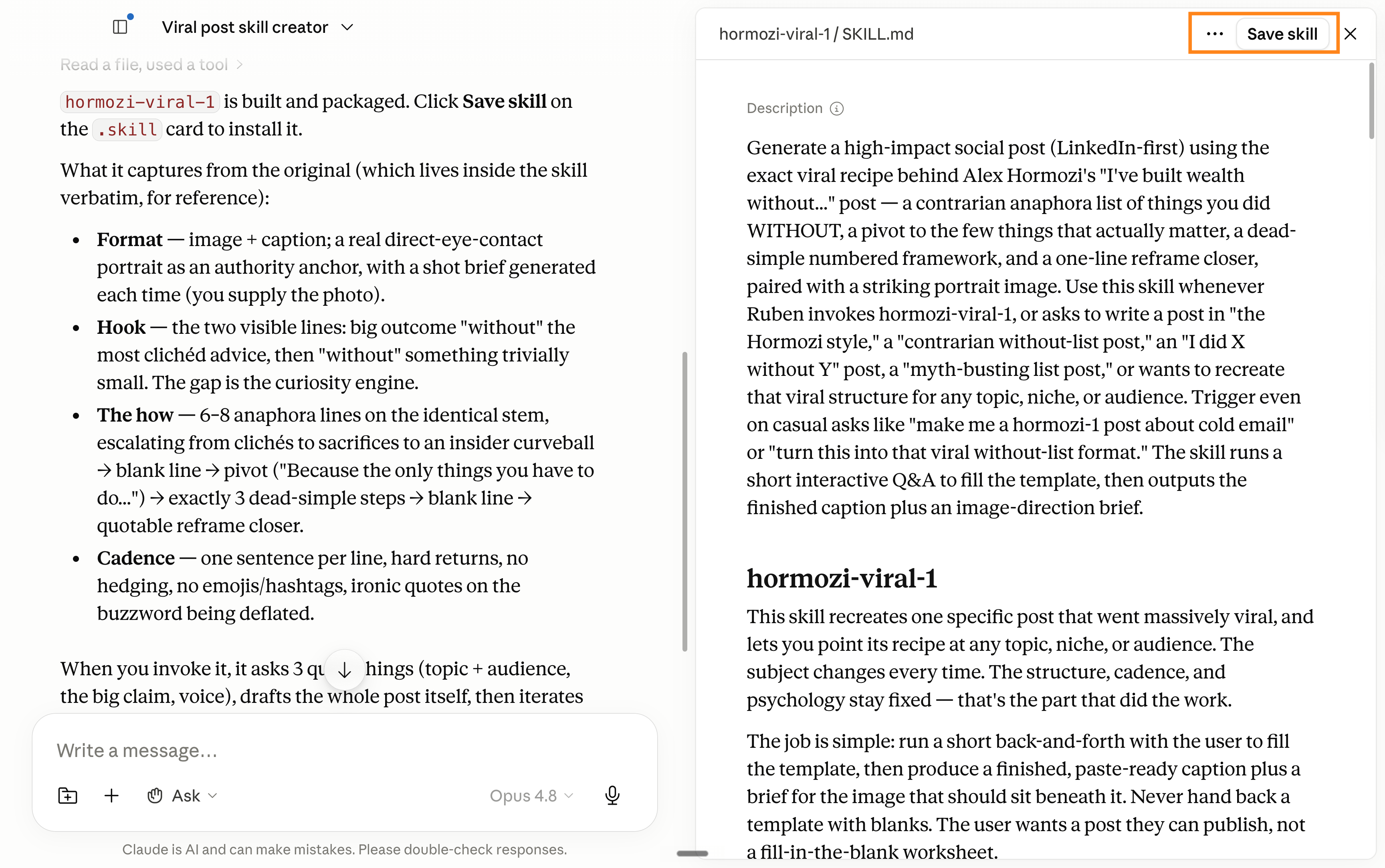
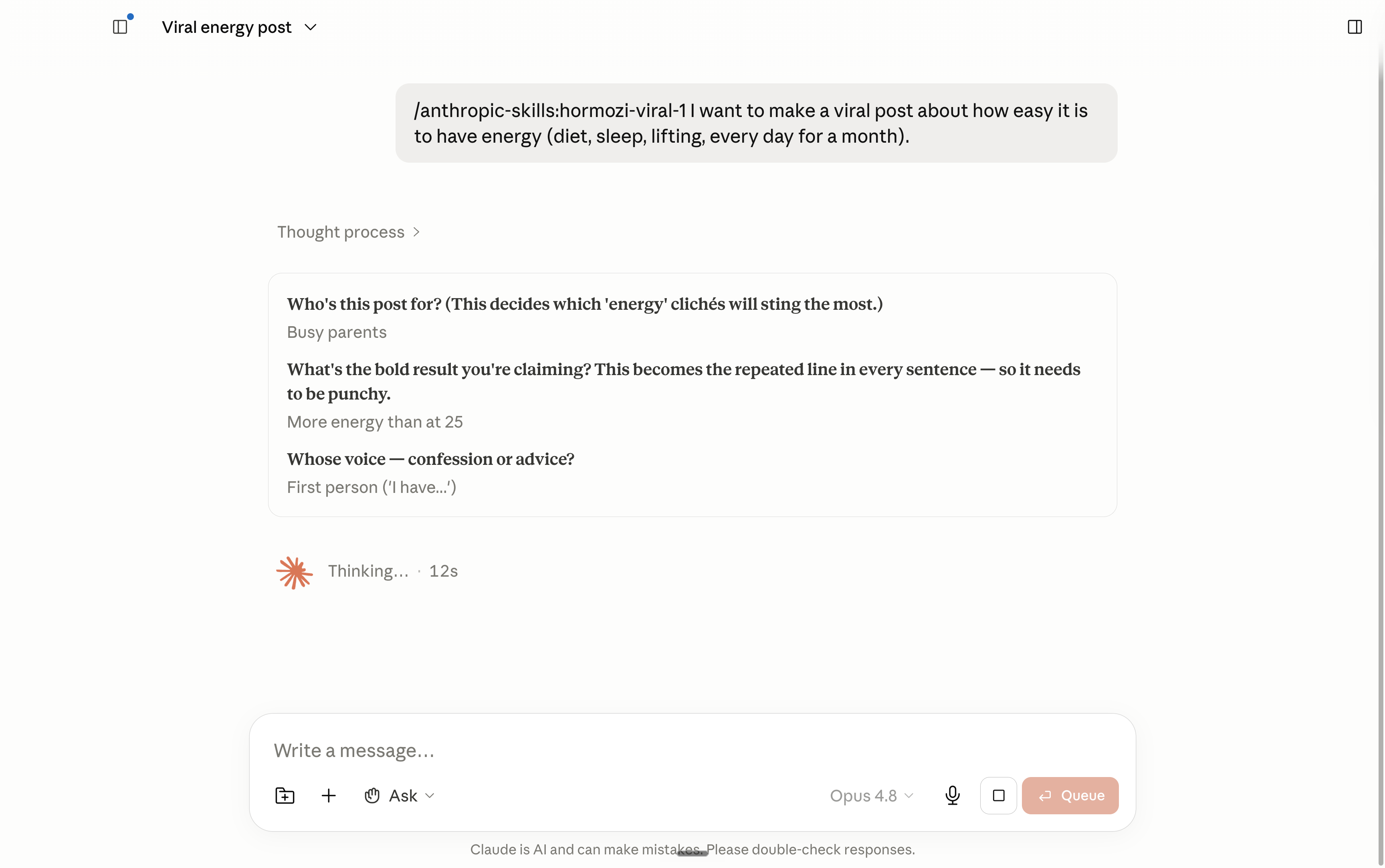
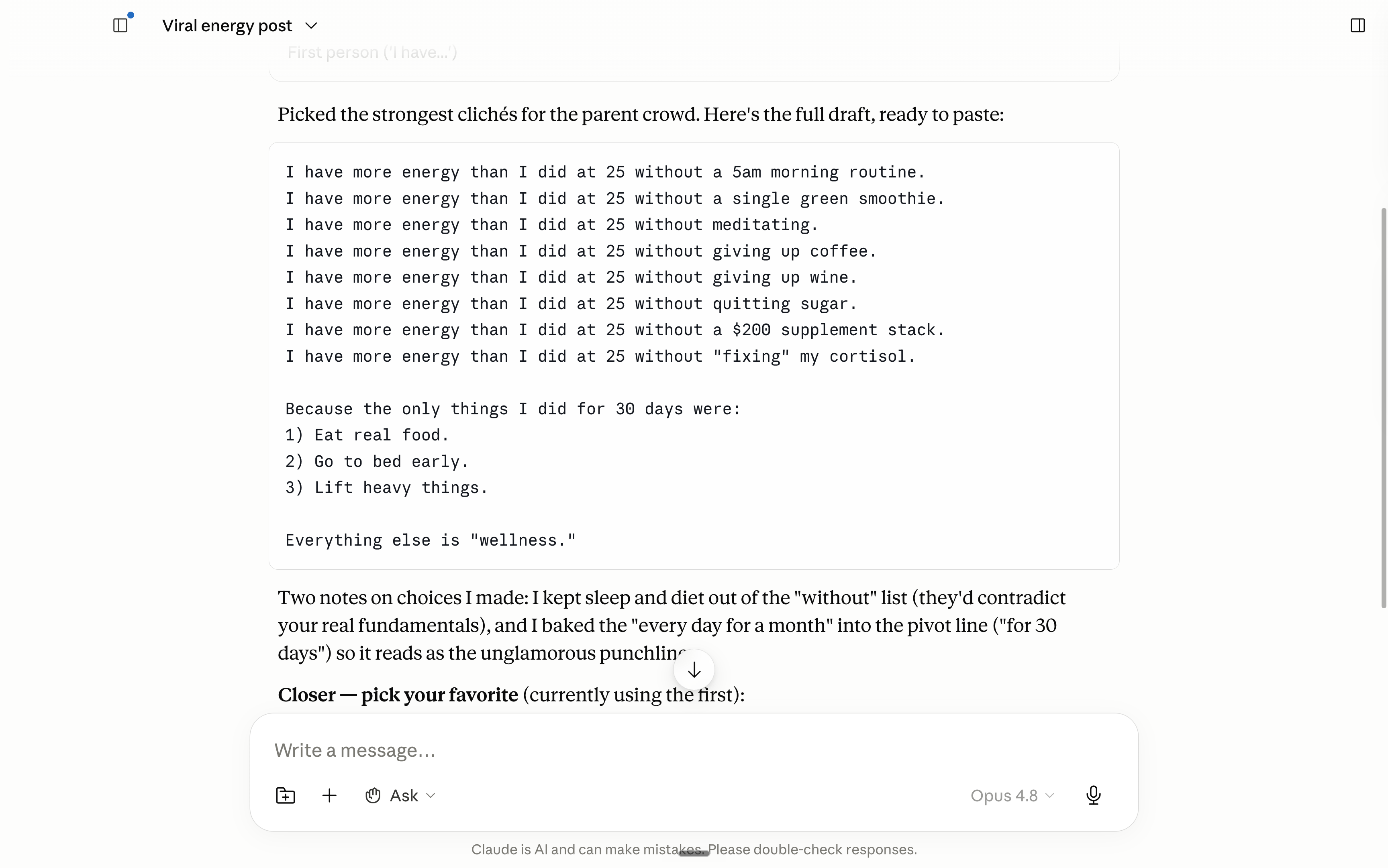
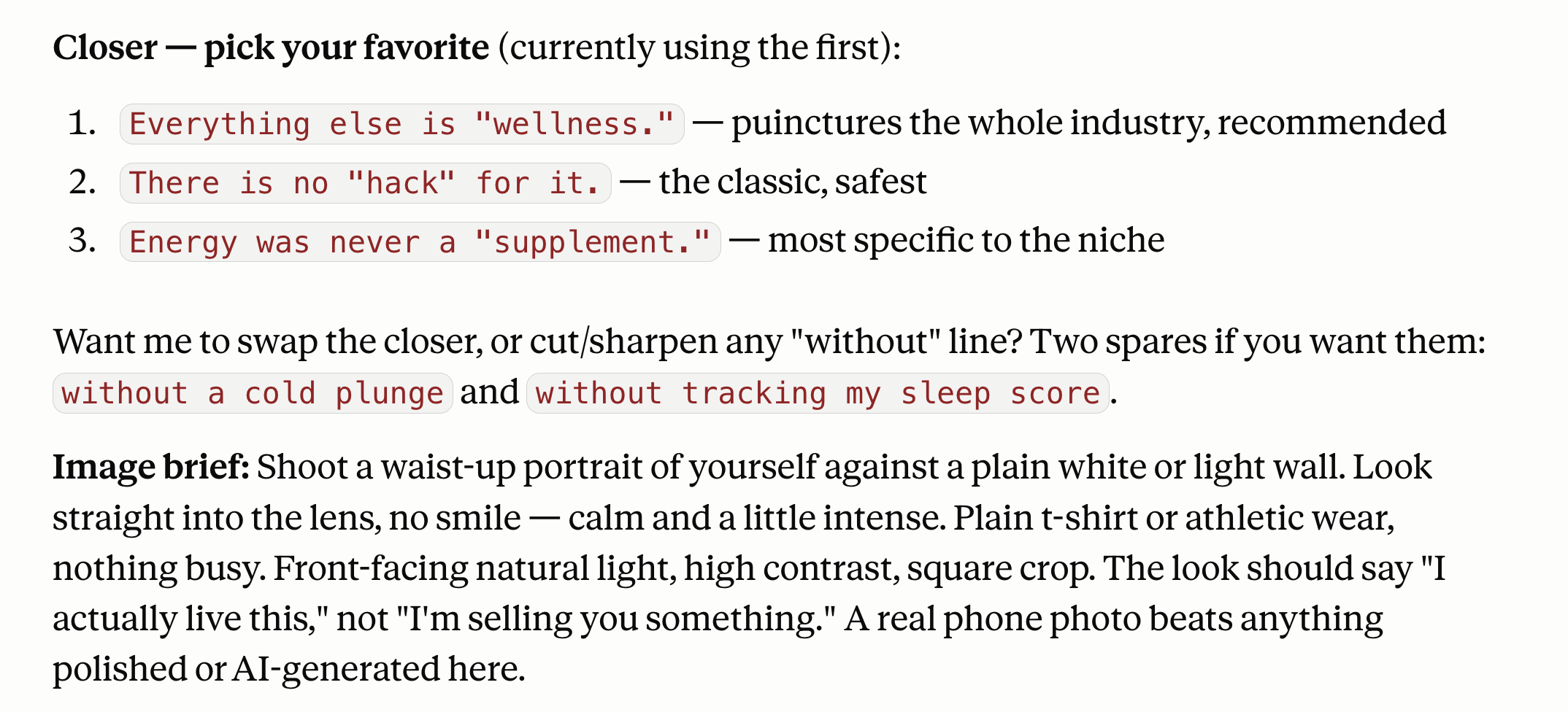
OK you can recreate any viral post now, very easily.
Be careful, though, you can’t just repeat an ultra-viral post recipe over and over again. It’s not because burgers are tasty that you want to eat burgers every day.
Right? Right??
5. When this falls short (being honest).
AI isn’t creative. It’s really good at following instructions. But it’s awesome when you can combine its capacity to digest a lot of context (like 400+ posts) + your human ability to do pattern-matching.
It’s not faster. A good post takes time. But you can spend your time more efficiently now, giving you a much better chance to go viral.
It’s expensive. Claude is expensive. I pay $100/month.
It’s not for one post. I would do this only if you want to post at least once a week. And you also need to have enough past posts.
It does not work if you’re bad at Linkedin. Claude won’t be better if it trains on bad content (even 400+ bad posts). So make sure you give it good posts first.
It’s only good at repeating. Ultra-viral is often novelty. But everyone starts to be good by mirroring (NOT COPYING) the best.
Use it wisely. I hate copycats who then share a tiny little sentence in their comment like “credits: Ruben”. Don’t be this guy.
I don’t care about Claude.
I don’t care about Claude, ChatGPT, Grok, Gemini, or any other model.
I don’t pick sides. I’m not paid to make this newsletter.
I’m sharing, twice a week, how my work is transforming (very fast) with AI.
As I’m trying to keep up, I want you to keep up. So we move just as fast.
I want to be the greatest filter to the AI noise. And 700,000+ people read this twice a week to focus on the How. Some came because of my LinkedIn. But most readers subscribed because someone they trusted sent one of my articles to them.
If this article helped you, be that person for someone else (and share it):
It does not cost you anything to share. And sharing is caring :)
If someone did send you this, thank them and subscribe for free here:
Overwhelmingly amazing as usual and very positive and for an old man of 63 with ME/CFS low energy and brain fog it’s somewhat daunting. I have only written one or two posts on LinkedIn but have reposted a lot of authoritative posts from academics in my area of interest. I am wondering how I can apply this to LinkedIn but maybe I need to get writing more on it first. I’m campaigning for a global PFAs ( The Forever Chemicals ) action plan and a global drinking water standard. Our biology doesn’t change when we cross borders and neither should our water quality. I have spent the last year posting on FB with the help of Chat GPT and Perplexity and NotebookLM. I’ve spent £200 on promoting posts but have received over 920,000 views. I would love to be able to use this system on FB. If it would be possible can you see if we can pull all of our Facebook posts to re purpose those ? I will check out that. Happy Father’s Day to everyone. Hope you had a good Dad in your life and are trying to be one if you have kids. Thank you Ruben. 😊🙏
What if you're just starting to post on LinkedIn and you only have 3 up so far? Do I scrape someone else's profile or is there a way to come up with my own content for it to scrape?