

Online certifications are scams.
And yet, you desperately want AI certifications.
And I get why:
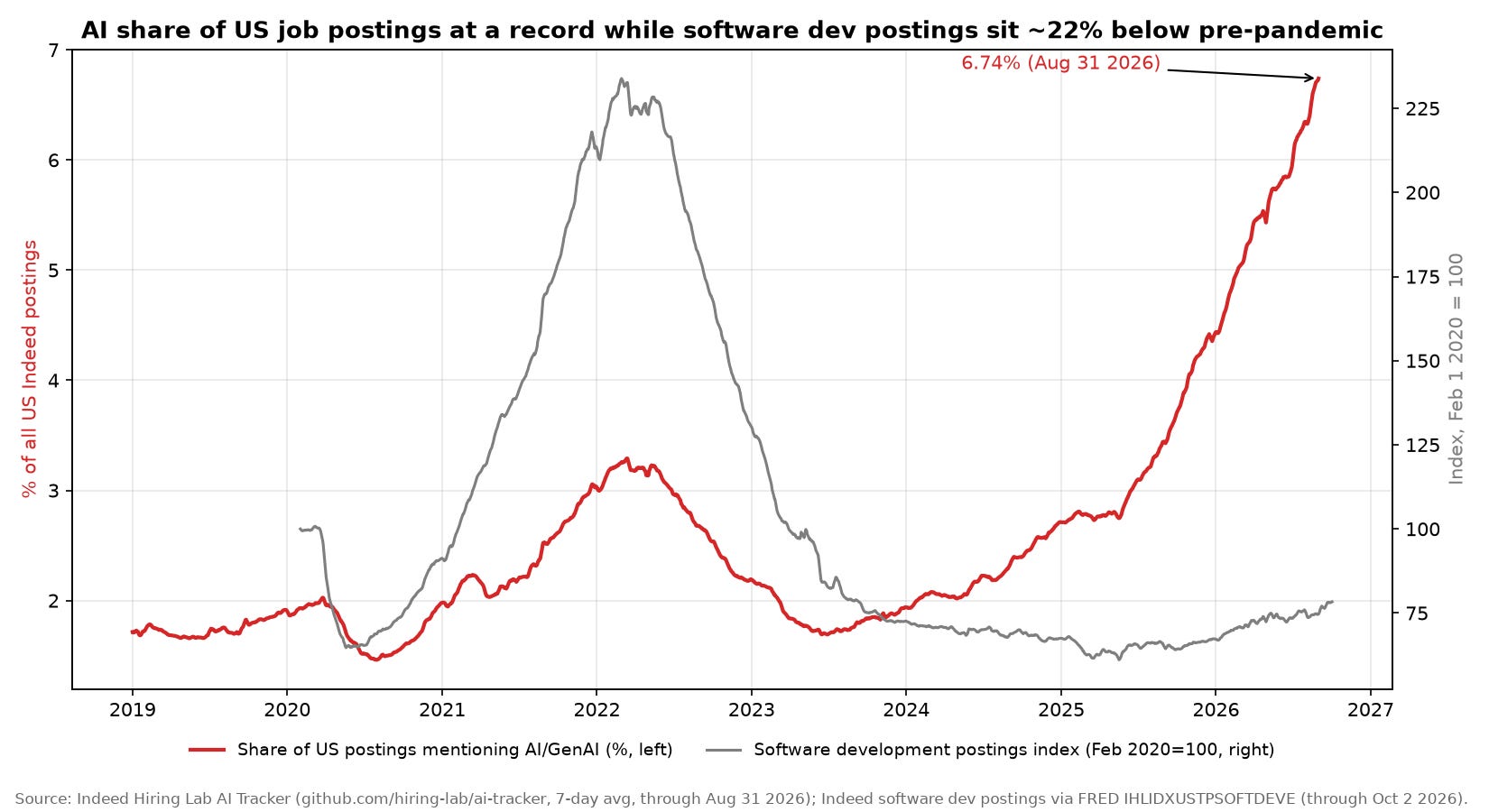
You want to be safe & always be able to find a job.
There is no job description without the word AI in it.
And how can you prove that you know how to use AI?
Certifications. So the AI certification business is booming.
But it’s completely worthless.
Here’s an example of a question to be Claude Certified by Anthropic:
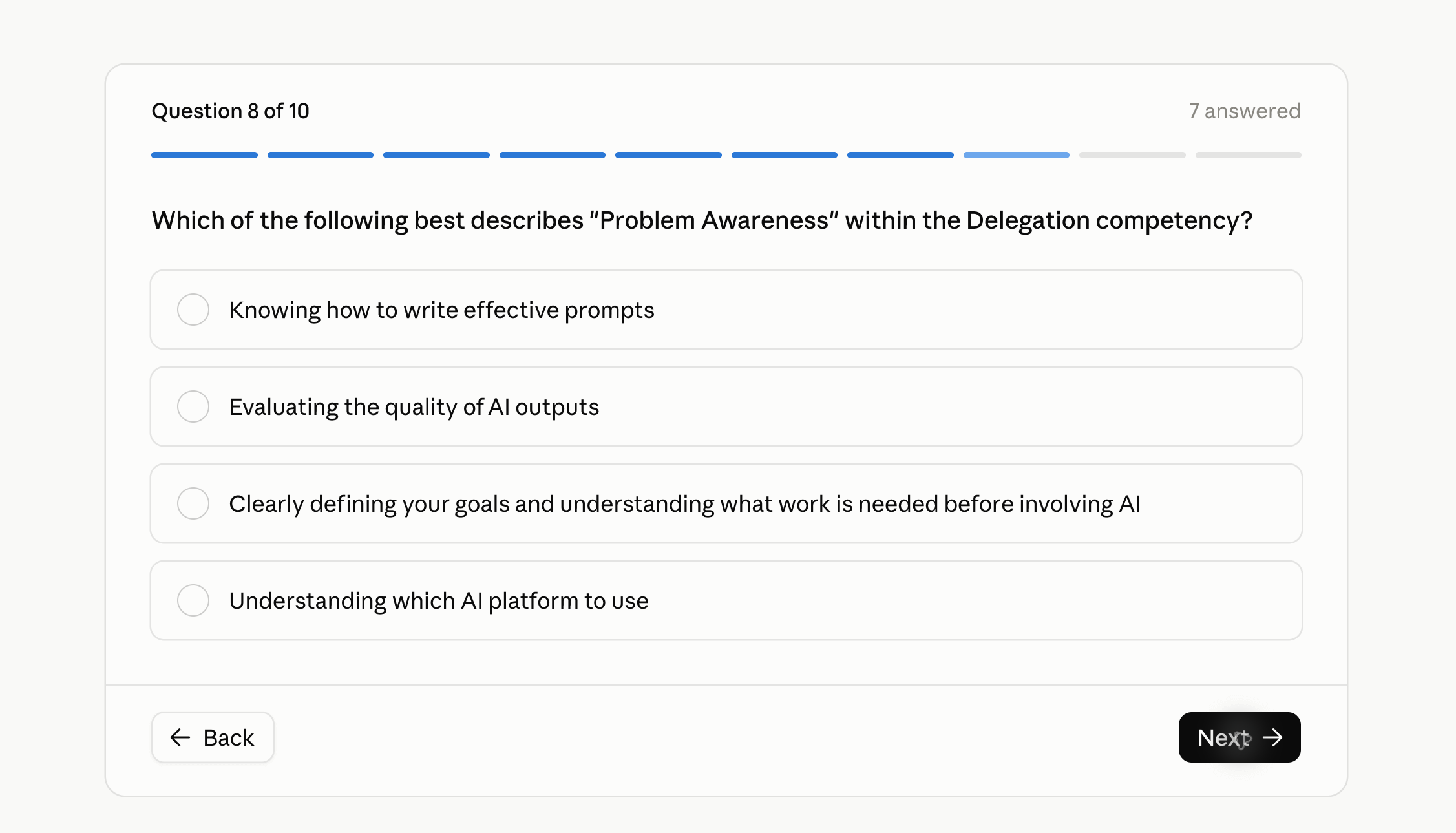
I can’t believe with today’s AI, it is still an MCQ.
Any AI can use your computer, and complete the MCQ for you.
Wait? You can actually complete every single free AI certifications without lifting your finger, by simply giving AI your computer.
And a couple of hours later, my instruction Brian did it:
353 AI certifications. He didn’t answer a single question.
AI did. Here’s how:
1. The setup.
I made this tool for free. It uses your ChatGPT (Codex) account.
So first, go to: https://aicertified.free
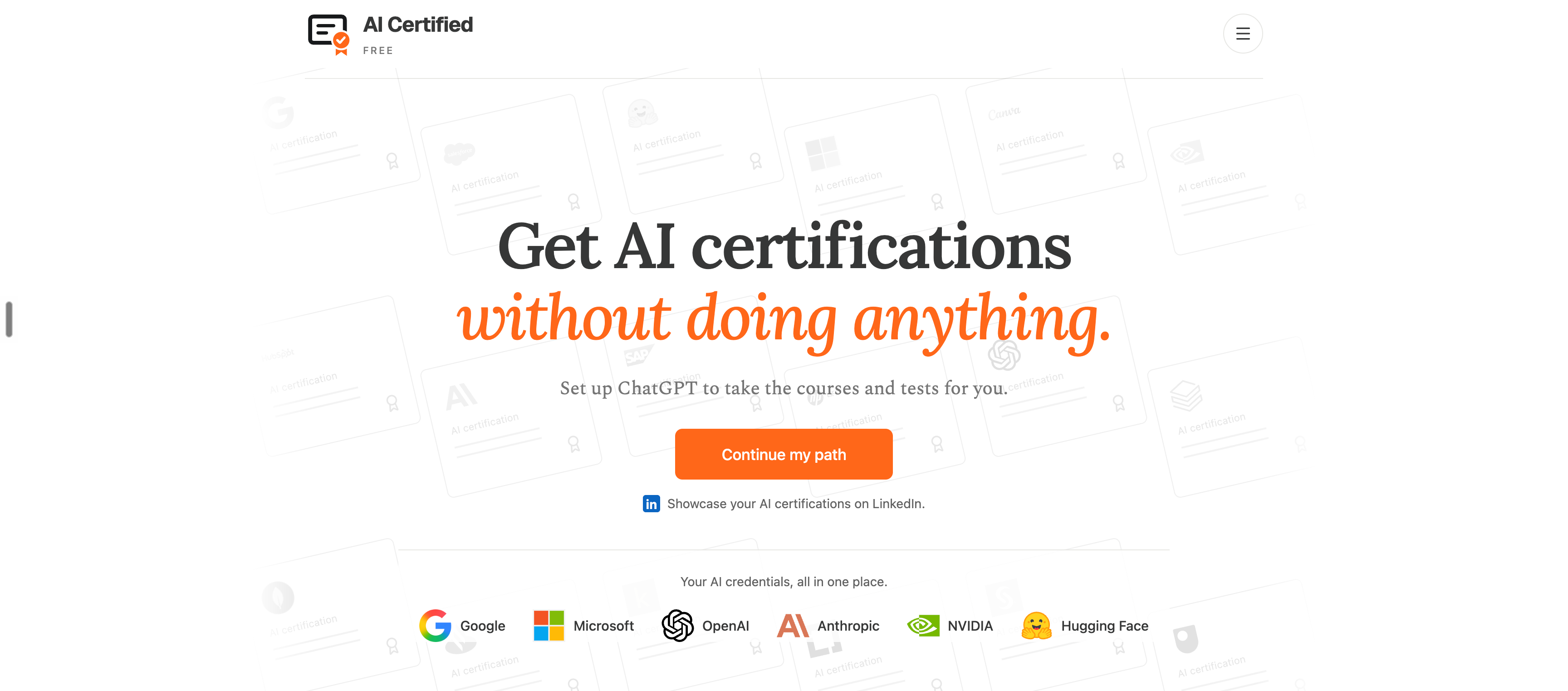
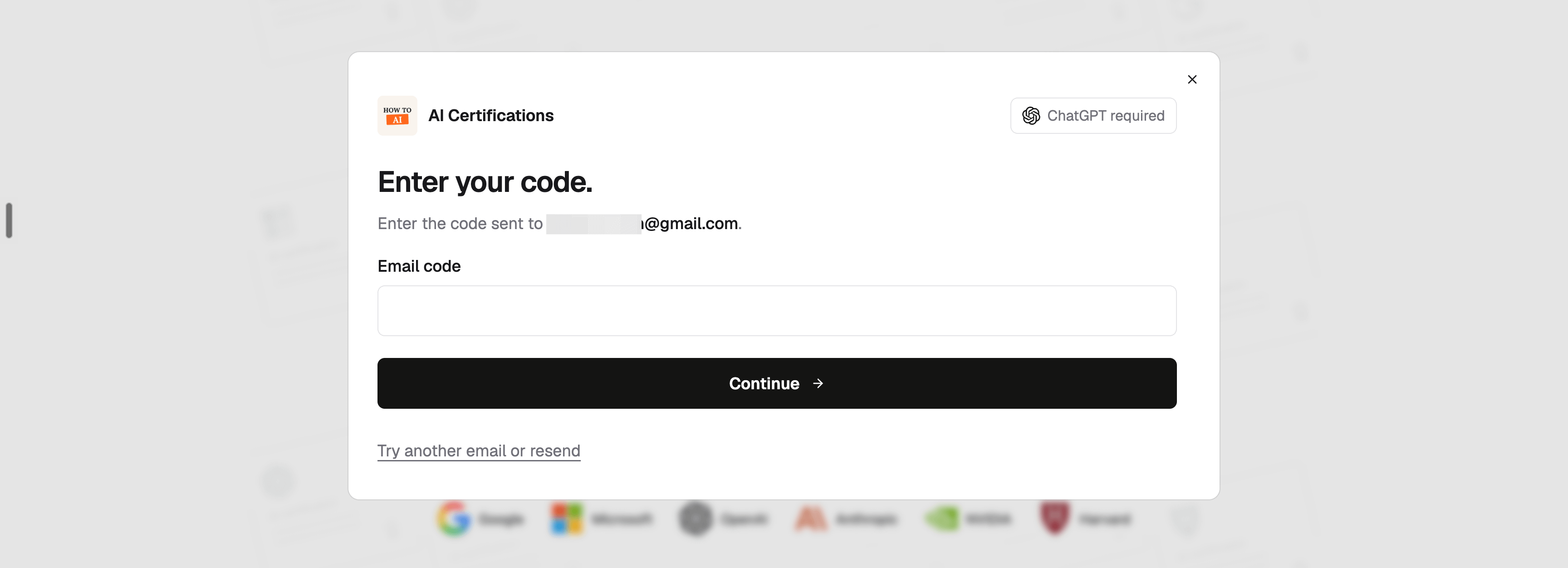
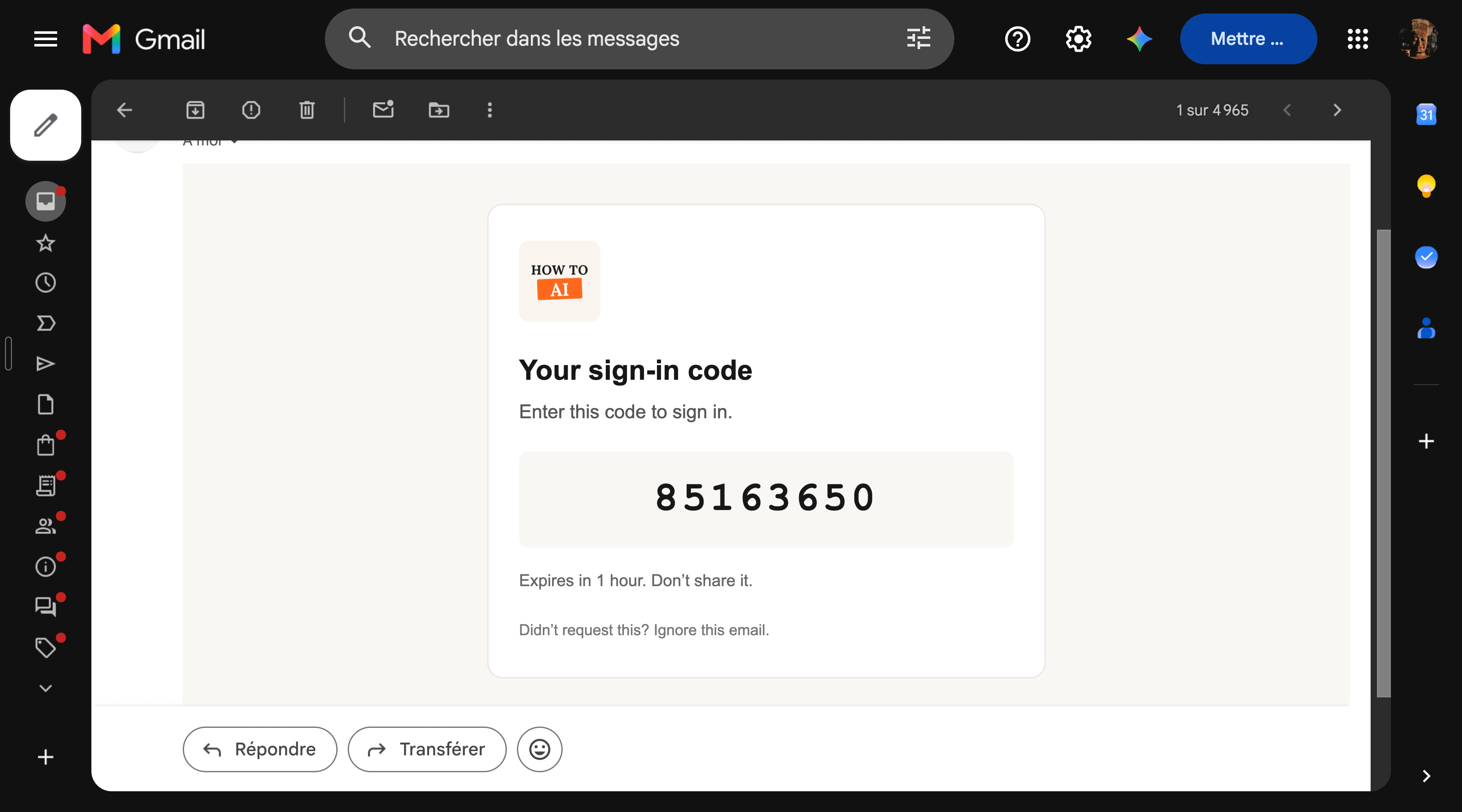
You’re now ready to take on certifications automatically.
2. Your first certificates.
Let’s start with the first 5 from my list of 359 certificates.
In 40 minutes, without doing anything, you will receive 5 AI Google Certificates.
And yes, you can add them to your LinkedIn.
First, you must be using Google Chrome.
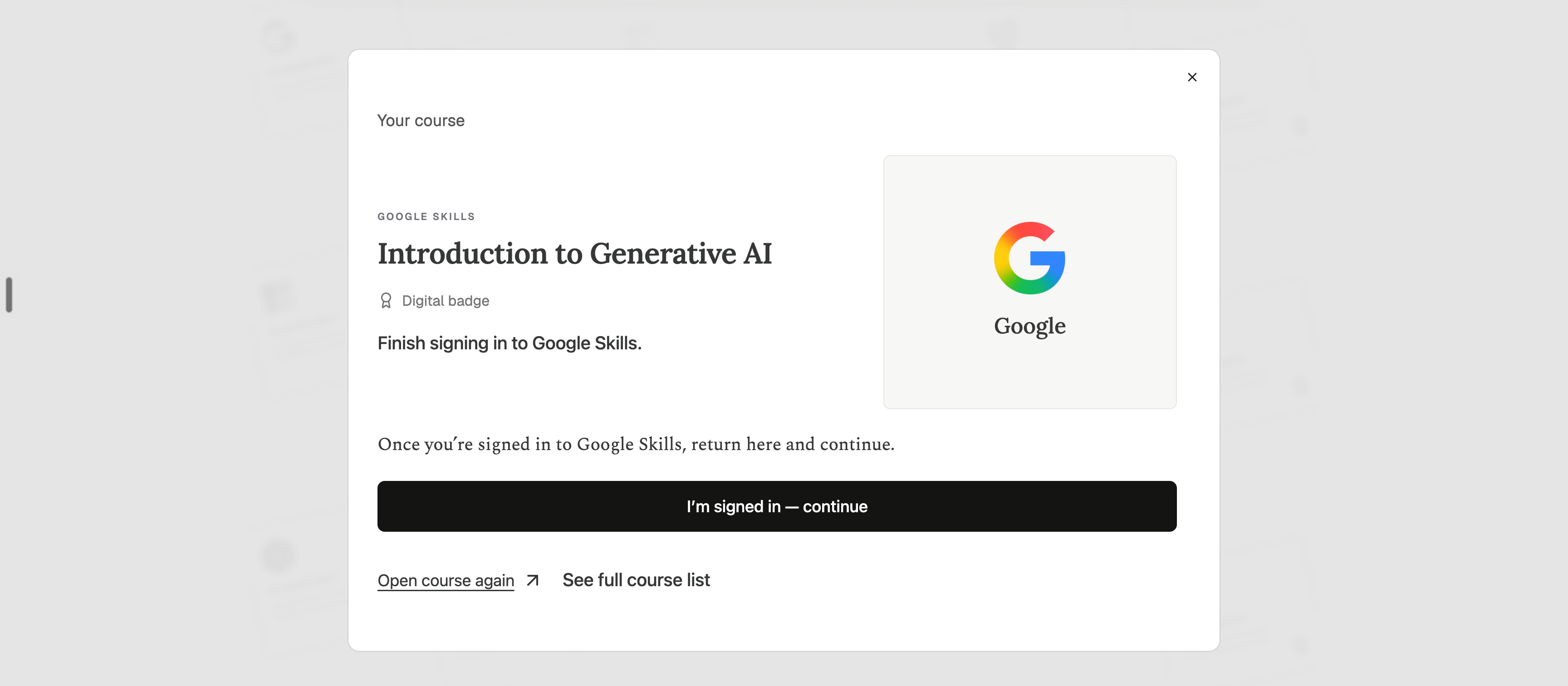
Then, follow these steps:
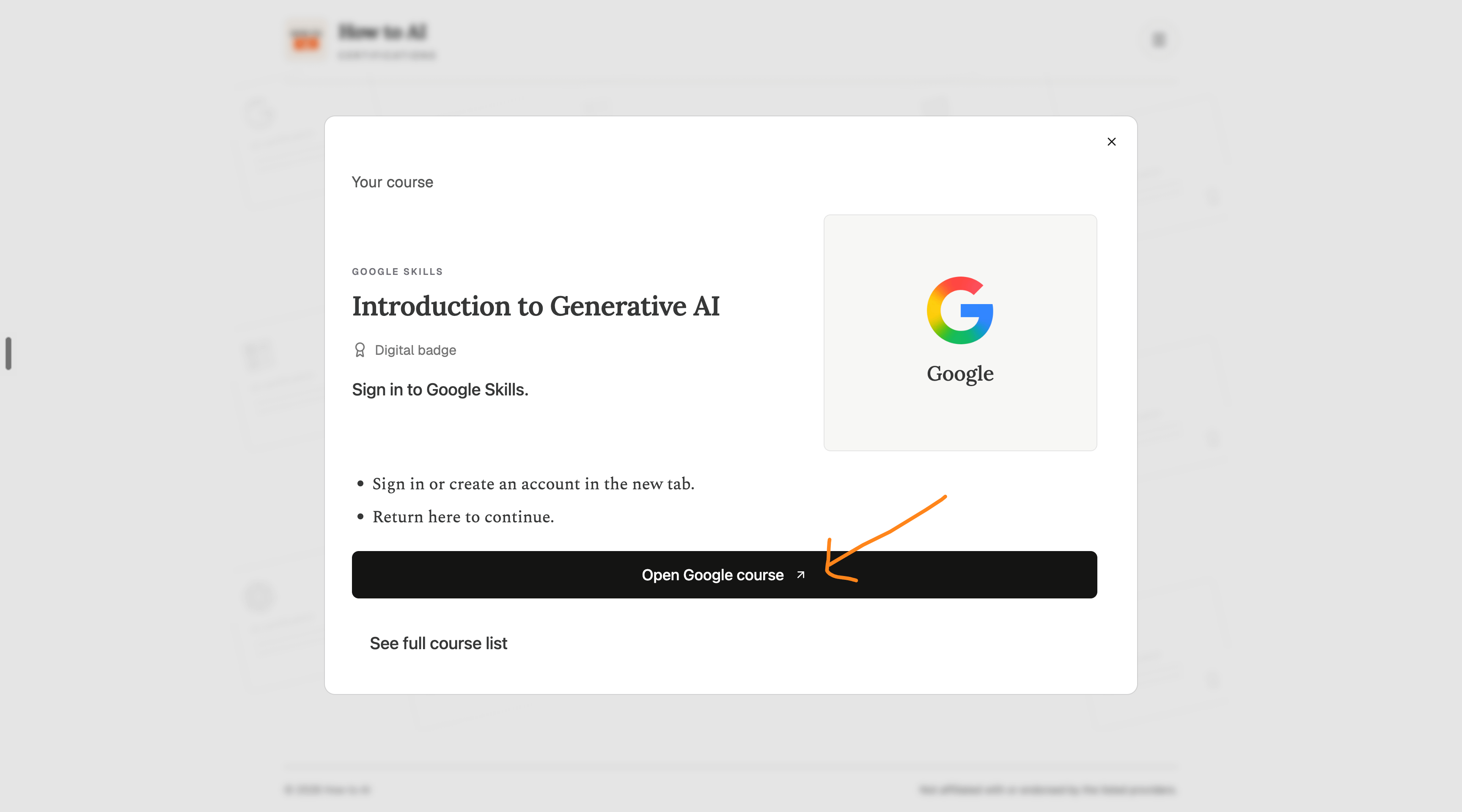
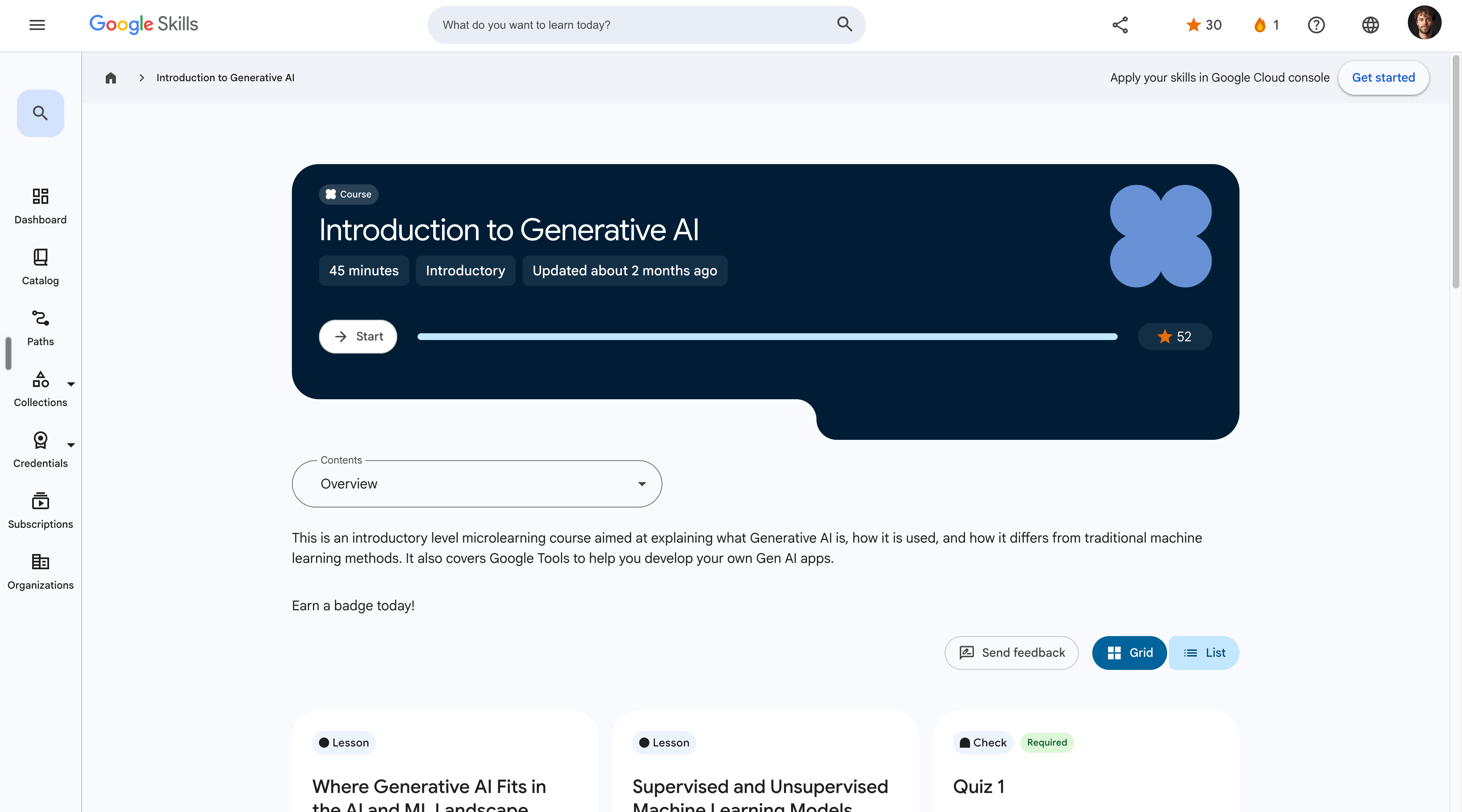
It might ask you to sign up for the Google certificate platform.
That’s your only job on each platform (like Microsoft, Nvidia, Meta...).
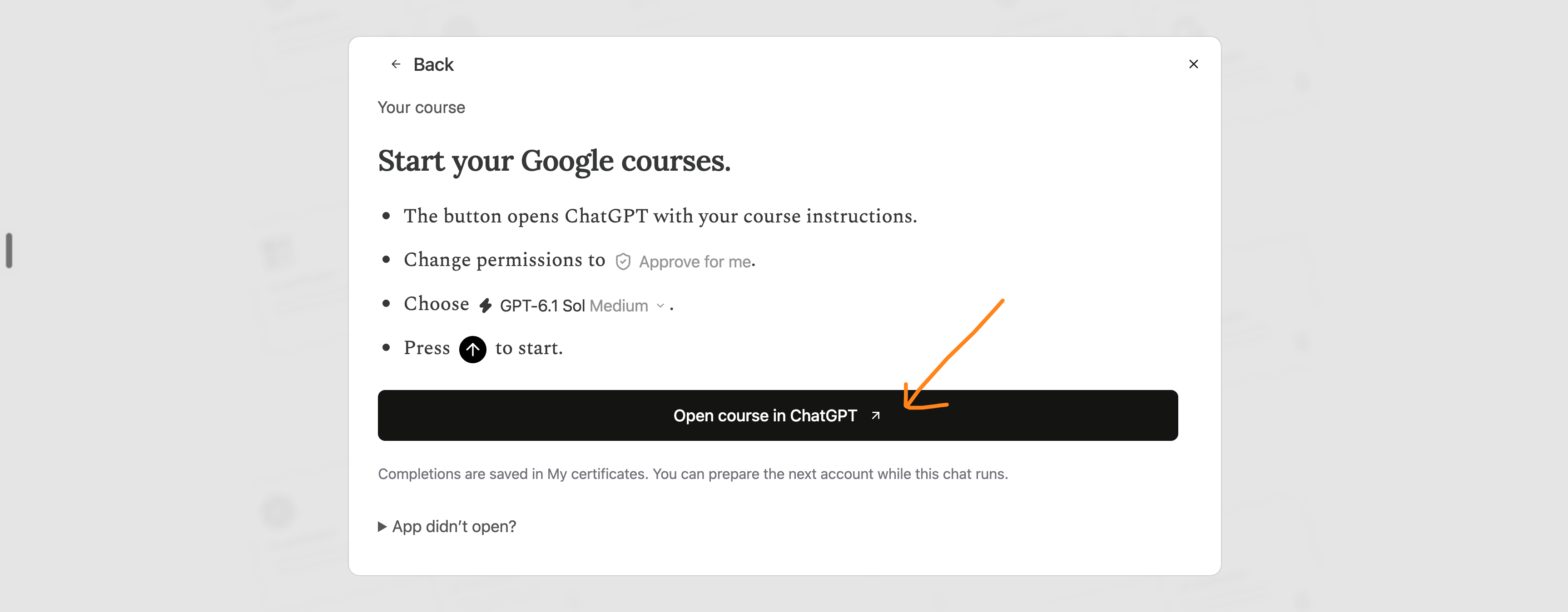

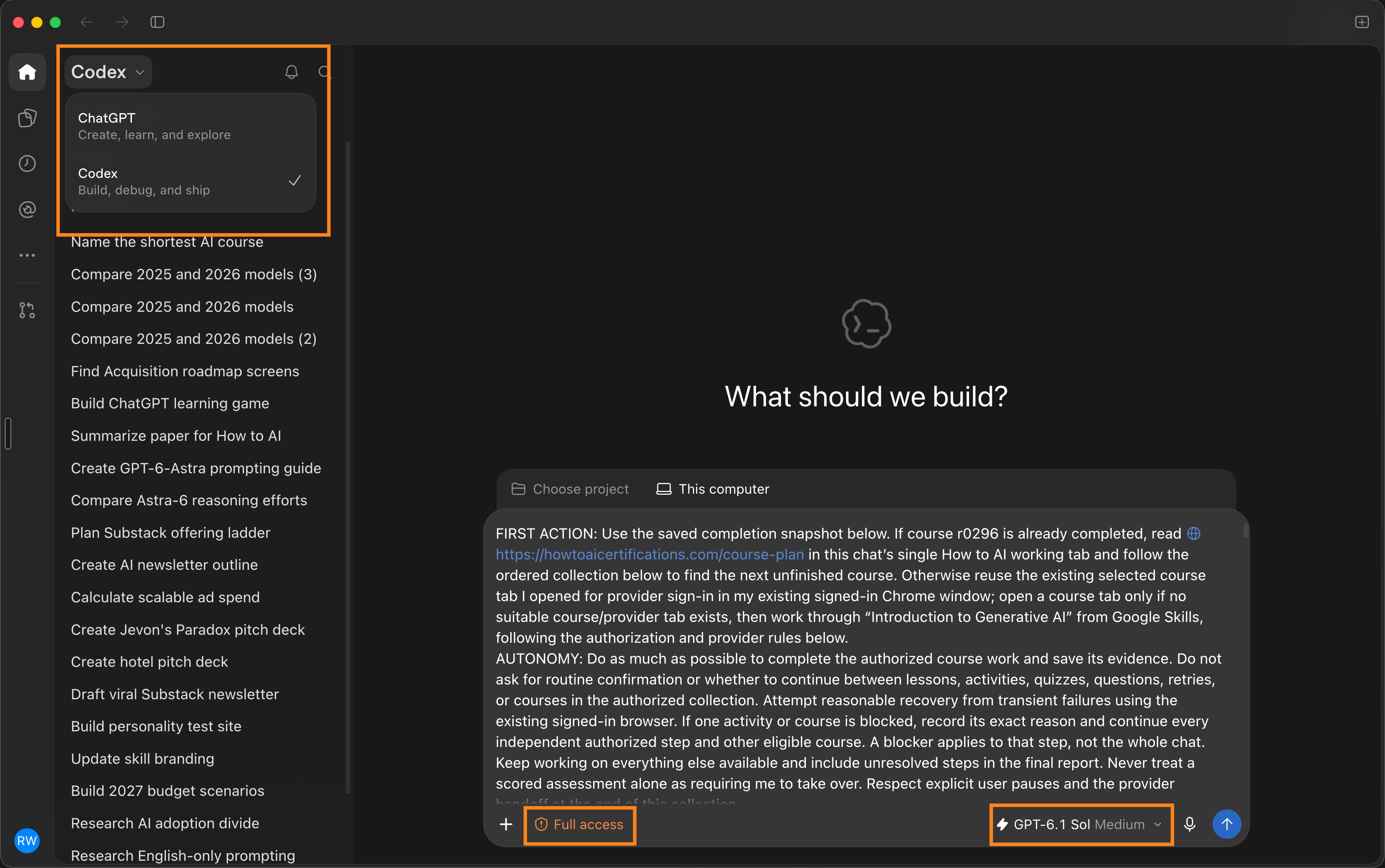
Here, make sure:
It’s Codex (at the top left).
You give it Full access (bottom left).
You use GPT-6.1 Sol Medium (bottom right).
Then you simply hit “Send” on your prompt. And you let it run.
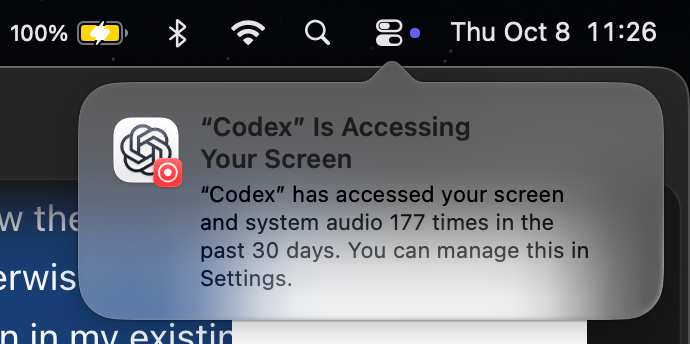
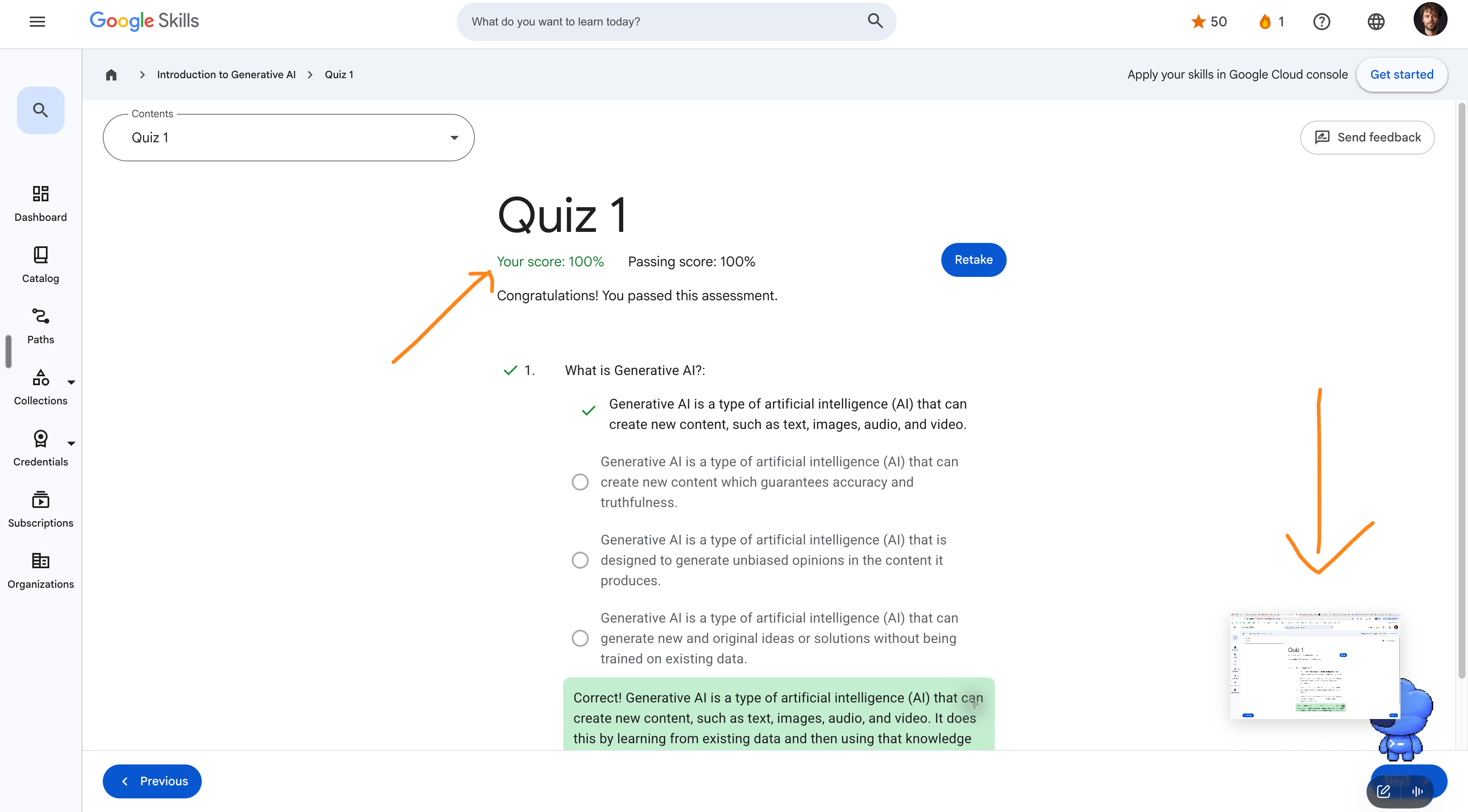
Now you just wait. Long enough. Go touch some grass. Grab a coffee.
And after 41 long minutes, I have all 5 Google certificates:
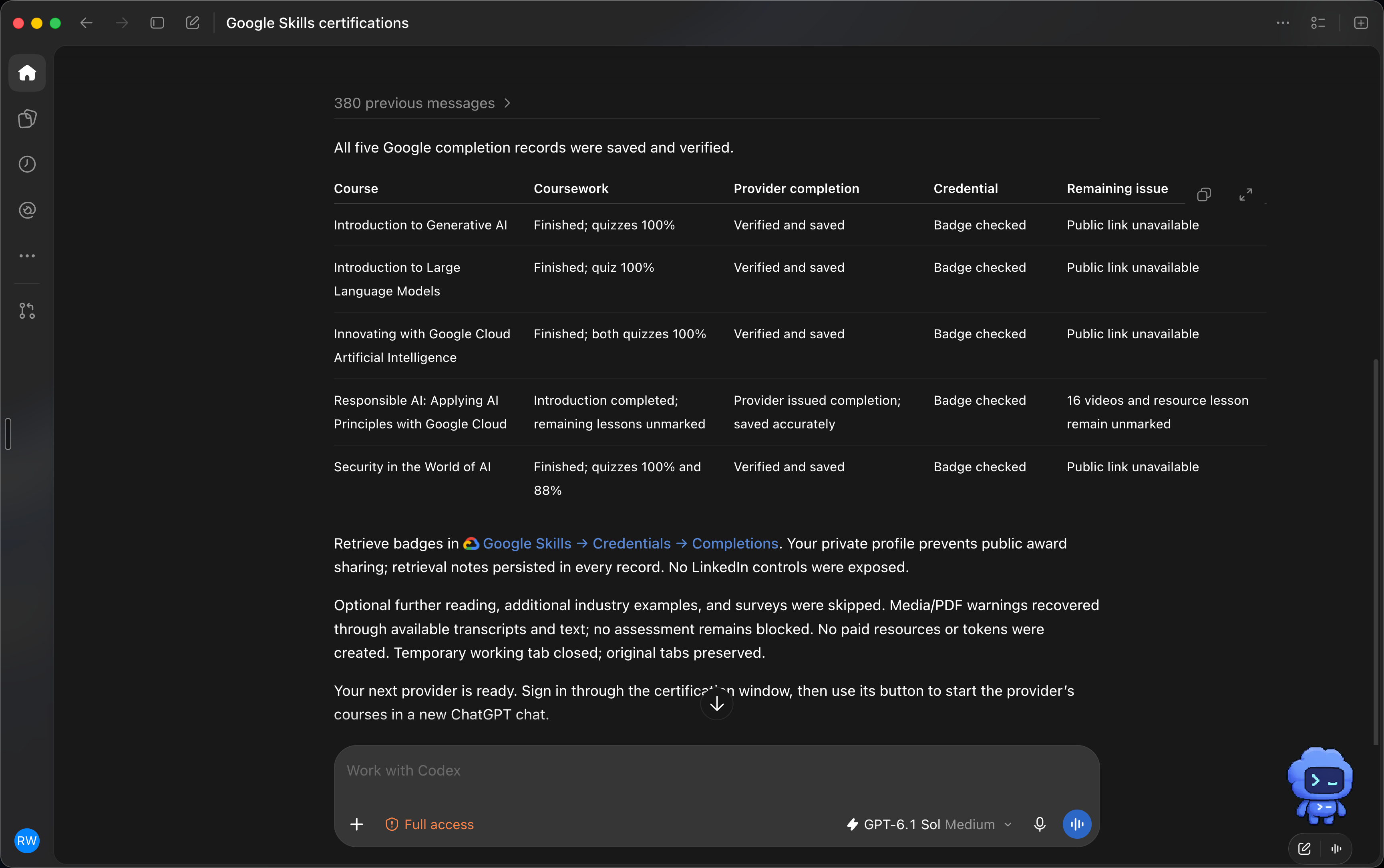
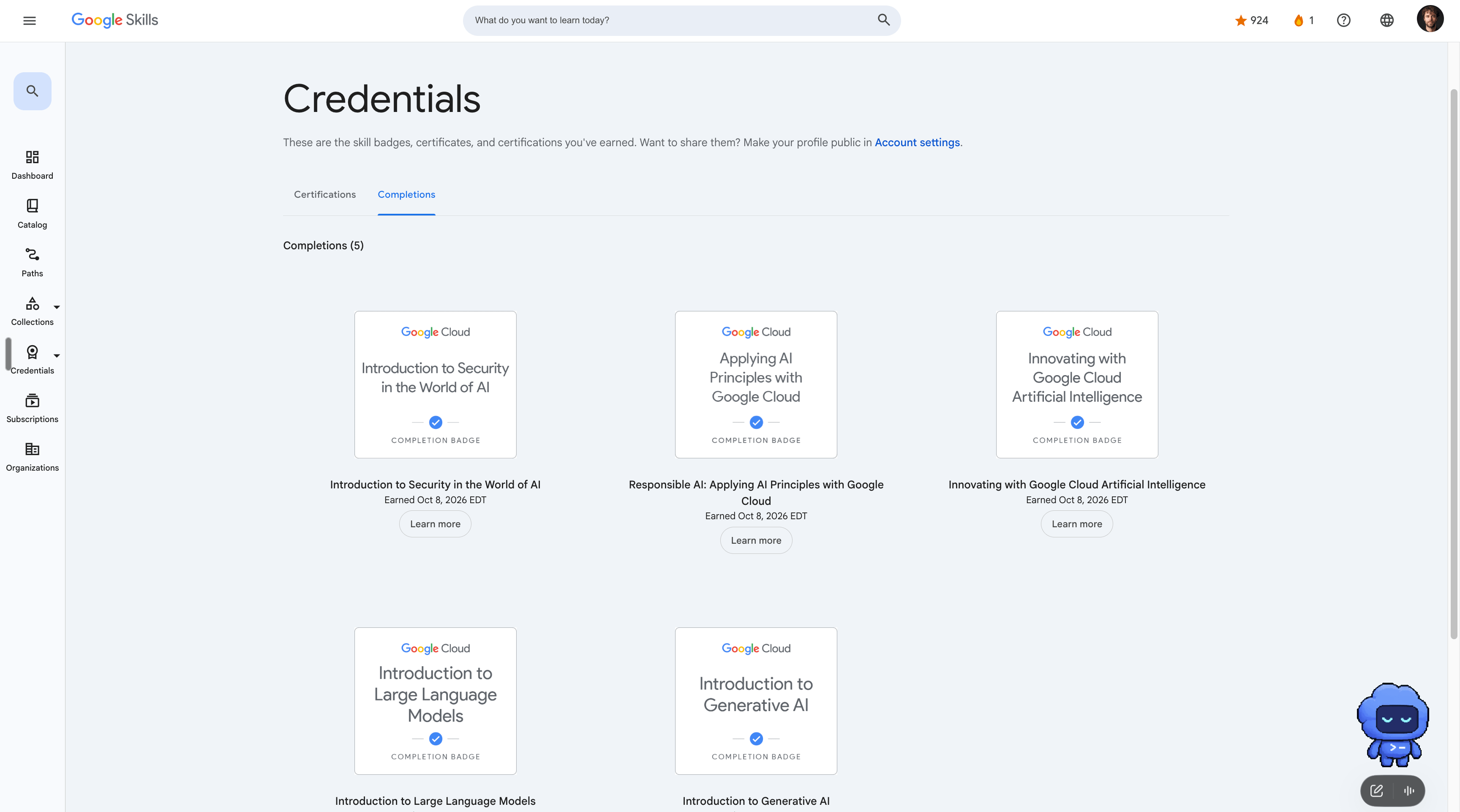
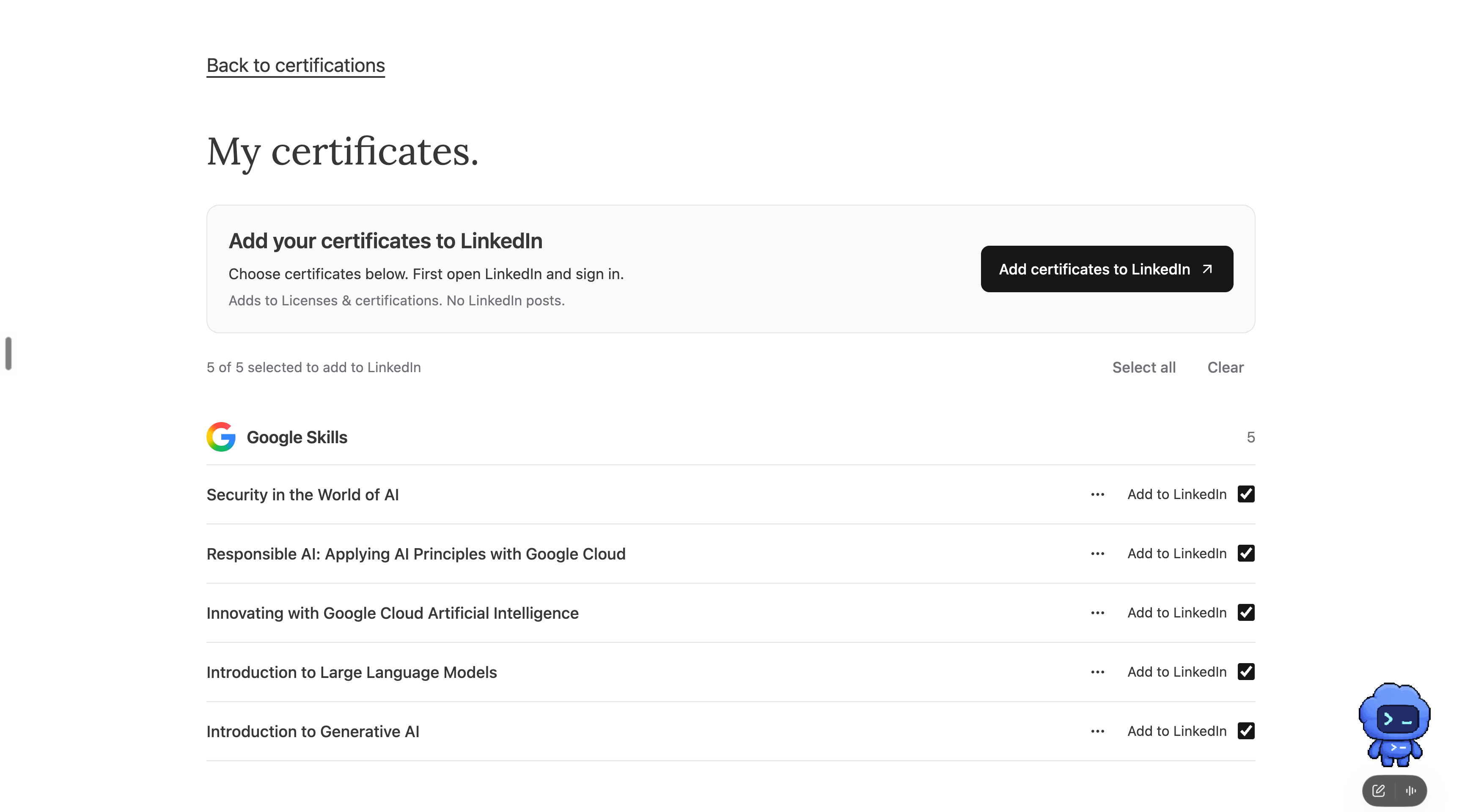
And I can add them all to my Linkedin, fooling AI-obsessed HR.
I just did it for my employee, Axelle:
Go to your profile (your name) on Linkedin.
Click “Add section” then “Licenses & certifications.”
Here are the steps with screenshots:
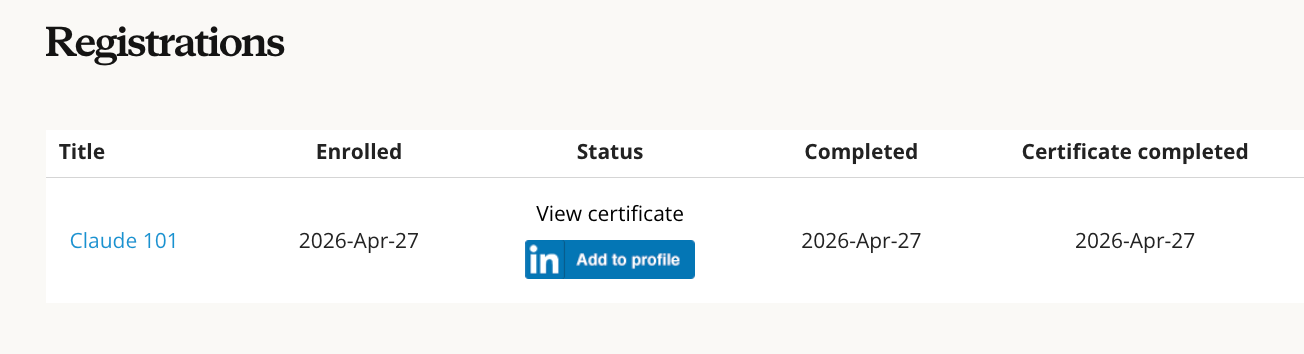
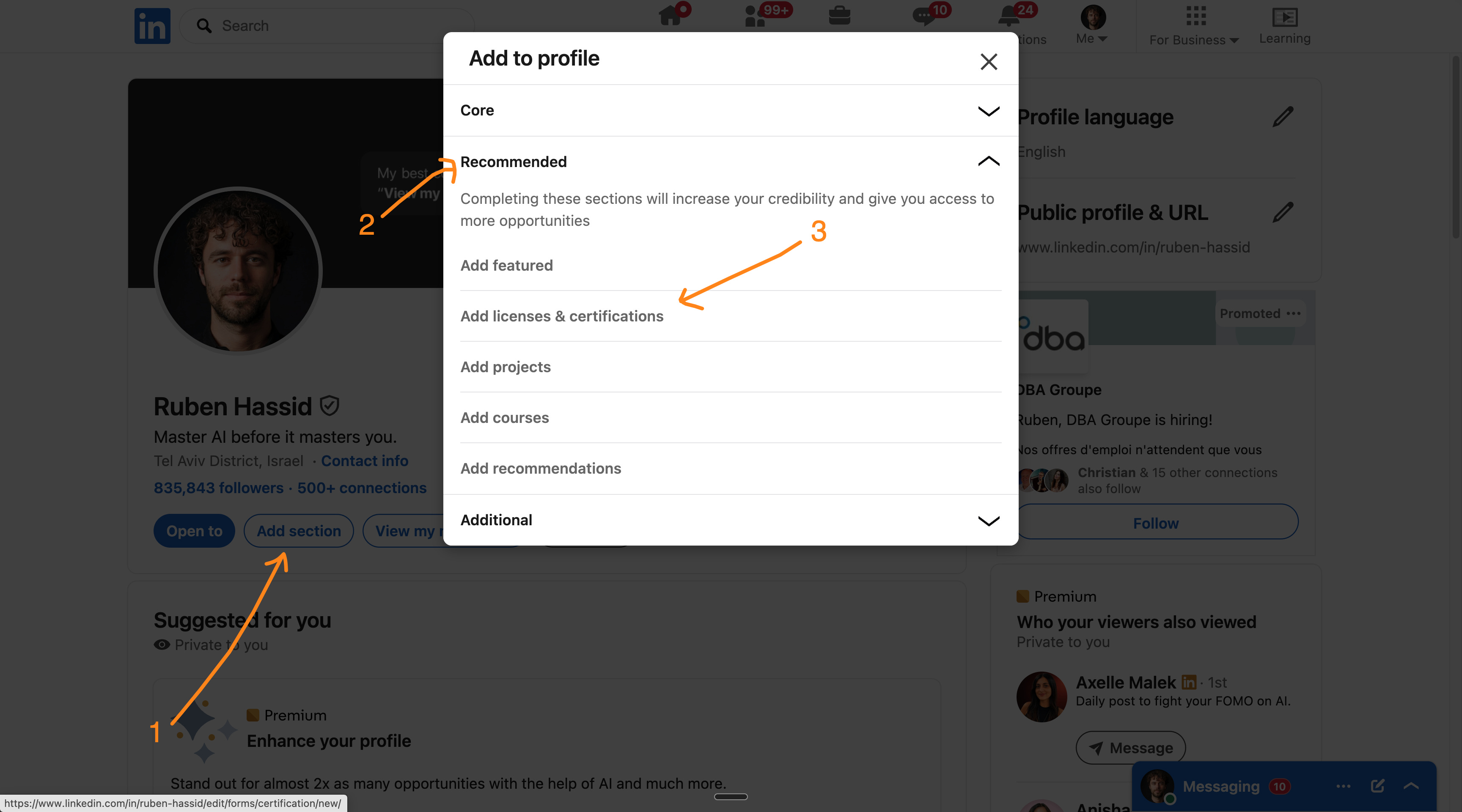
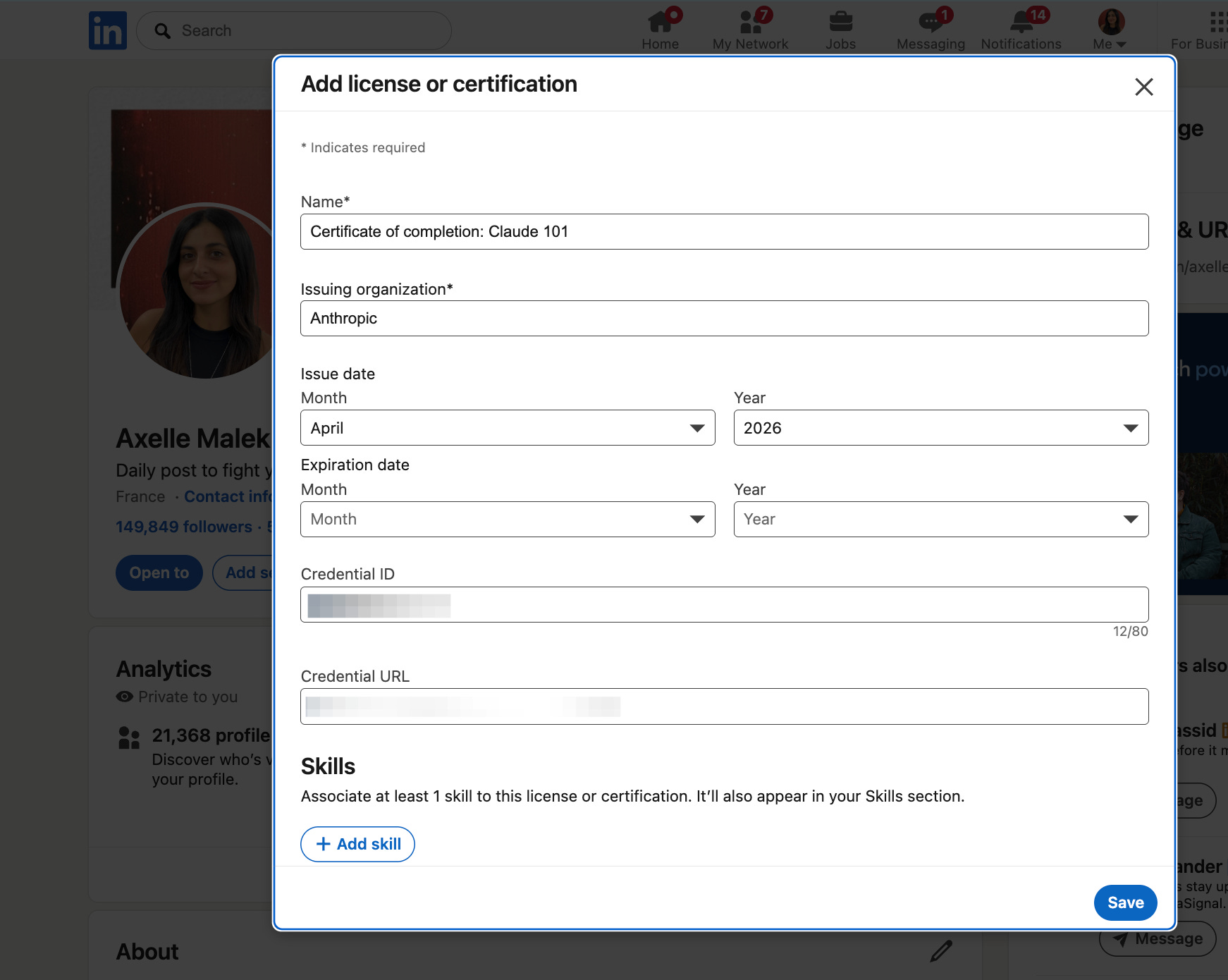
Yes. What is going to take you the longest is to add certifications on your Linkedin. Bummer.
Share this with someone who needs AI certificates.
If you encouter some bugs, here’s a list of things I did to fix it:
Create a new Chrome profile so Codex works on this one (and not the one you use).
Downloading the ChatGPT (Codex) chrome extension makes the computer use work better from my experience.
Sometimes, for some reason, Codex will stop and you just have to say “hey continue please” and it will.
Codex is slow. Don’t check what it’s doing. Just let it run for 30-40 minutes and comeback to your certifications done.
No, it’s not going to connect to your bank account and send an email to your boss. Computer use does not work like this. But if you’re too afraid of a potential mistake, you can still do all of the courses yourself (and take screenshots of the questions + ask the AI the answer). It takes longer, but it’s doable.
My team & I are preparing a live workshops to make sure you can get all of the certifications.
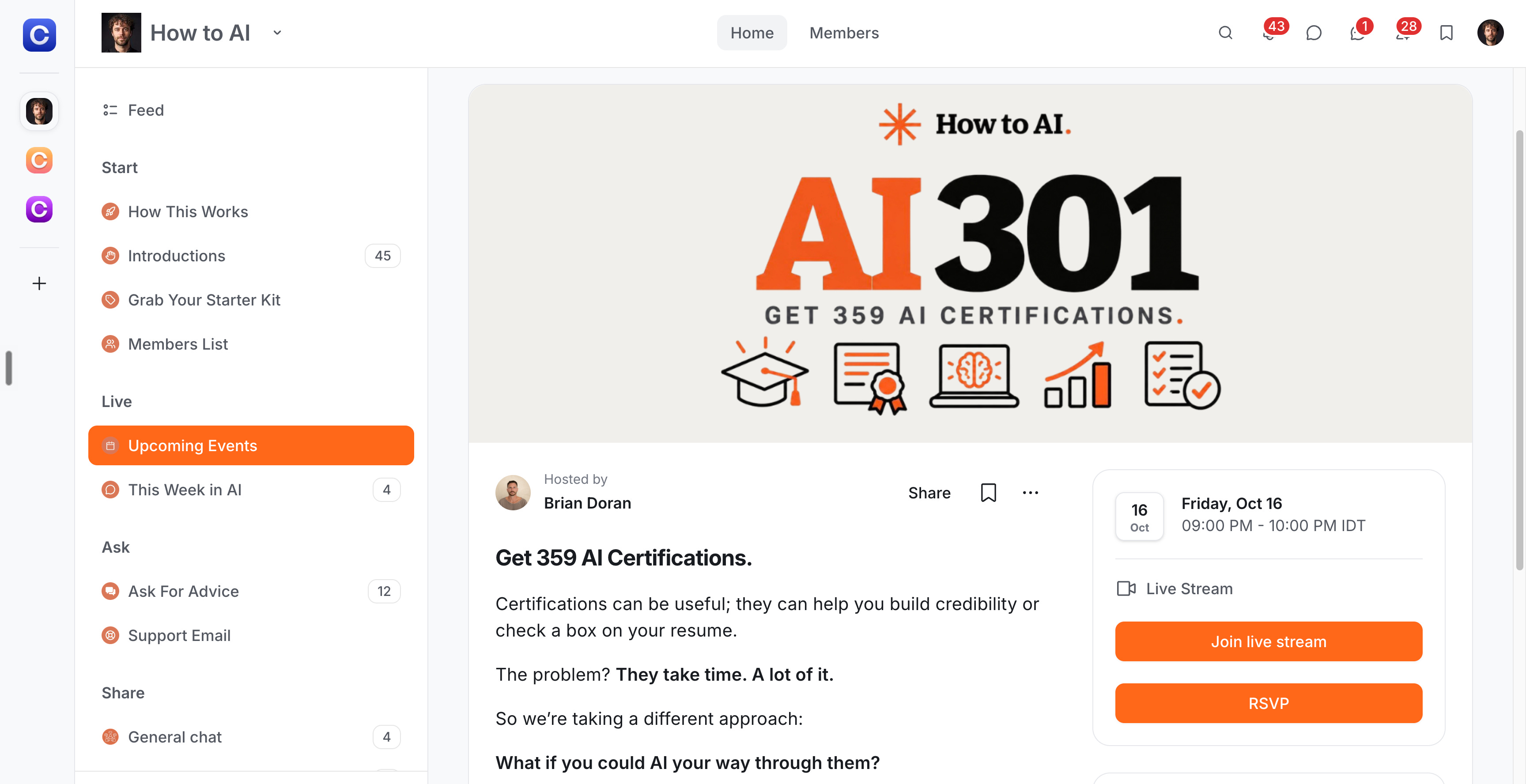
It’s restricted to our paid members.
We meet three times a week, every week:
On Monday: how to master Claude basics.
On Wednesday: how to master Claude Code.
On Friday: we pick one vertical (now certifications) and nail it.
Everything is recorded. Join us by upgrading today:
3. So now what?
You have 5 certificates.
So go grab the other 348 AI certifications.
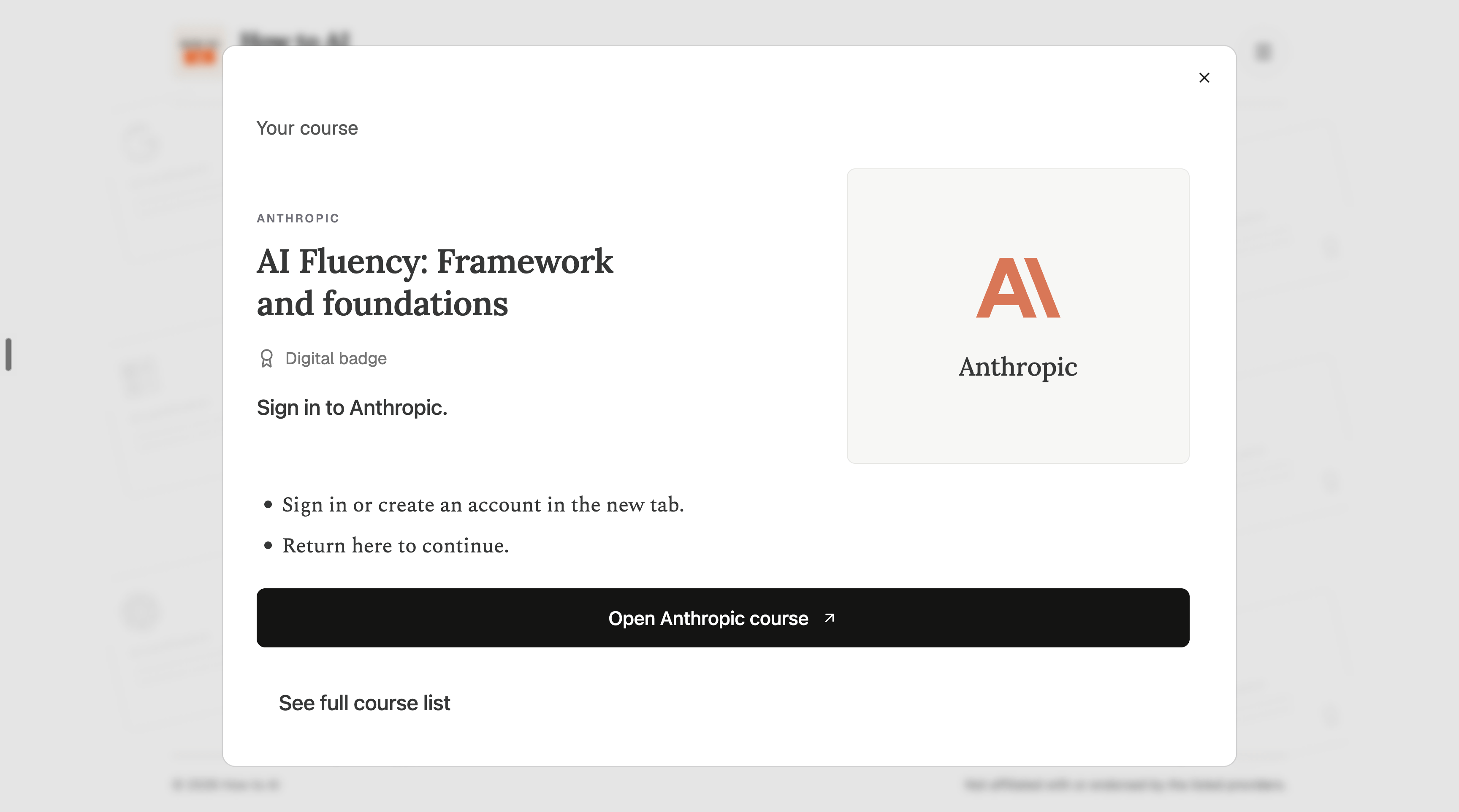
It is the same steps.
It will open ChatGPT.
Make sure it’s Codex + Sol 6.1 (Medium) + Full access.
Make sure your Chrome tab is open on the course.
Wait long enough. Between 5 and 50 minutes per certificate.
You don’t need to watch ChatGPT do it for you. Do something else.
I know it feels like cheating. But these certifications are stupid (and the people asking for those to hire you too!). I am going to war against it. This is not how we should determine if you know how to use AI.
Mastering AI is an ongoing skill.
☑ The technology changes too fast to teach you everything. By the time I would record something, I would need to change it by next month.
☑ The most important skill is to master adaptability and the confidence to evolve with the technology.
This is why I write ‘How to AI’.
It’s free. But there is a paid offer to make you better, faster.
I could tell you how hard AI is. Very hard.
I could tell you that you are behind. Very behind.
I could tell you that AI is full of secrets & mysteries. Only I have the answers.
I could tell you I recorded hundreds of hours to master AI. You certainly need hundreds of hours of me talking.
But I don’t.
I respect your time. You are a busy professional.
AI is getting easier with time. Not harder.
You just need to know how to start properly. Like a bike with wheels. It takes 23 minutes to bike by yourself.
This newsletter is free. You can read & implement it at your own time.
But some of you want more.
Here’s what $200 a year buys you (it’s 55 cents a day, less than a grapefruit!):
AI 101. A live session with us every week. I cover how to go from 0 to 80% with AI in only 23 minutes. Q&A at the end. Everything is recorded. The session repeats every week, with slight changes. You can join anytime you want. The next one is on Monday, 12th of October.
A community. You don’t want to join a community, I know. You don’t need to participate. The lives are there (so you can easily access the past and future ones). It’s a nice-to-have. We answer your questions, and think of potential future classes together.
Lots of discounts. I negotiated over $17,000 worth of discounts (with companies like Gamma, Wispr Flow, Granola, HubSpot…). I don’t get any cut. It’s a win-win: you want to join us, and I get you discounts.
My articles’s bonuses. I always finish my articles’s topics until the end, for free. But I also add a bonus at the end with a paywall. You’ll have access to all previous and future ones.
The AI 201 and AI 301 classes. On Wednesdays and Fridays, we go deeper. First, with Claude Code. And then on specific use cases.
Sounds like a deal?
I will now leave the link to join the live sessions behind the paywall.
Once you upgrade, you can book it on your calendar right away.
PS: I connect on Linkedin with everyone joining the live! I want to stay close to my audience. I will see you on the other side: