
Atlas.
The new ChatGPT Atlas browser is live. Is it (really) better than Chrome?

The new browser from ChatGPT - Atlas - is out.
Is it (really) better than your Google Chrome?
Table of contents
✦ ChatGPT Atlas. So what’s new? How to install it?
✦ My first 24-hour vibe check.
✦ Agent mode: ChatGPT works for you.
✦ Best of prompts of ChatGPT Atlas (to copy & paste).
PS: to access my archive, go to: https://docs.google.com/document/d/1pWuMCBVQo1zKcgKltX_BZxAr31KgxmOlp3Vzvmc5Hxc/edit?tab=t.0
1. Atlas. So what’s new? How to install it?
OpenAI announced ChatGPT Atlas on a livestream.
Here is the main news, and how to install it today.
What’s new? TL;DR.
A browser with ChatGPT built in.
macOS first. Windows, iOS, Android soon.
Incognito mode signs ChatGPT out for privacy.
Free plan. Agent mode preview for Plus, Pro, Business.
Built on Chromium. Imports passwords, bookmarks, history.
Sidebar on any page to summarize, compare, draft. Mic input supported.
Optional “Browser memories.” to remember everything you search for future needs. Training default: your browsed content is not used. Toggle controls available; logs toggle is on by default. Enterprise data never used for training.
How to install ChatGPT Atlas today.
Go to chatgpt.com/atlas. You must be using a Mac.
Follow these steps:
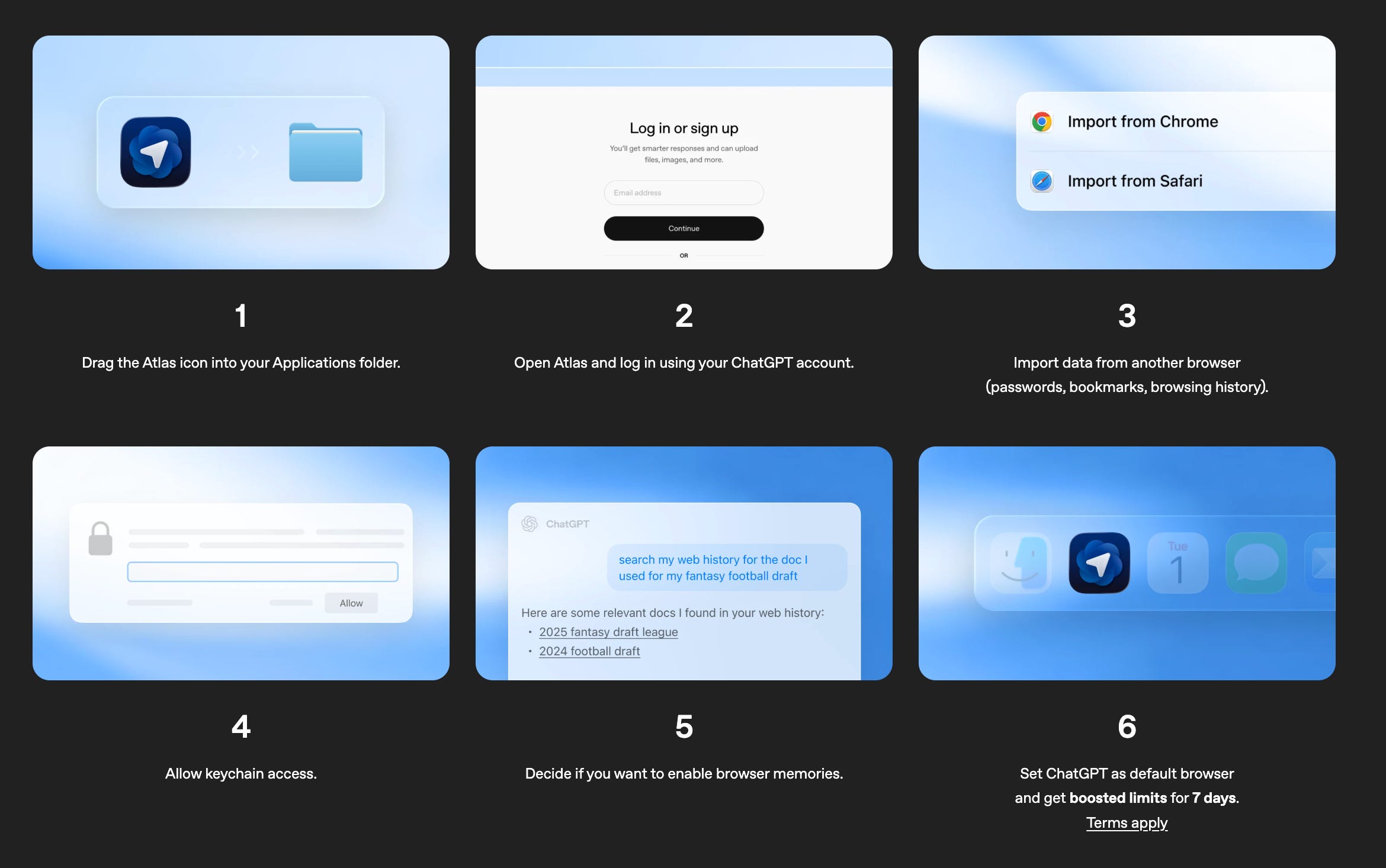
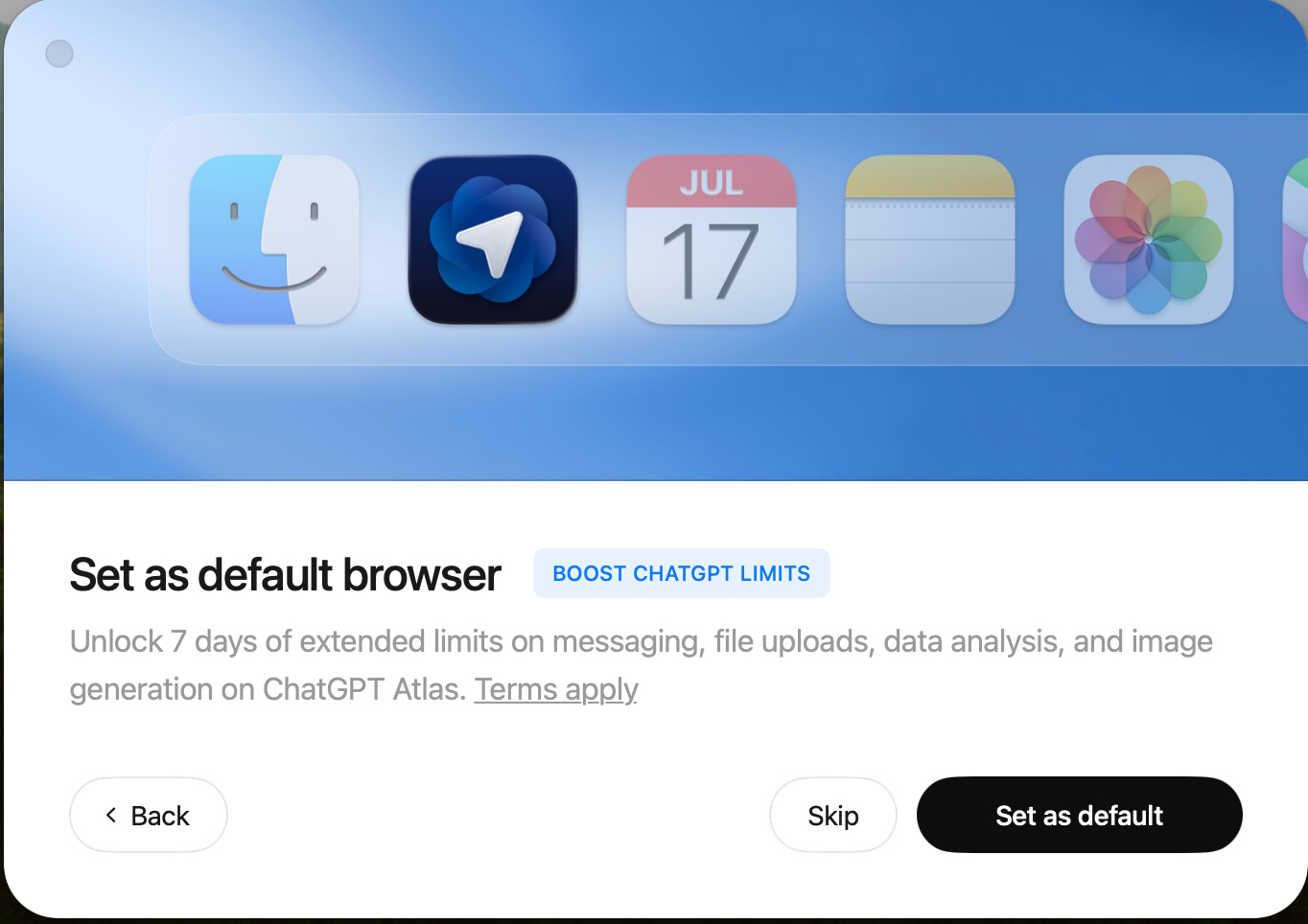
Worth noticing: if you make it your default browser, ChatGPT Atlas gives you more. Did you? Let me know in the comments below.
Also, another funny note: ChatGPT Atlas tells you how long you have had your ChatGPT once you sign up. Such a brilliant marketing move.
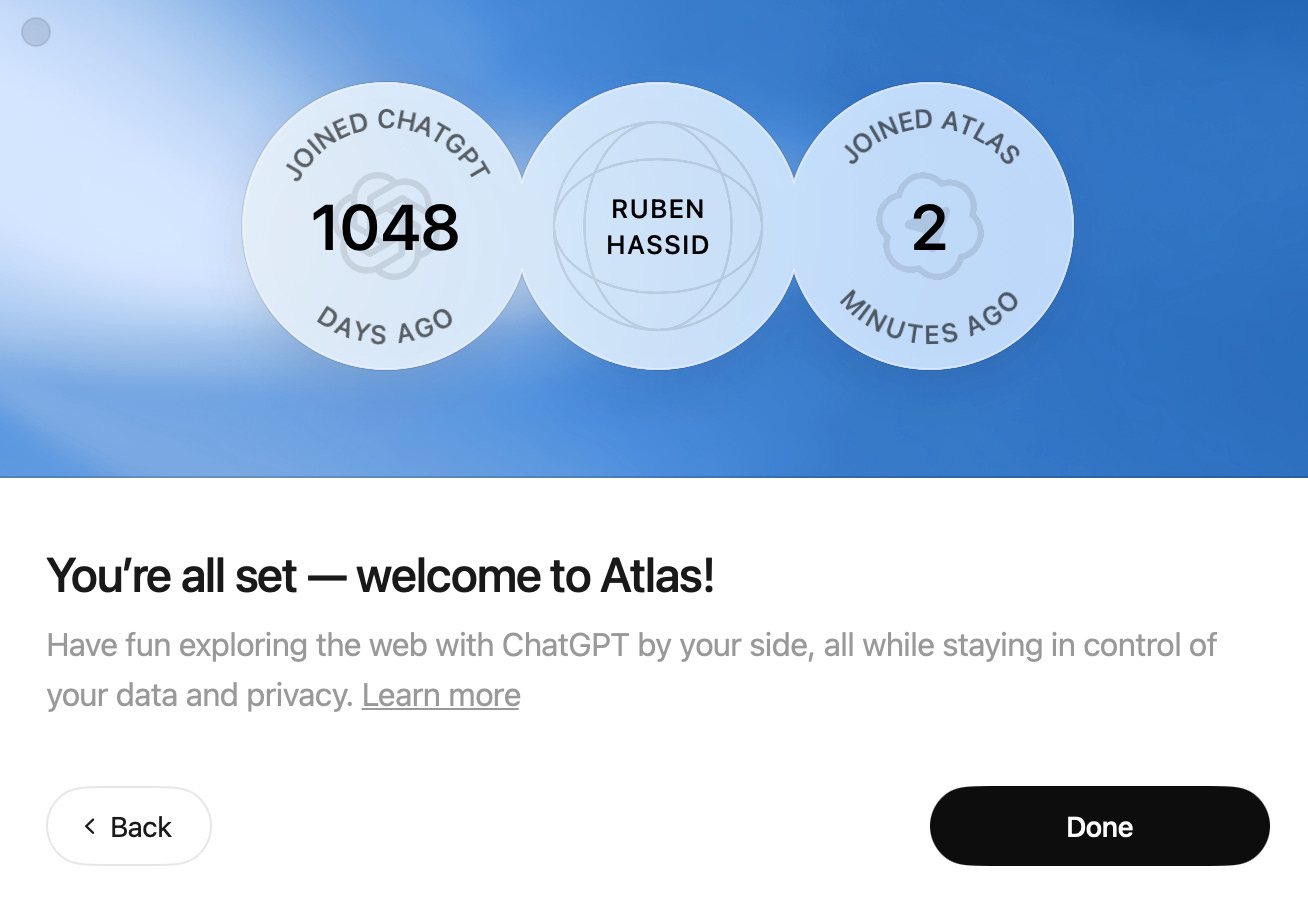
I’m all set. Installing Atlas is one thing.
But the most important is the actual vibe check.
2. My first 24-hour vibe check.
A brain dump of my current vibe check of ChatGPT Atlas.
Default search is ChatGPT
The default search is ChatGPT first, “Google-like” browsing second.
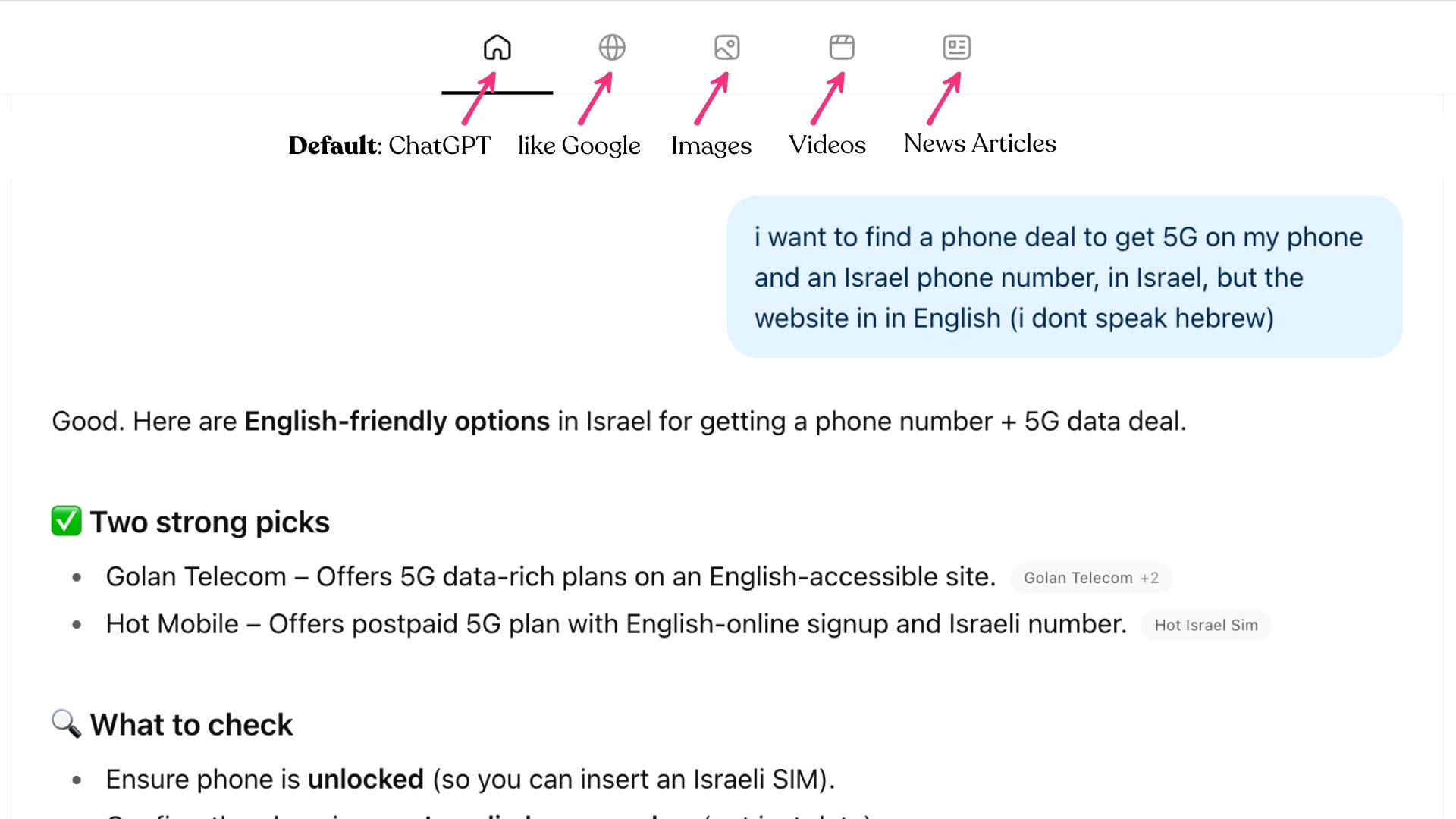
After a couple of minutes, I realized I was no longer Googling anything, unless it’s a specific website. But even specific websites are automatically offered.
Like if I want to go to my Subtack, I just type “Substack” on my navigation bar.
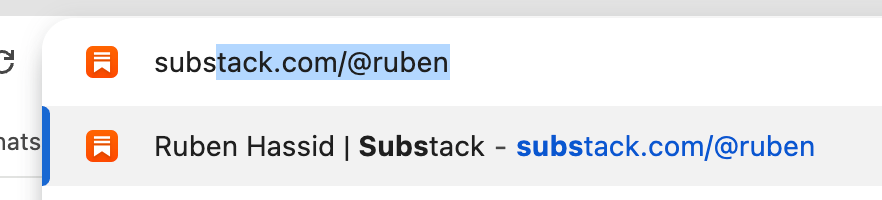
I don’t Google anything. So having ChatGPT as the default makes tons of sense.
Side bar assistant
That’s the whole point of ChatGPT Atlas. The sidebar.
Go to (most) websites, ask any questions with full context.
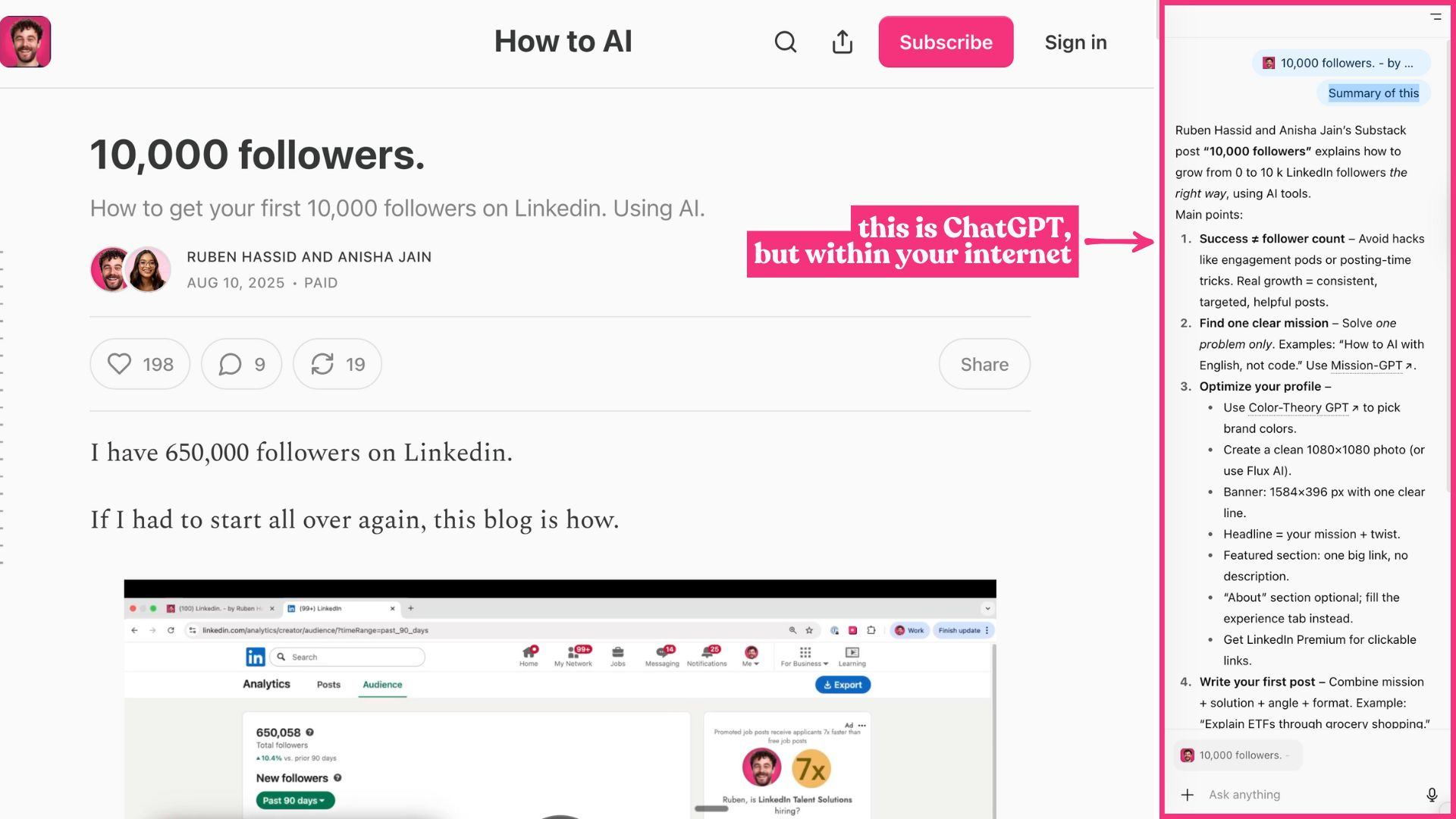
The classic “Summarize this” or “Find this” within the article you read, the Slack you use, or your email provider (to draft emails without copying and pasting).
You can even go broader and ask for a summary of “all of my opened tabs”. I know some of you are clinically insane with 100+ tabs open. That’s a nice hack.
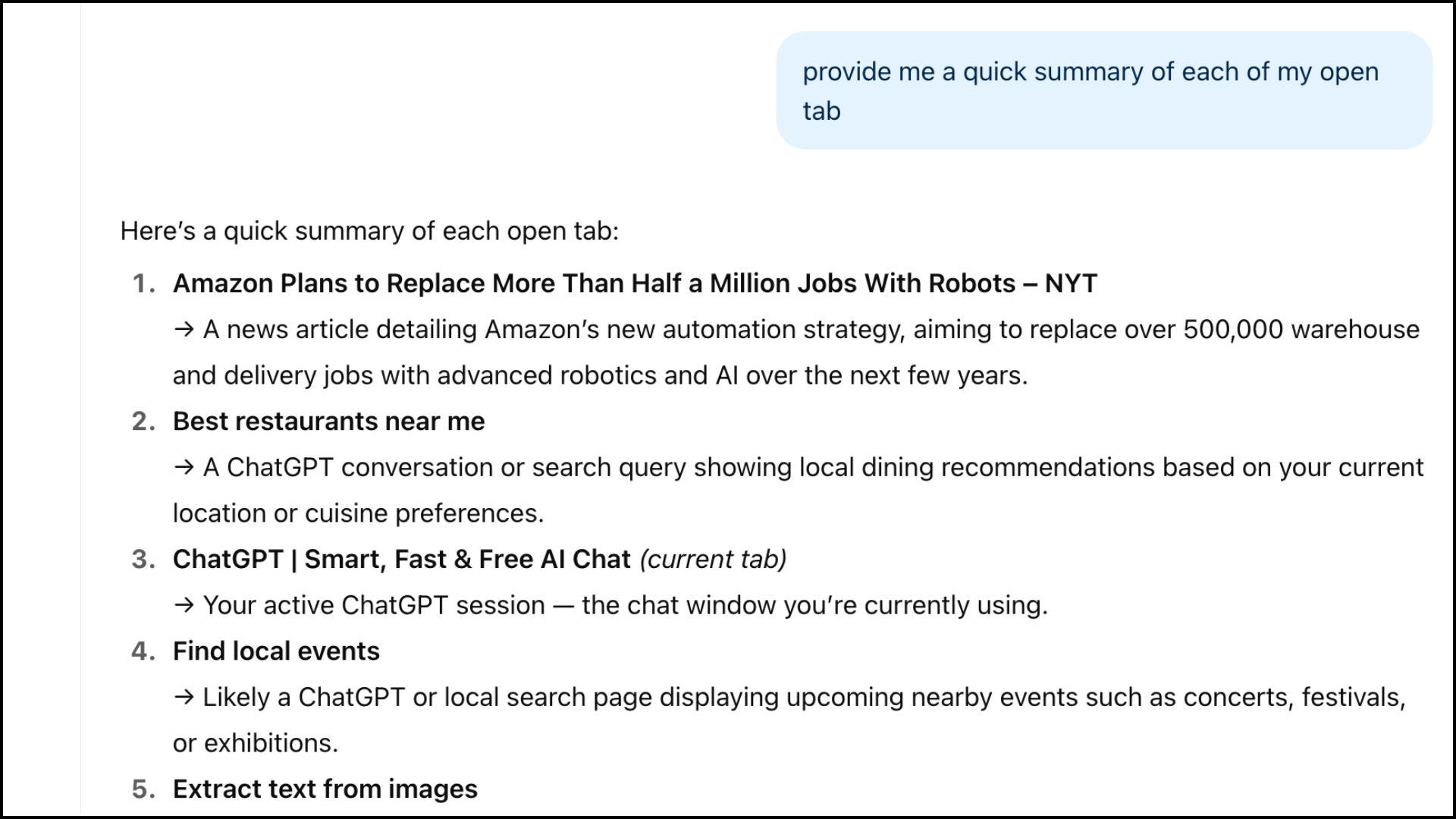
But sometimes, it does not work.
For example, the NY Times filed a lawsuit against OpenAI and blocked its browser from scraping its website.
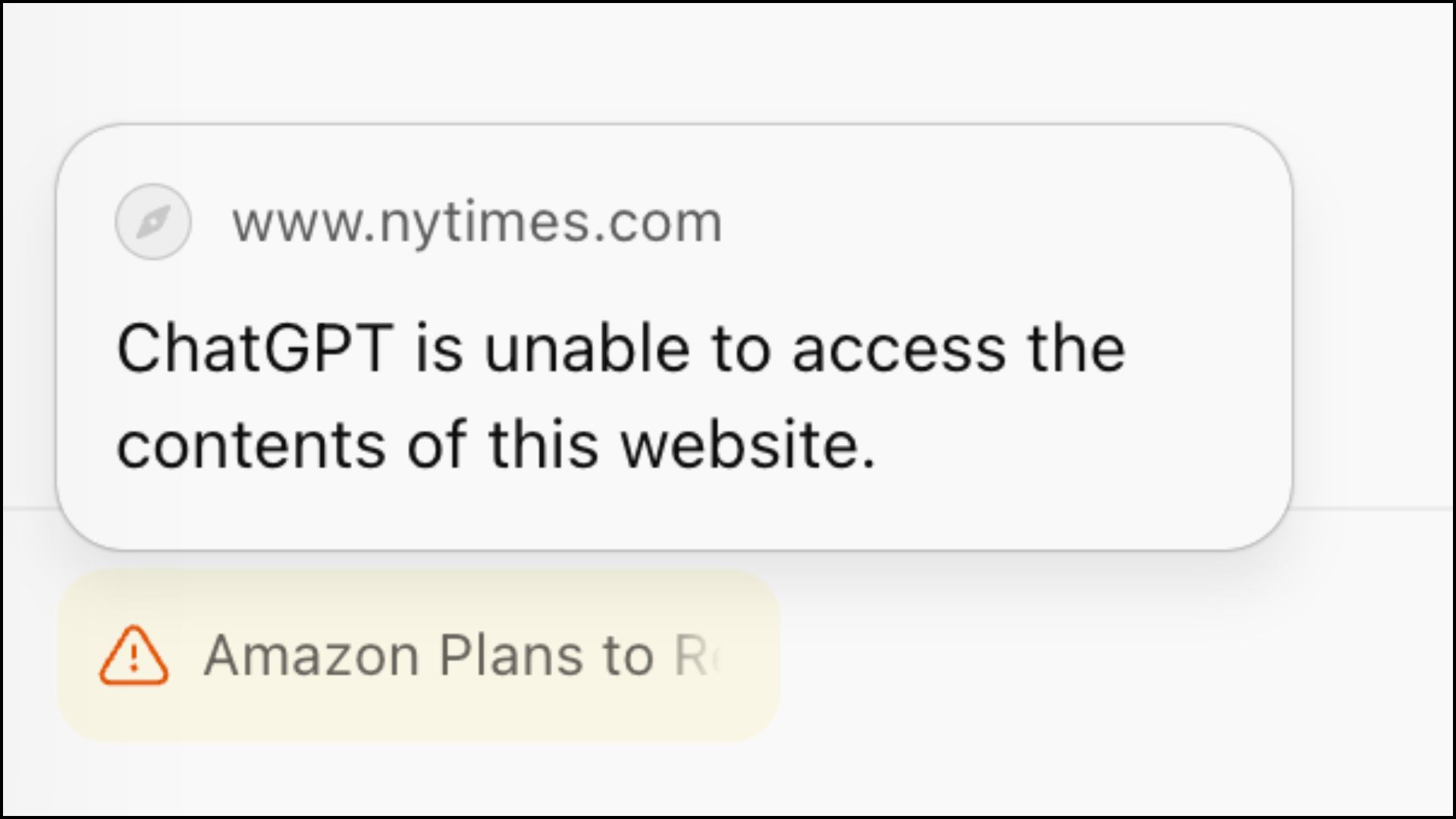
It’s the only one I found doing this, but maybe the first of many more?
Time will tell.
Search through your history
One of my favorite use cases.
Searching through your past history (both ChatGPT and Chrome) is annoying.
But if you use one and only place for everything, it’s finally possible.
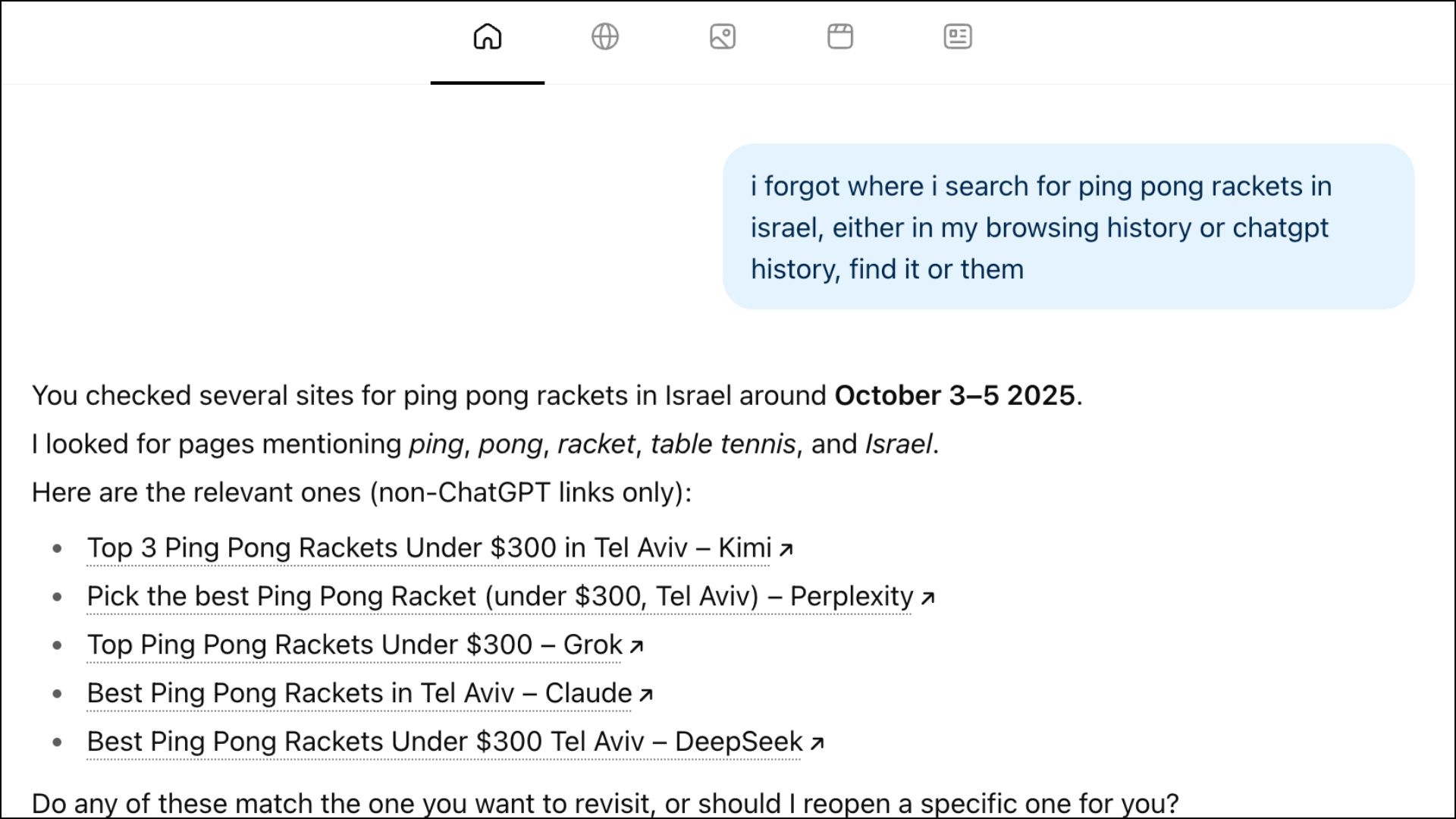
This is level 1 of ChatGPT Atlas. Level 2 is the agent mode.
3. Agent mode: ChatGPT works for you
ChatGPT Atlas has an agent mode, clicking for you & watching what you see.
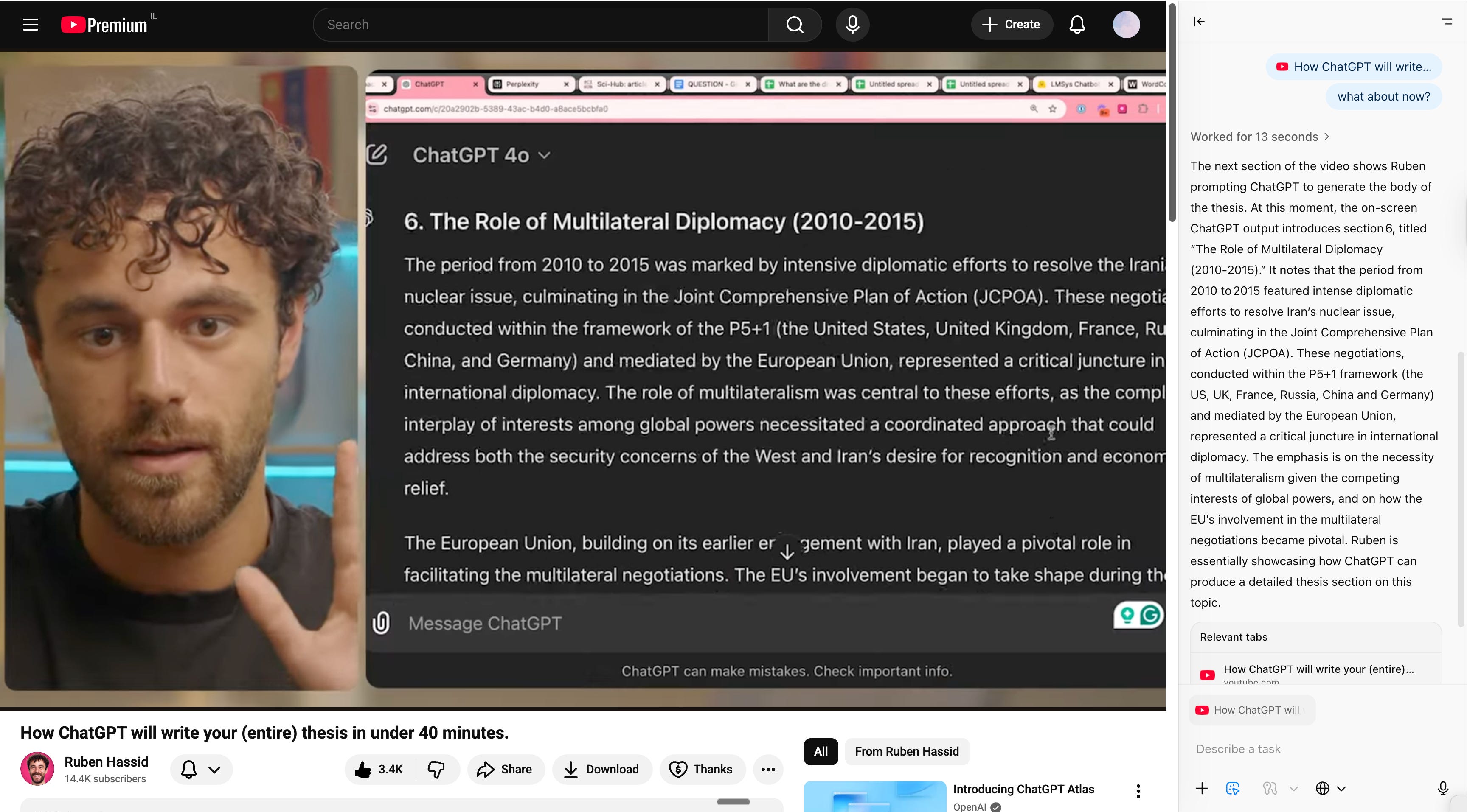
Watch any video, ask anything
This one is fantastic to learn anything.
Open YouTube (or any video).
Ask the agent to pause and explain what is going on.
Fill out a form (in Hebrew?!)
I hit the Substack limits of images :( but I asked Atlas Agent mode to fill out a form in Hebrew. And it did!
Unsubscribe from every marketing email
PS: Don’t do this with my newsletter. Thanks.
Cheating just got too easy. Bye-bye universities?
I did a test.
30 questions on Machine Learning.
ChatGPT Atlas answered every question in about 15 seconds, clicks included.
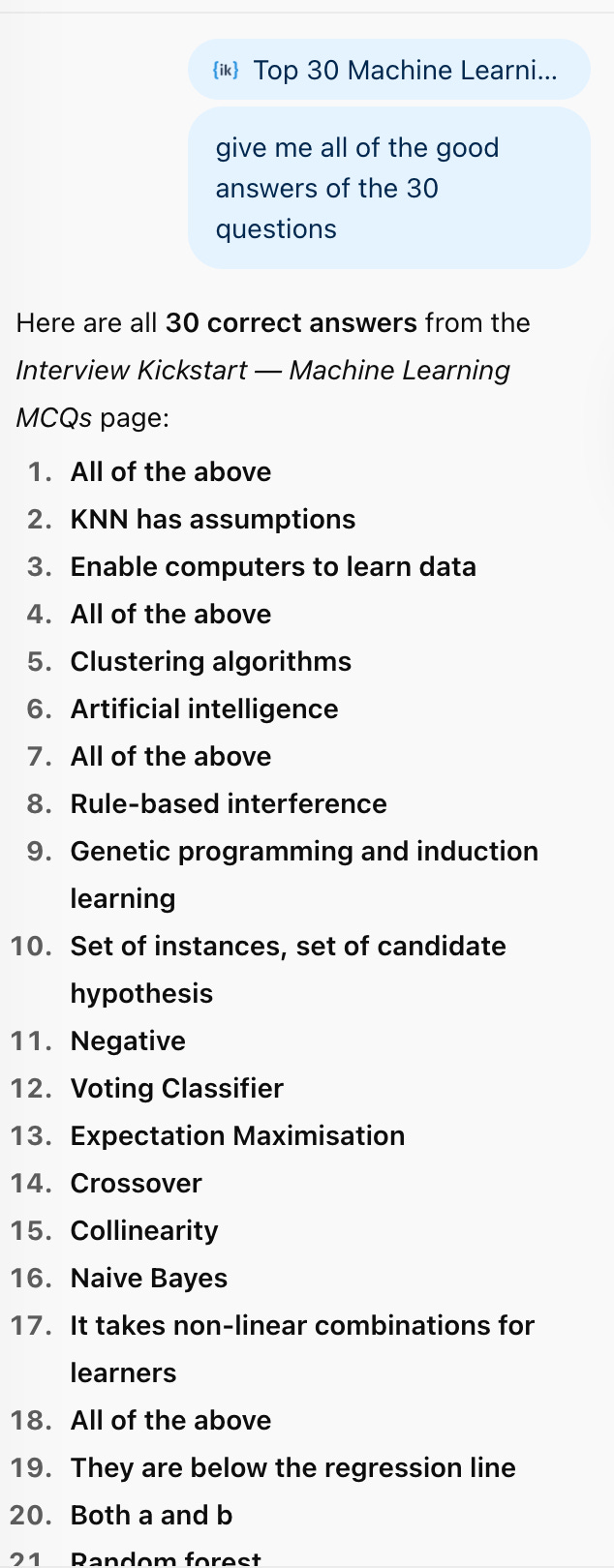
How can universities deal with this? What about technical interviews?
It’s only the beginning. Back to pen and paper?
The bridge between the people who know AI & those who don’t (and only rely on going to the university) is wider day by day.
And that’s all because of the right prompts for the right use case.
Let’s dive into my favorite ones: