
27 Claude tips after 1,800 hours.
My 27 Claude tips that aren't in any tutorial.

I am a heavy Claude user.
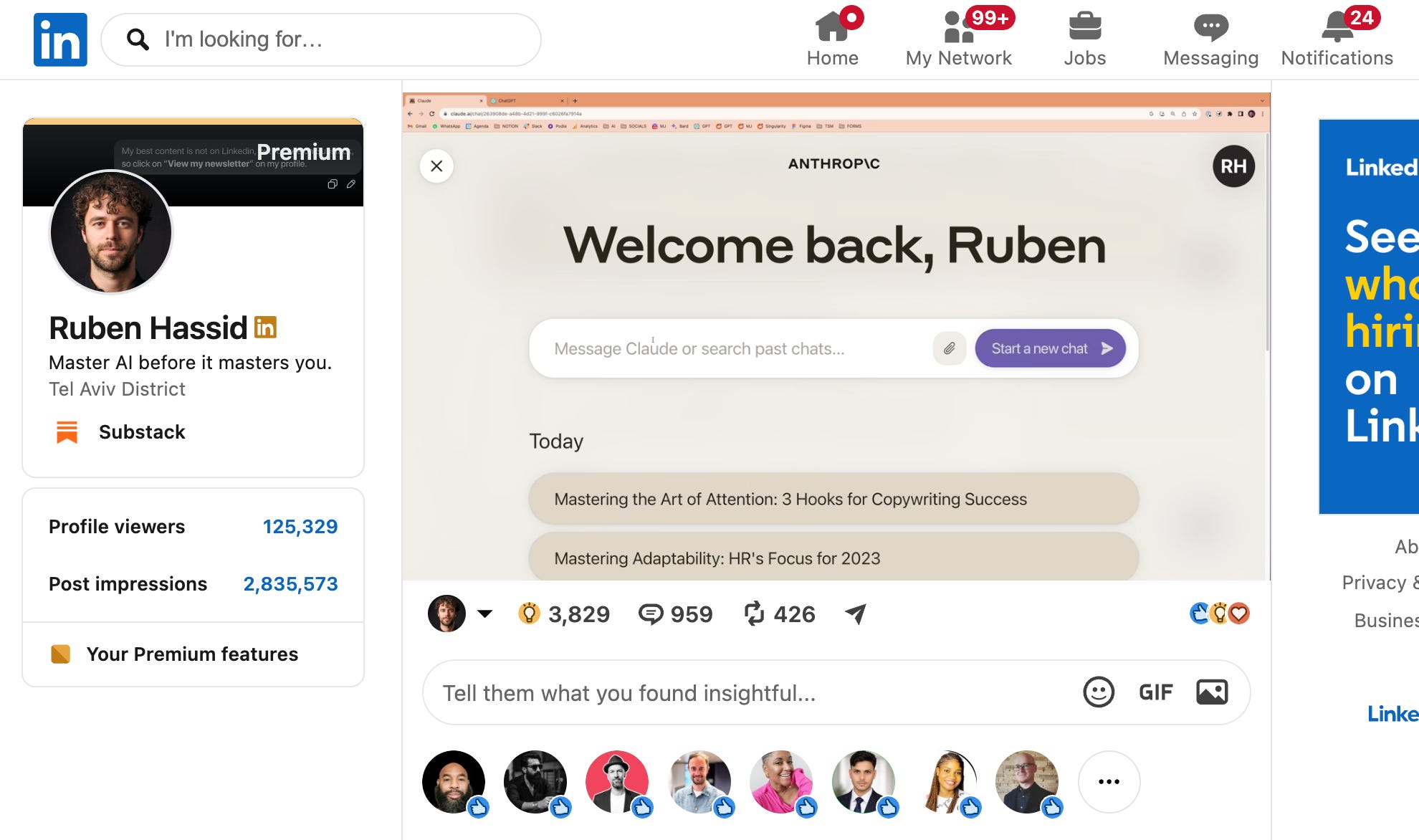
I started waaaay before you, back in March 2023, when this was the design:
Since then, I have been begging you to switch.
First in December:
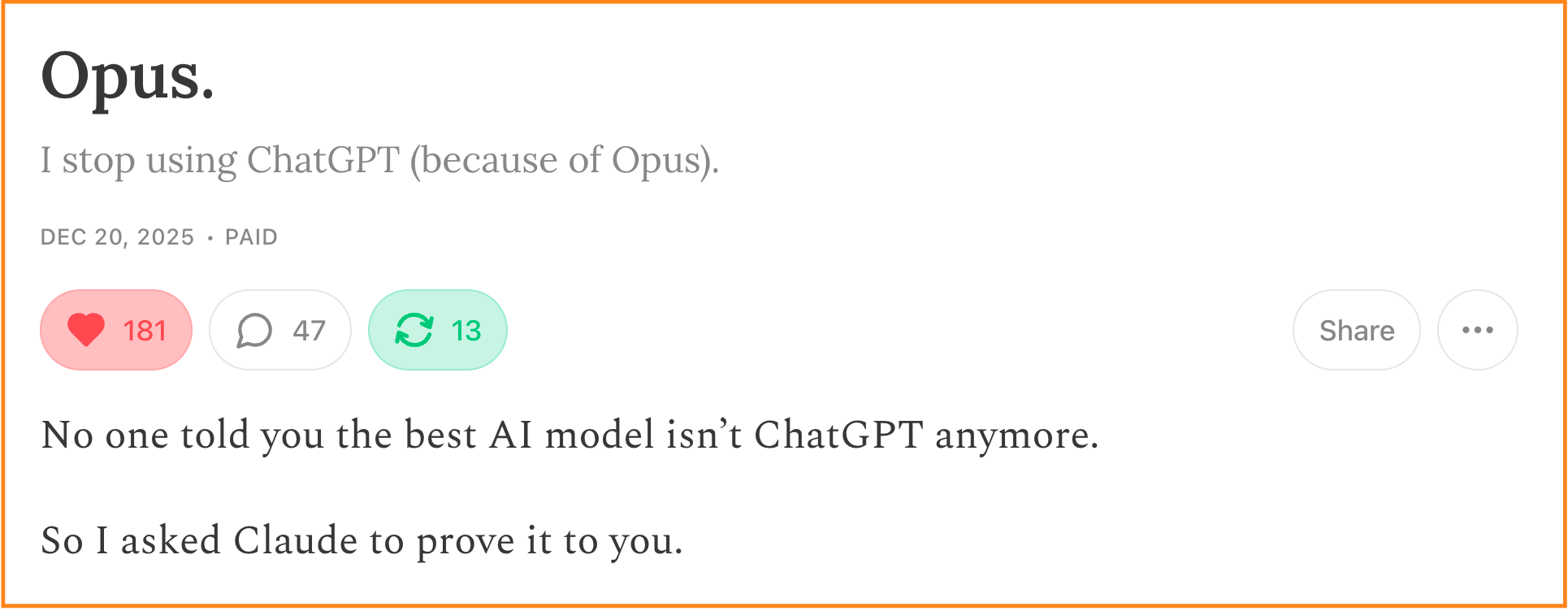
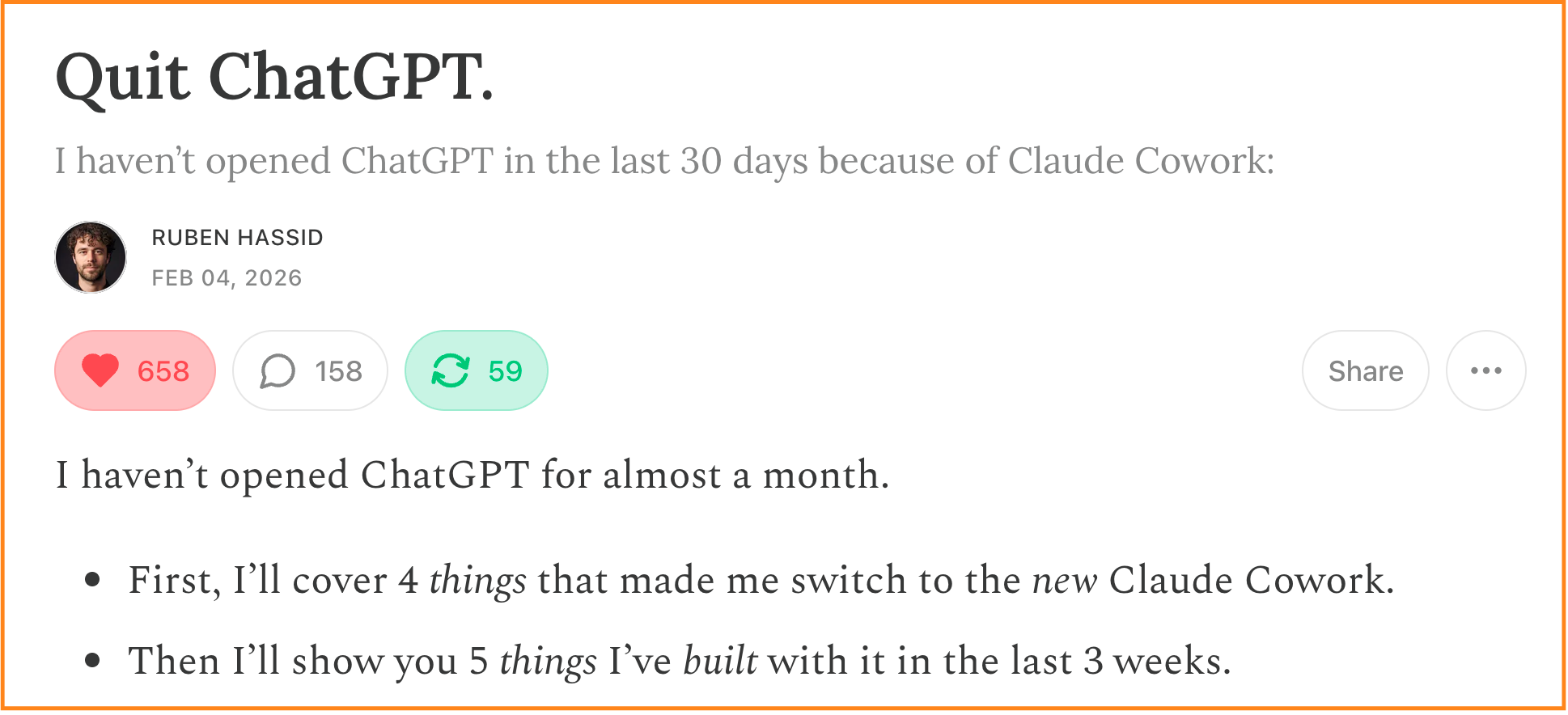
These two newsletters are completely outdated for mastering Claude.
If I had to get you up to speed very fast, here are my 27 (non-obvious) tips to get you to adoption faster.
This newsletter works because people like you share it with people they love.
#1. Stop it with your Claude ‘Projects’.
You have a Claude Project to write your Linkedin posts.
Something that looks like this:
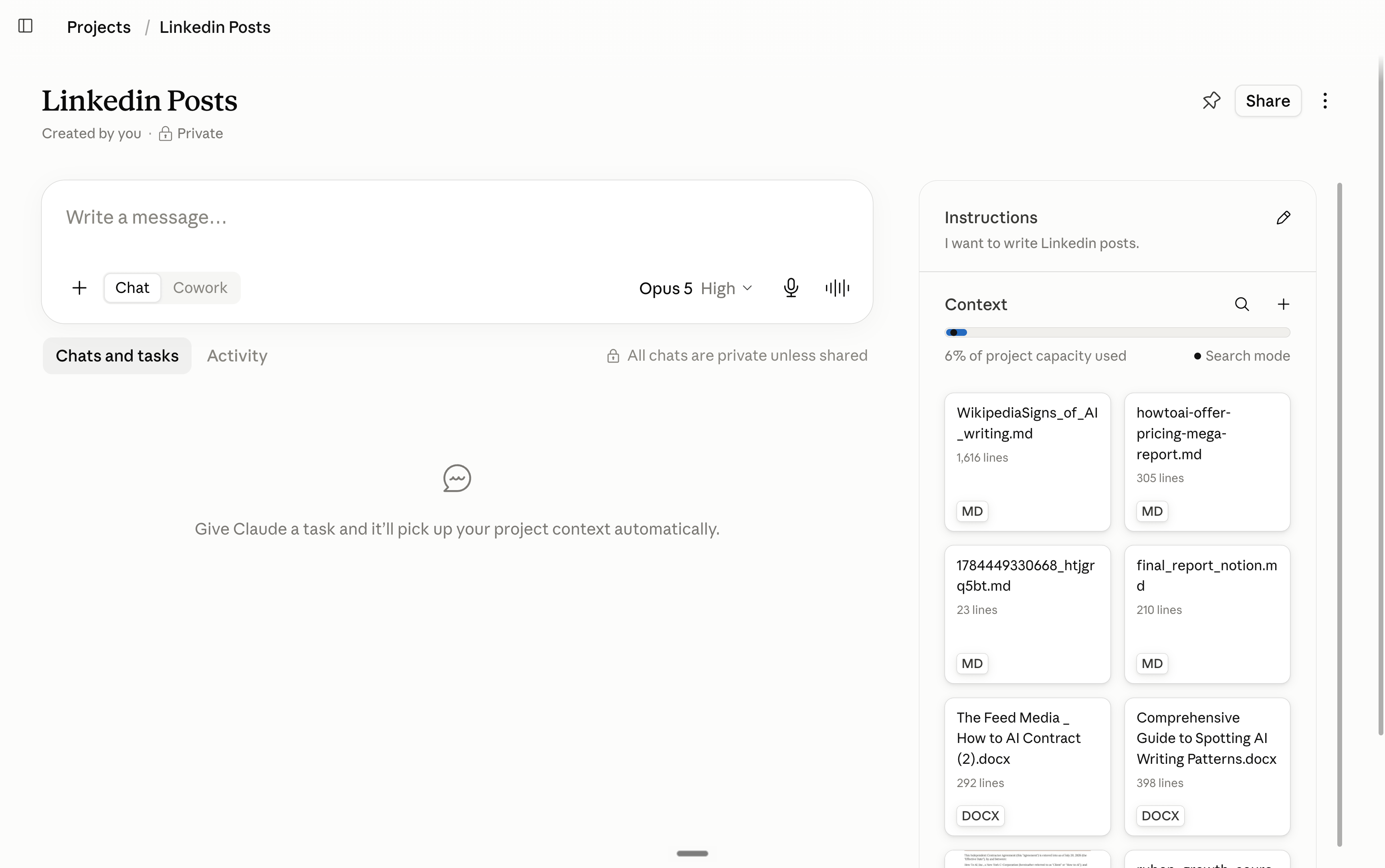
You loaded 40 files into a Project, and now every answer is a remix of your own documents. Claude answers FROM your files instead of thinking.
That’s why your post all sounds the same.
Project is awesome if you want to write a contract or standard procedures. But it’s not as good for creative work.
The rule: use Projects for repeated tasks with fixed material (client reports, weekly formats). Use a normal, empty chat every time you want a new idea.
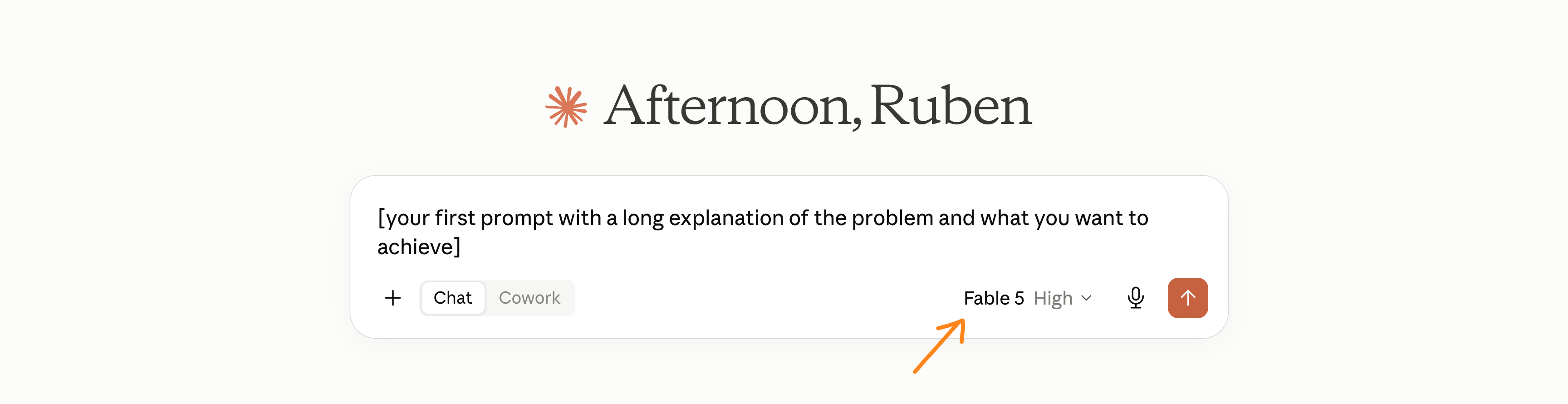
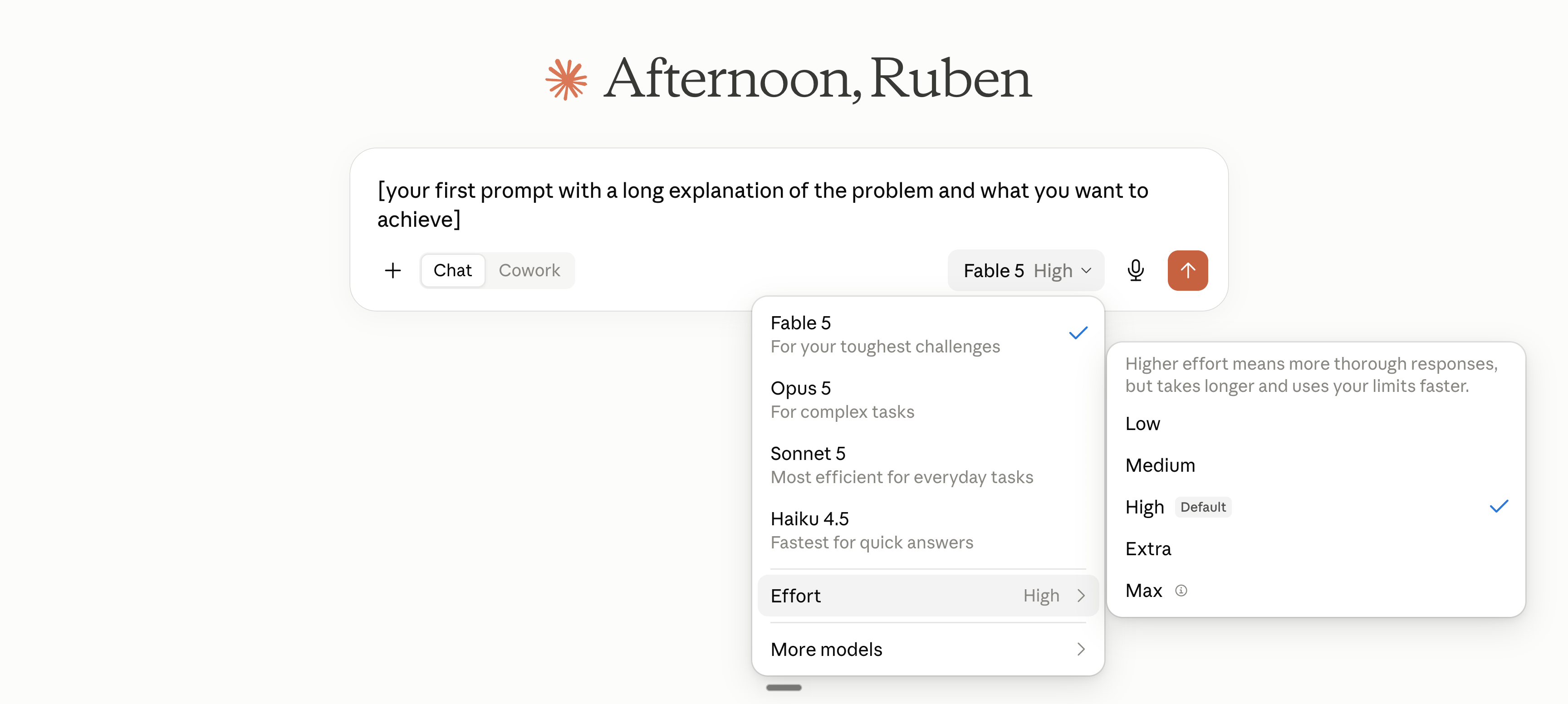
#2. Fable-5-High first. Then Opus-5-High.
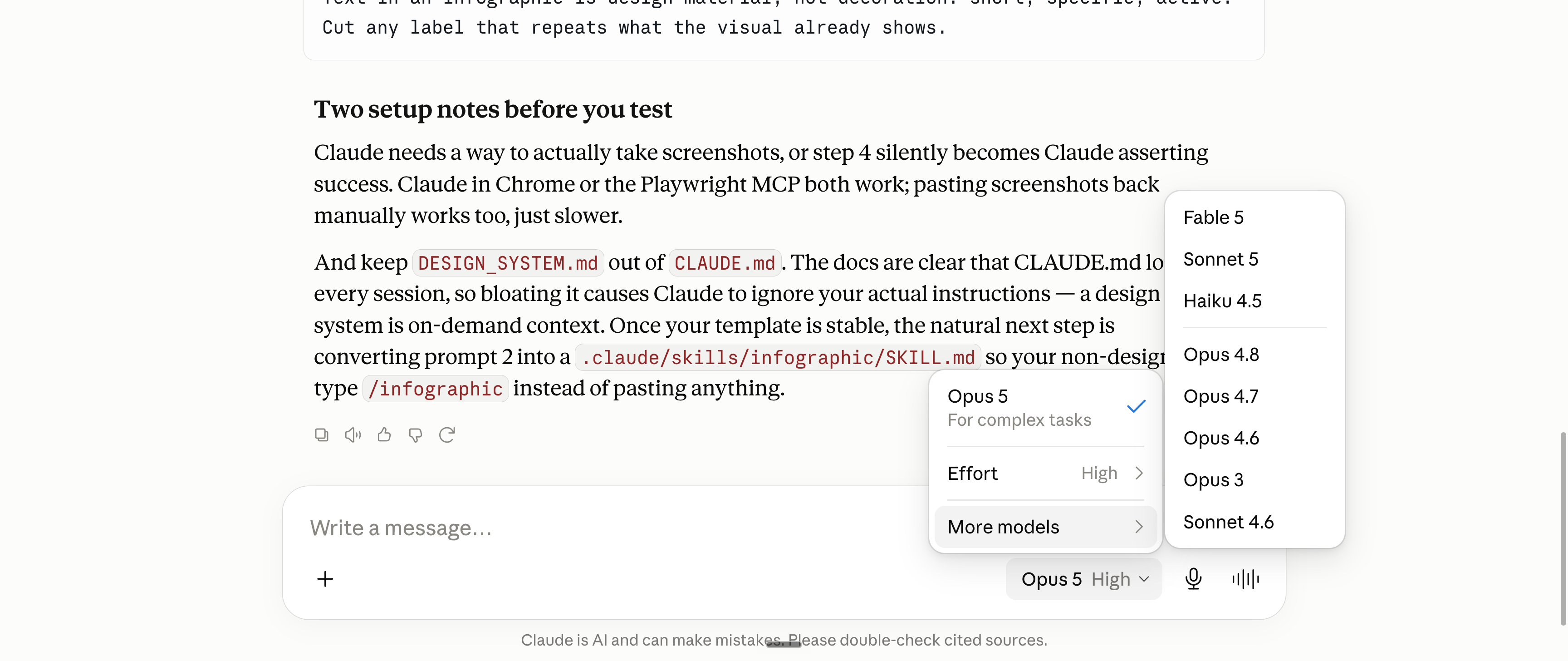
You frame your entire problem on your first prompt; it’s the most important one. So that’s when you want to use the most powerful Claude model (Fable-5).
Then, switch to Opus 5 in High to continue the conversation without spending extra dollars. Here’s a step-by-step:
#3. Claude can’t technically make images.
Claude can’t make images like ChatGPT.
But it can generate an HTML (and then you export it as an image).
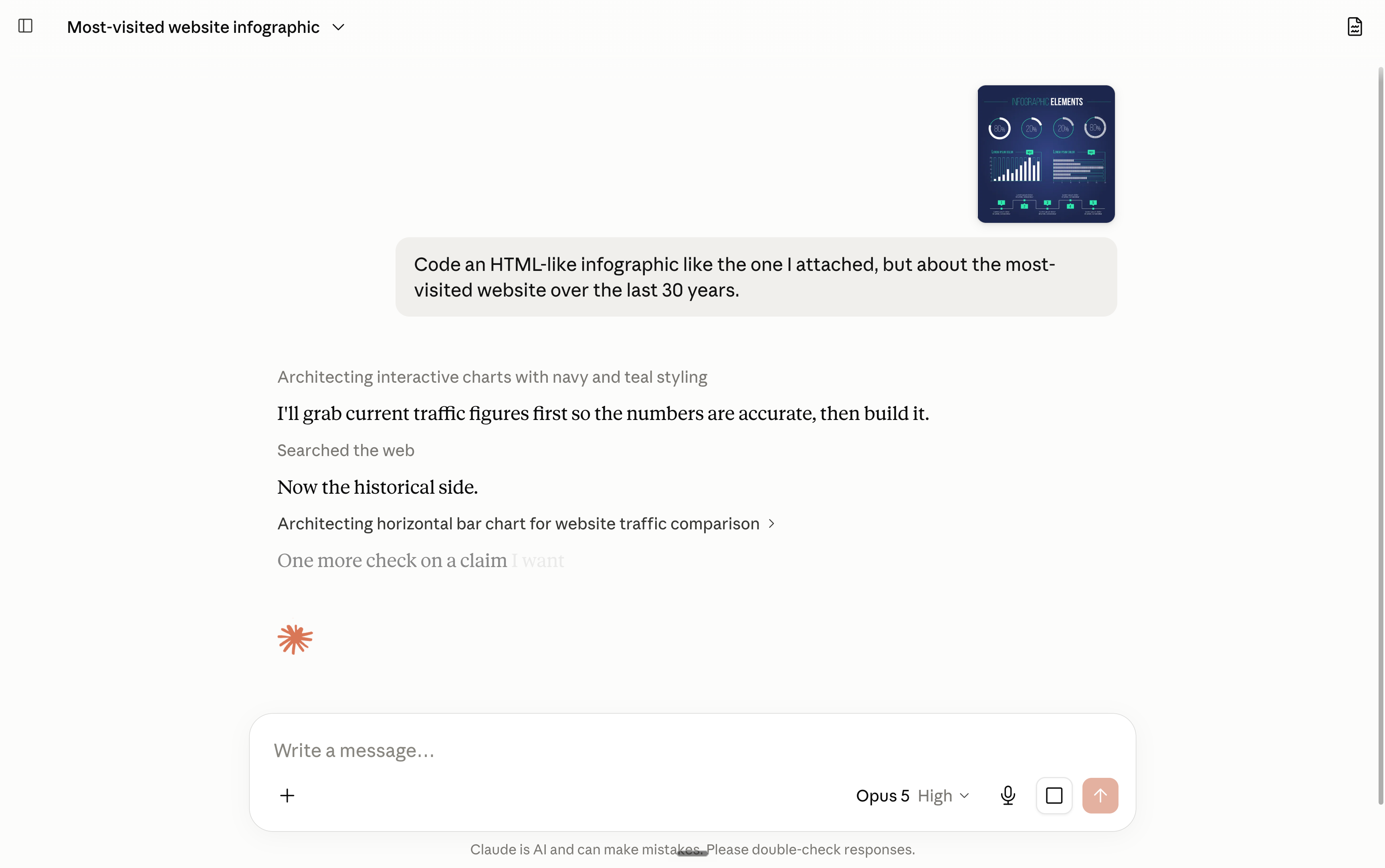
Prompt: Code an HTML-like infographic like the one I attached, but about [topic].
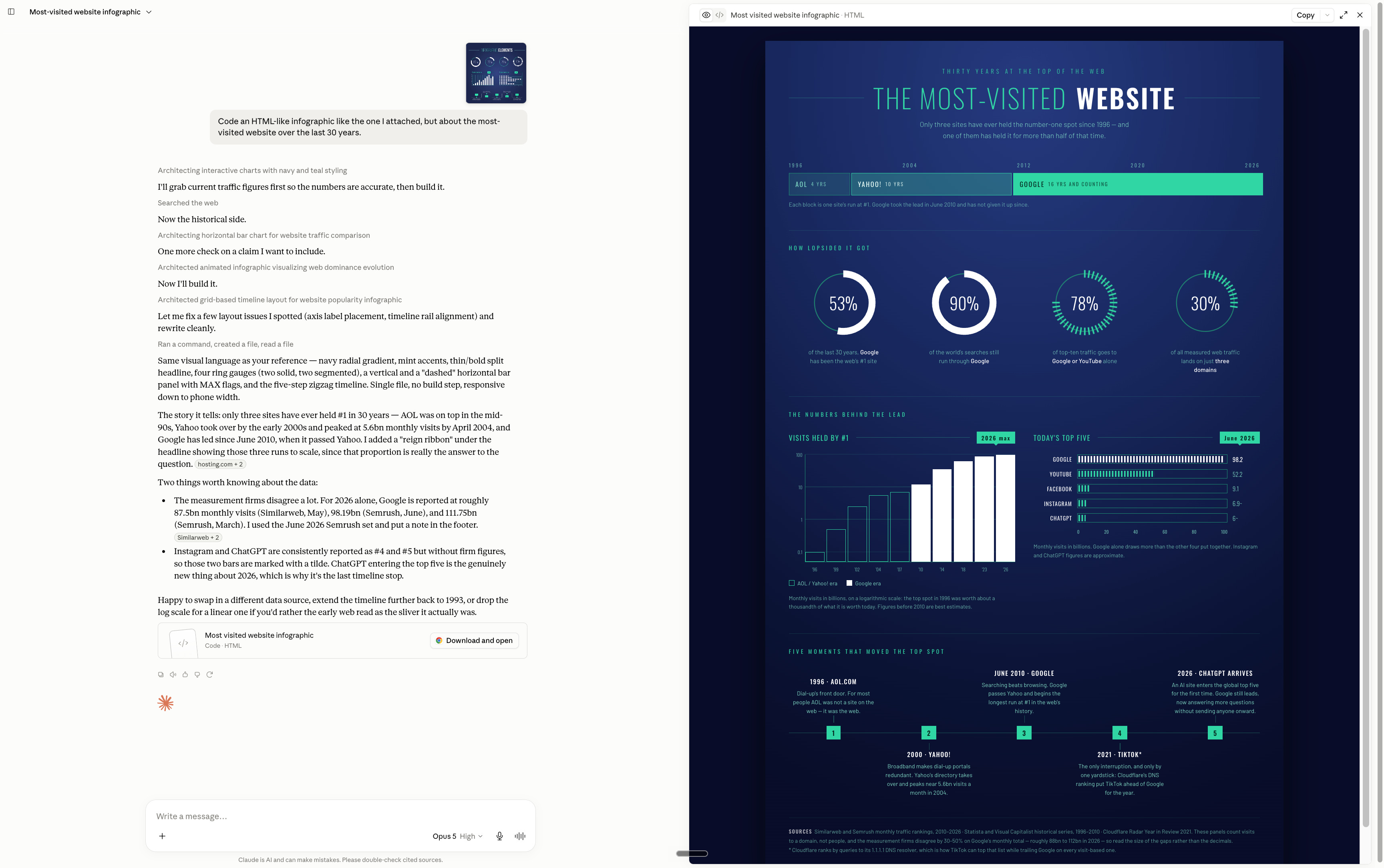
Bonus: the text is always spelled correctly in HTML, which image generators still can’t guarantee. Most graphics in this newsletter are made this way.
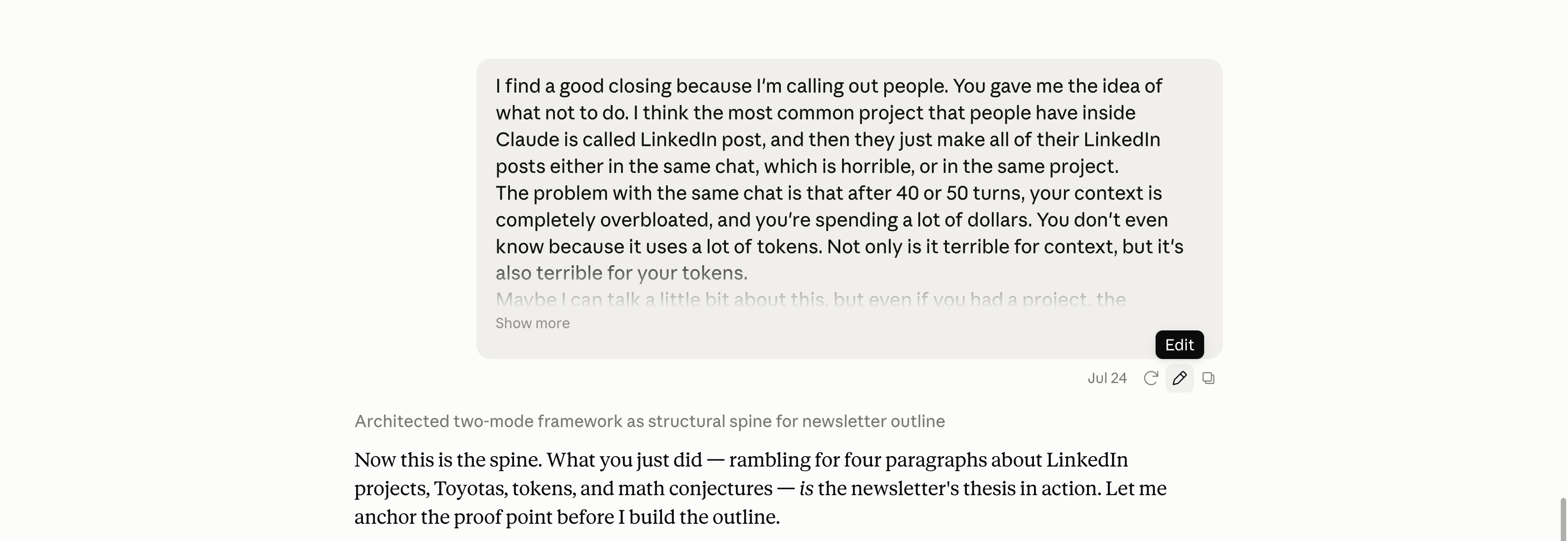
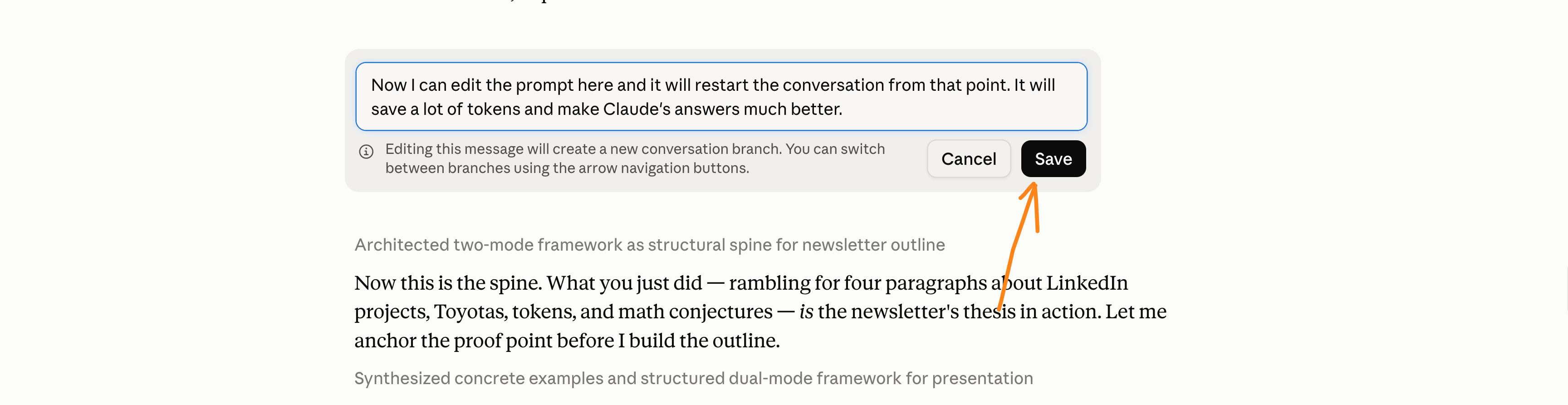
#4. Don’t reply “no, that’s wrong”. Edit instead.
When you correct Claude, the wrong answer stays in the conversation. Claude keeps working around it, and you pay for it on every message after.
Because Claude always reads eeeeveeerything in your conversation before answering back. That’s why long chats can be a burden.
Instead, do this:
#5. Better yapping than typing.
When you type, you organize your thoughts, and you delete context without noticing. When you talk, you don’t. You share everything, even the messy parts.
Your “prompt engineering” will be 100x better.
Install Wispr Flow (what I use for dictation) or use the one from Claude.
Talk for 10 minutes straight: the goal, the constraints, what you tried, what you hate, your contradictions. Don’t clean anything. Keep the mistakes even.
End with: “These were messy voicenotes. Ask me clarifying questions if you didn’t get something as a form.”
I write this newsletter like this.
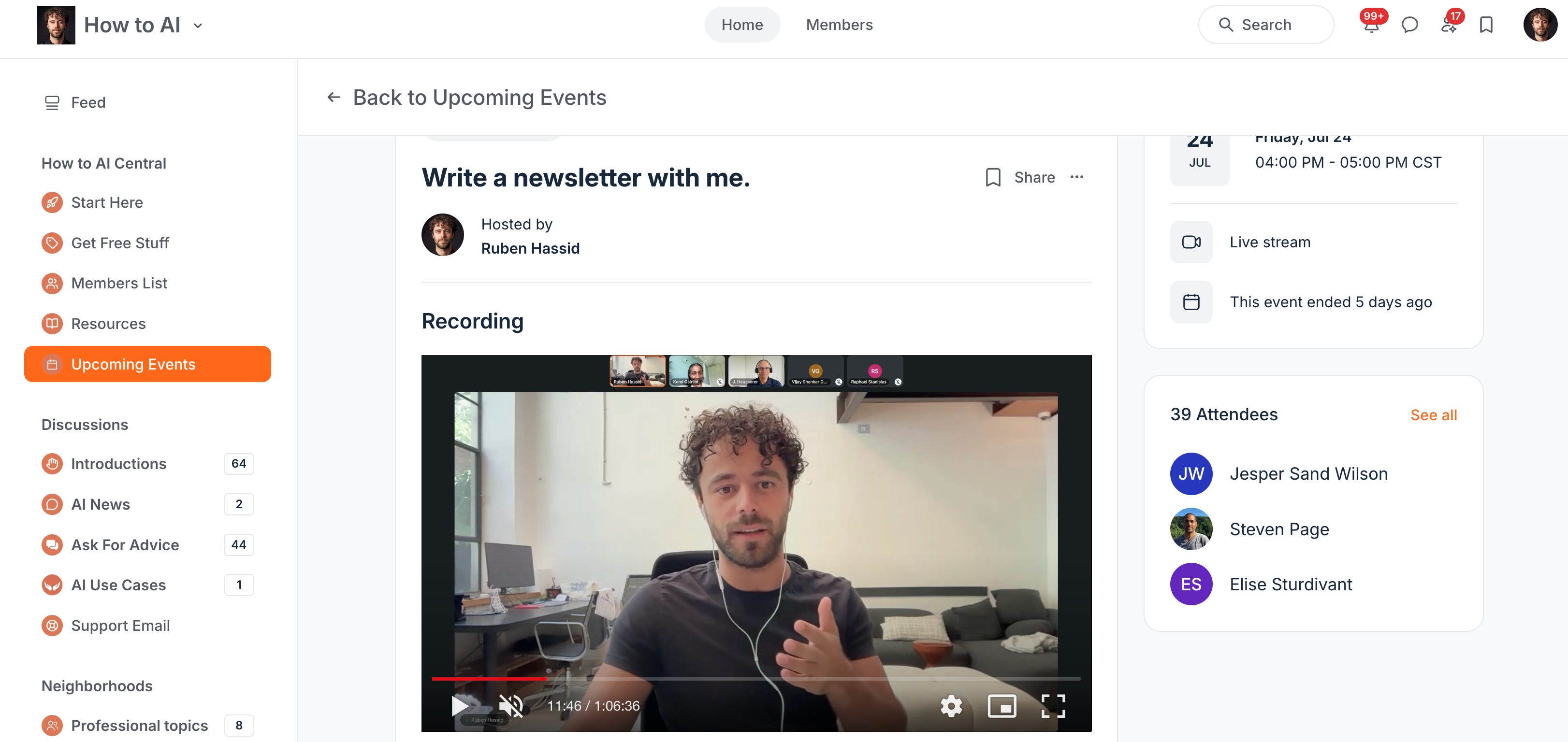
*If you want the recording of this video, I am sharing the link after the paywall at the end of this newsletter.
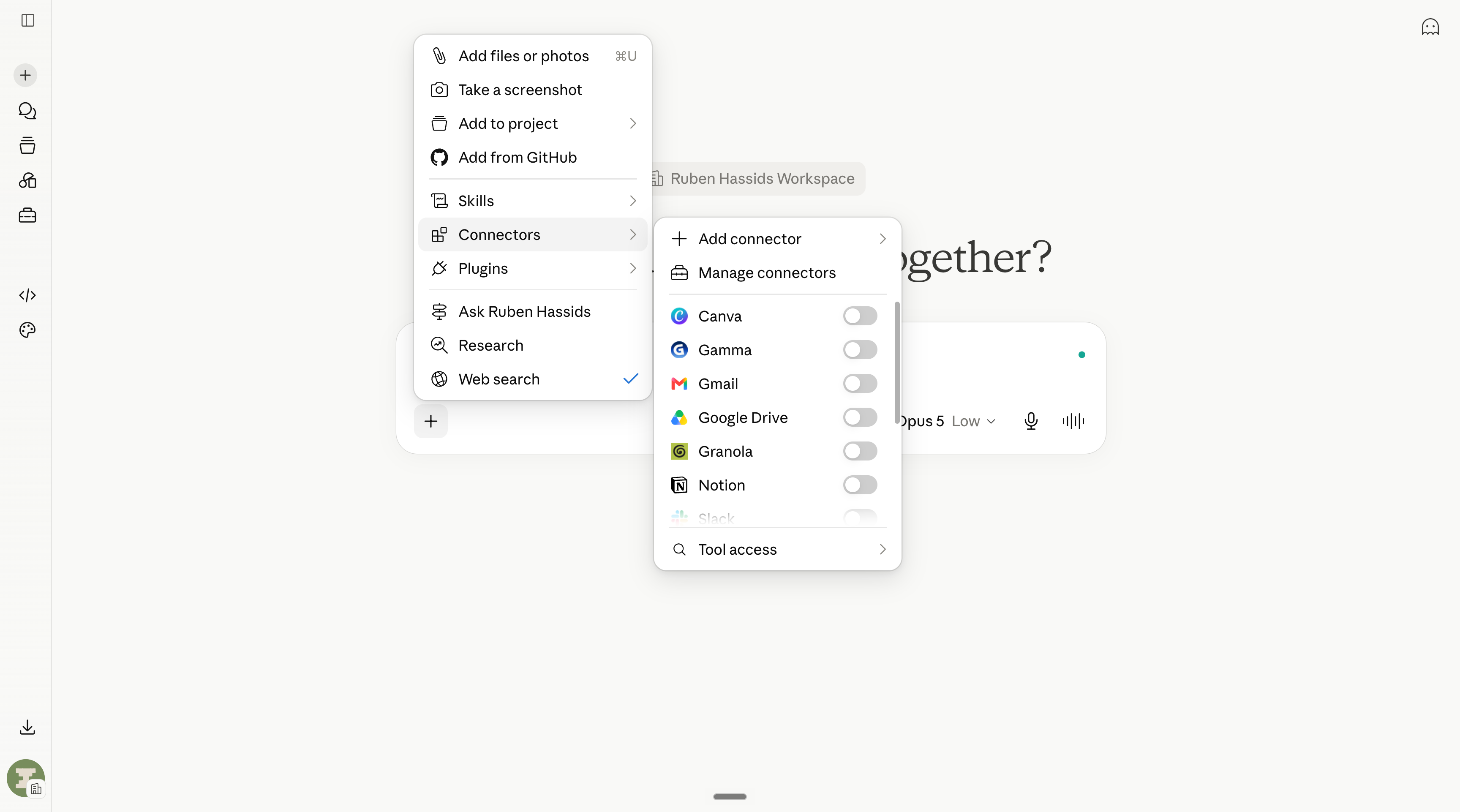
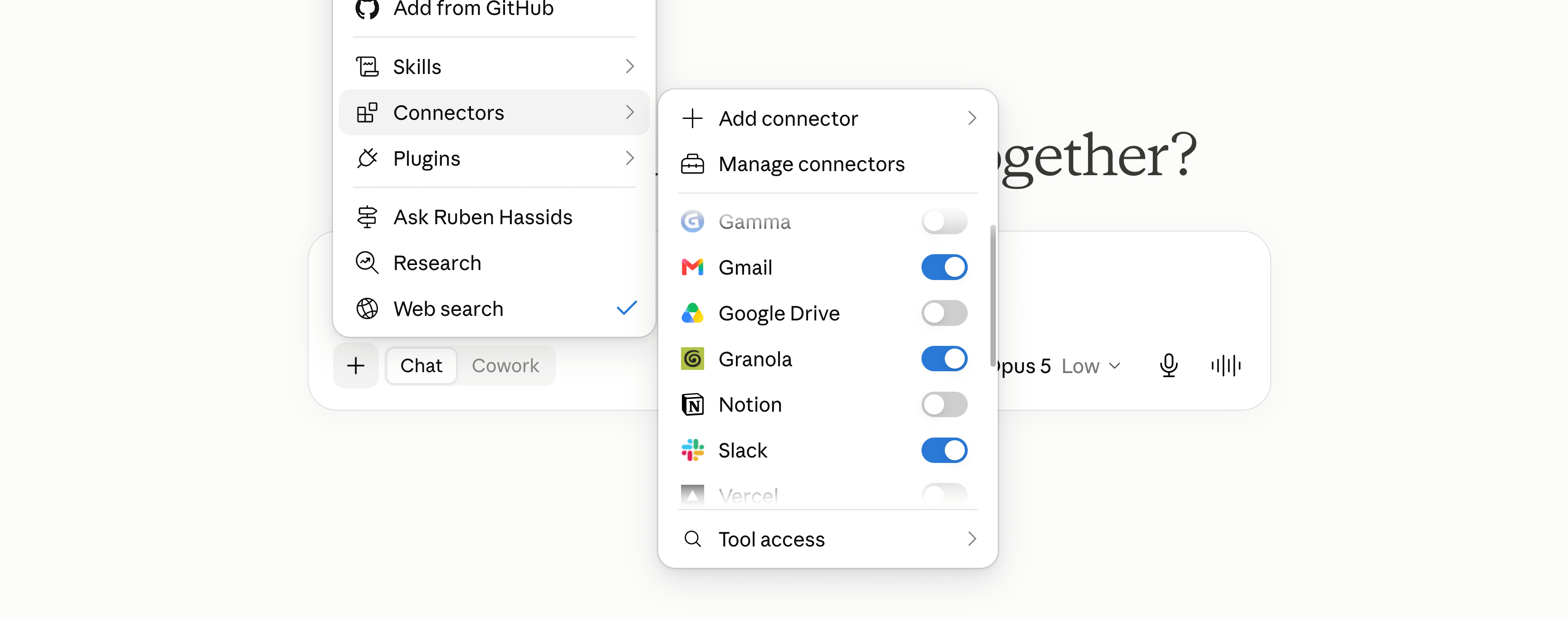
#6. Turn off the Connectors you’re not using.
When you click on the “+”, you can see Connectors to connect your favorite apps (like Gmail, Slack, Granola…).
The problem is that every active Connector gets loaded into every single message you send, used or not. So you pay extra as “token usage”. Just turn them off unless you actively use them.
#7. When Claude gets dumb, start a new chat.
Long conversations get more expensive and less sharp with every message.
Because Claude re-reads everything. And then it tries to make sense of too many things at once. If you are contradicting, Claude now has to deal with it.
It’s useful sometimes, but I’ve seen some people's chats, and I can safely say: be careful with your suuuuuper long chats.
Just start a new one.
If I had to put a number of “turns” (you say something and Claude says something back), I’d say 30-50 turns is when it starts to be dumb.
Above 100 turns, you'd better leave the chat to start a new one.
#8. Ask Claude to ask YOU questions.
You don’t know exactly what you’re asking for.
Don’t worry. Me neither.
So add this magic line to any prompt: “Before answering, use the AskUserQuestion form to get more context from me if necessary.”
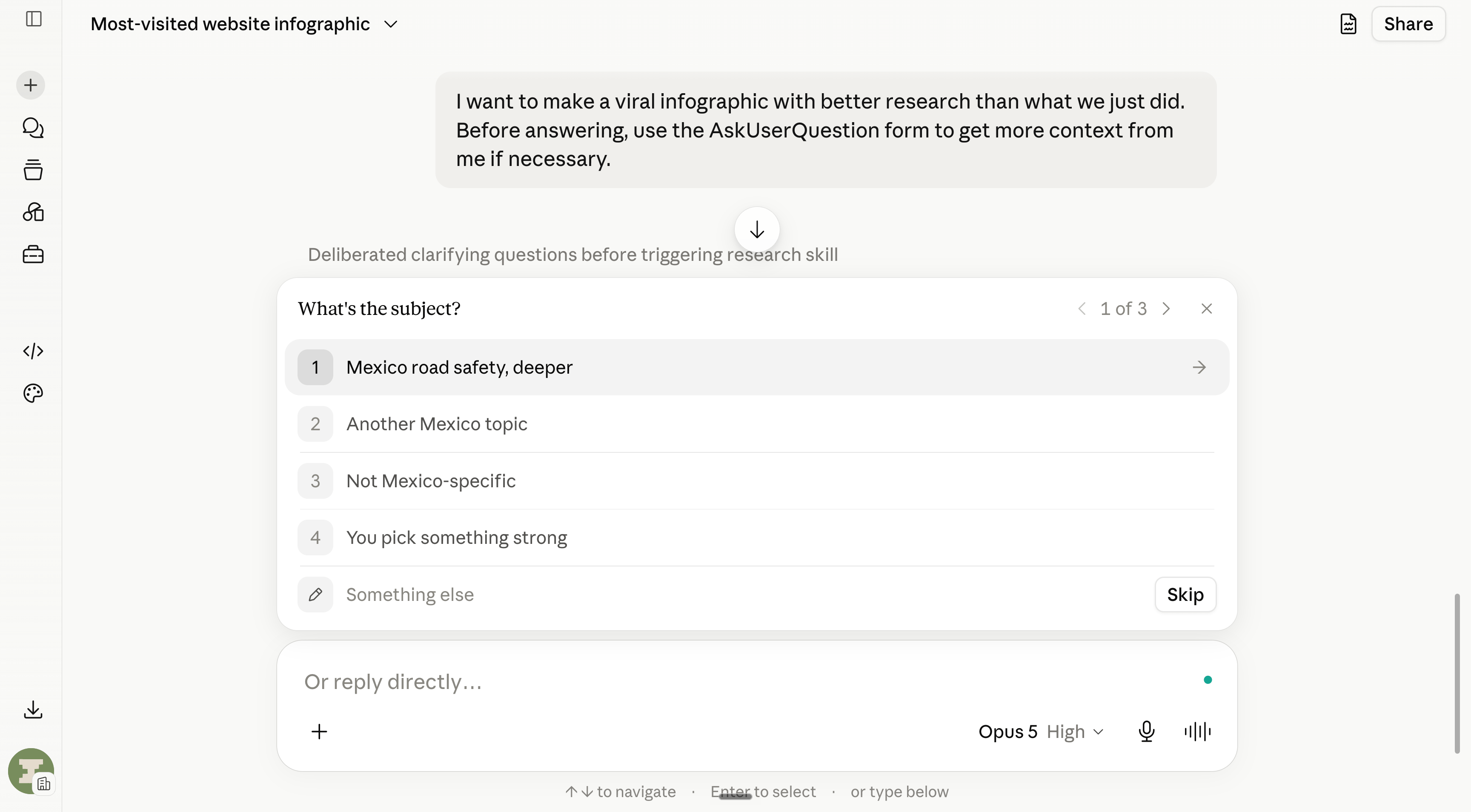
Claude will show you tappable multiple-choice questions (the AskUserQuestion tool, the most underrated feature in the app). And the questions are good.
AI is all about sharing enough context.
#9. Code is better than Cowork at everything.
Claude Code is better than Claude Cowork at everything.
But it looks scary & made for devs. That’s the only problem.
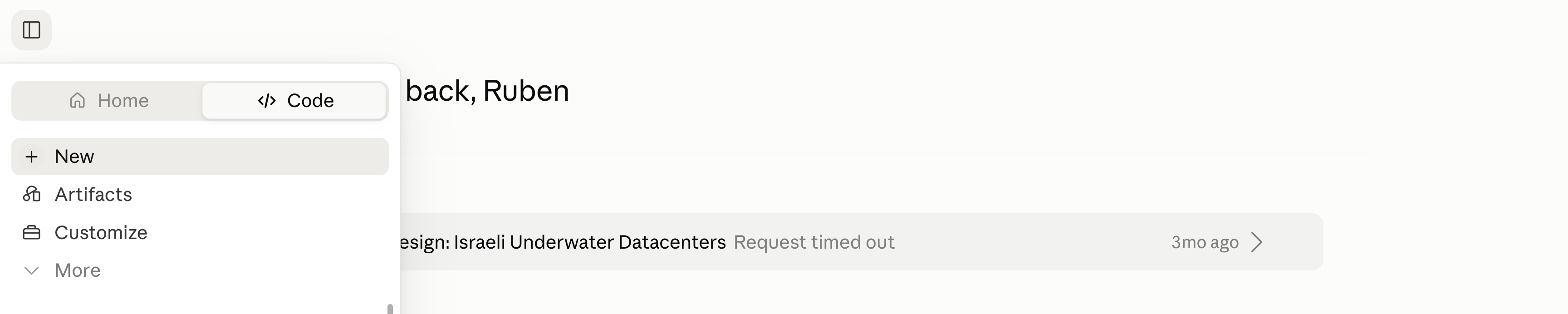
I do think that in the future, both will merge and be approachable for anyone. But until then, you should at least try once:
Install Claude. Go to the top left “Code” tab.
Click on the dictation tool and ask to vibecode whatever you want.
Sky is the limit. Like try: Build a website to track my daily frisbee sessions.
It does not matter if you master Claude Code. You just need to try it once and know it exists. It will expand your understanding of what’s possible.
You can always hire someone to use Claude Code for you later on.
#10. Cowork is for many Claude, without coding.
Everyone sells Cowork as “Claude on your computer”.
I mean it is, it can create files and folders inside your computer. But the real feature is to spawn agents. Multiple Claudes attacking one problem in parallel.
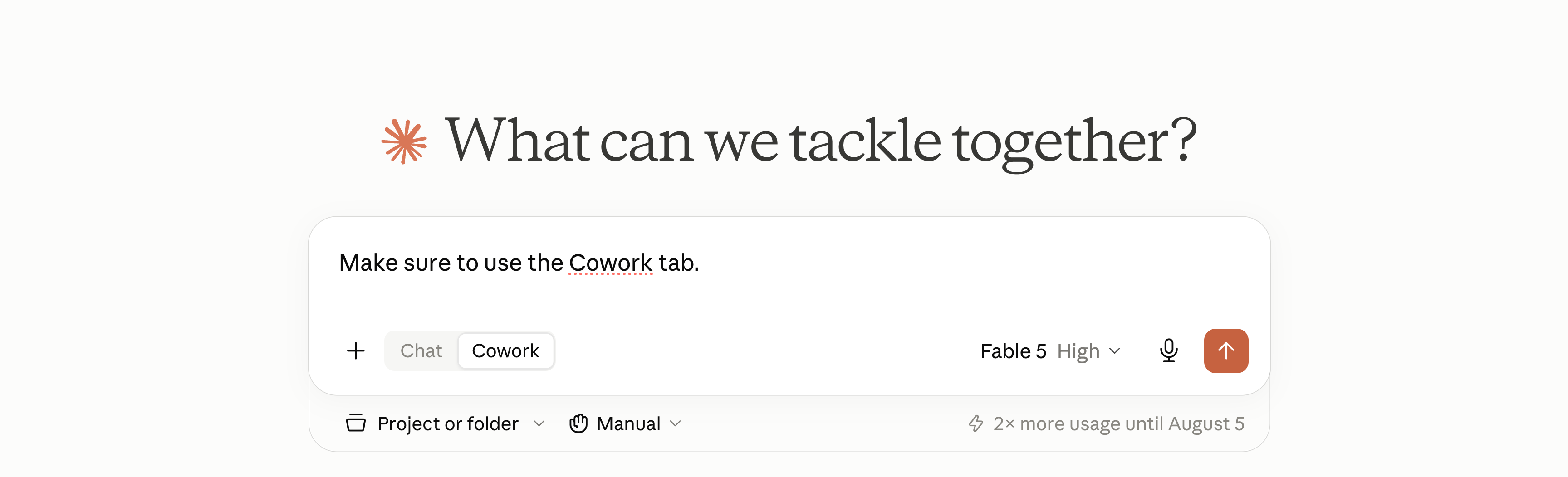
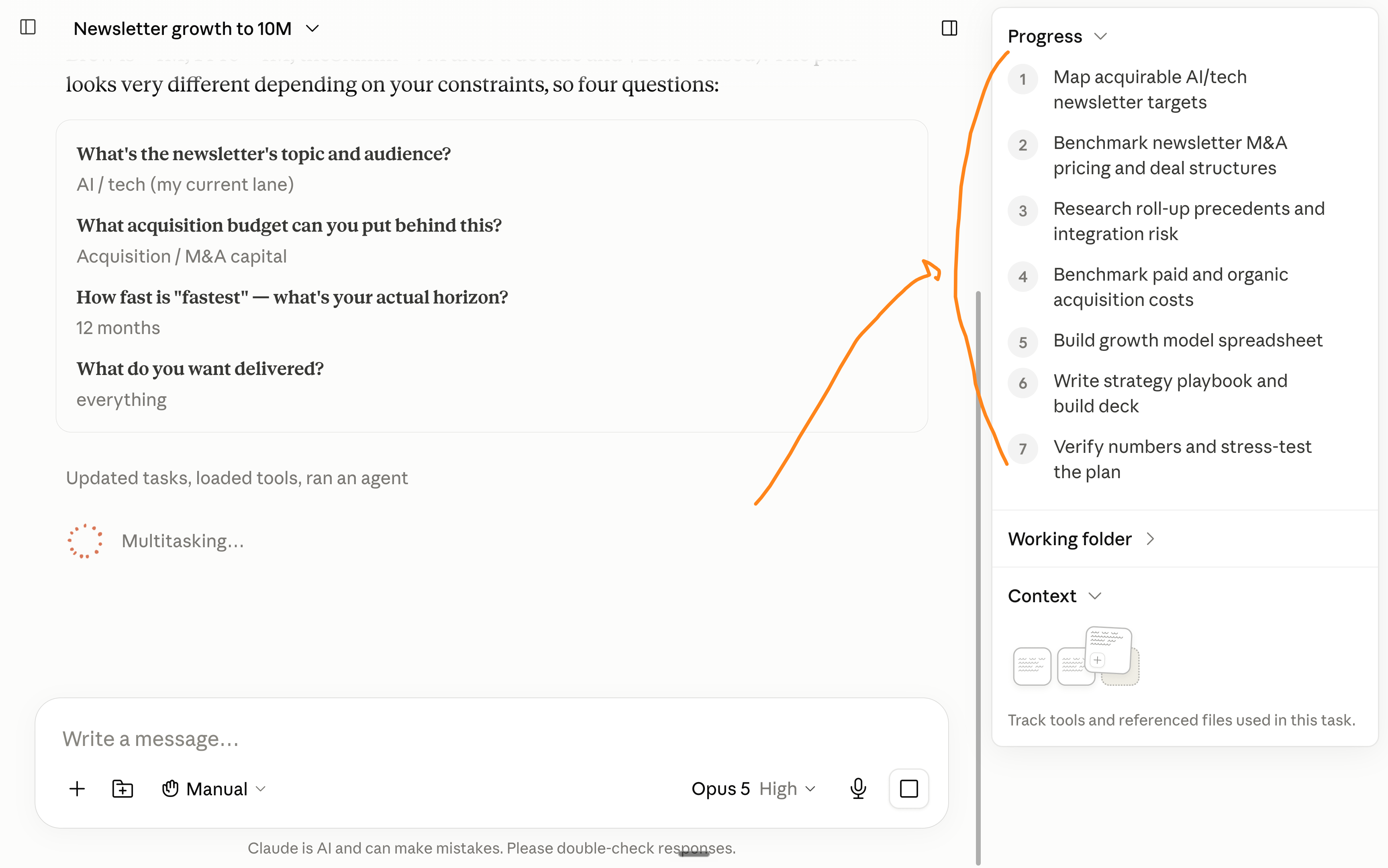
So give it big tasks, not small ones: “Prepare the full client onboarding: the deck, the welcome email, and the checklist.” Then watch them split the work.
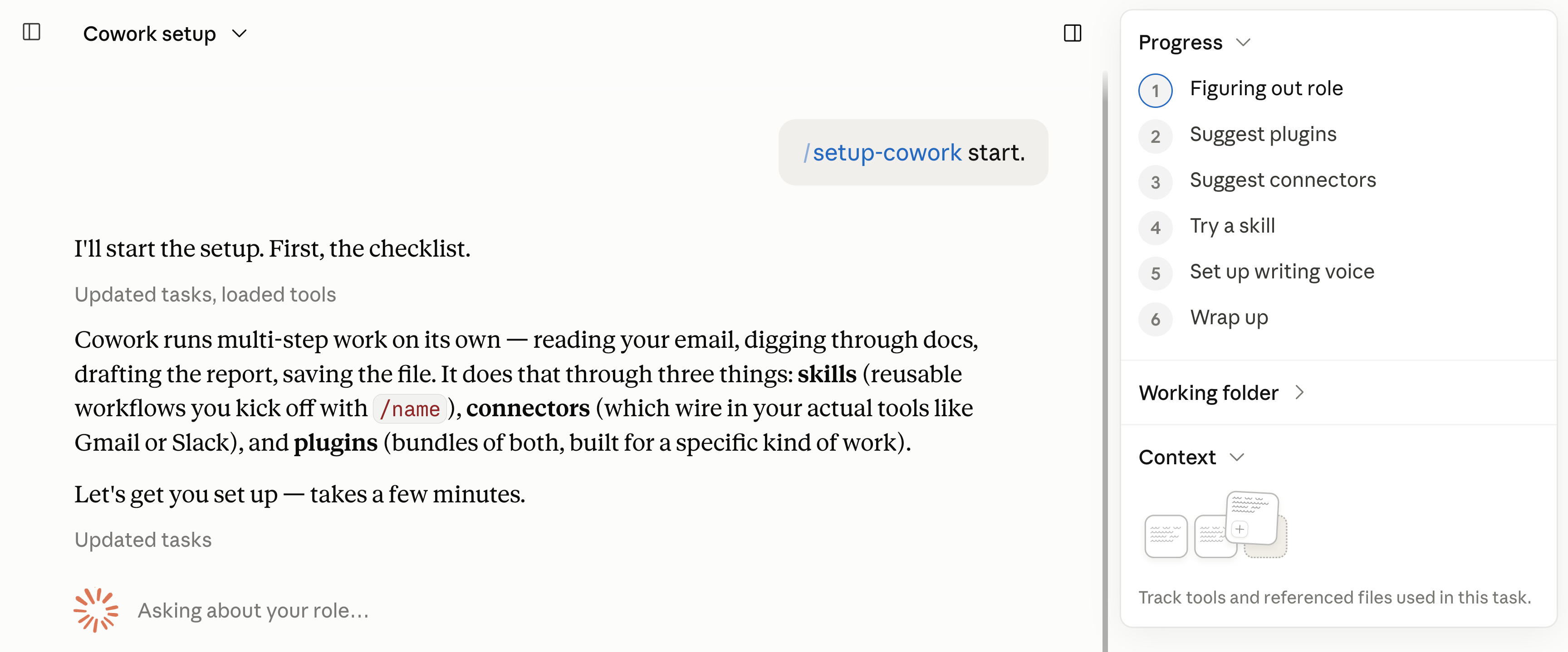
#11. How to set up Cowork with a skill.
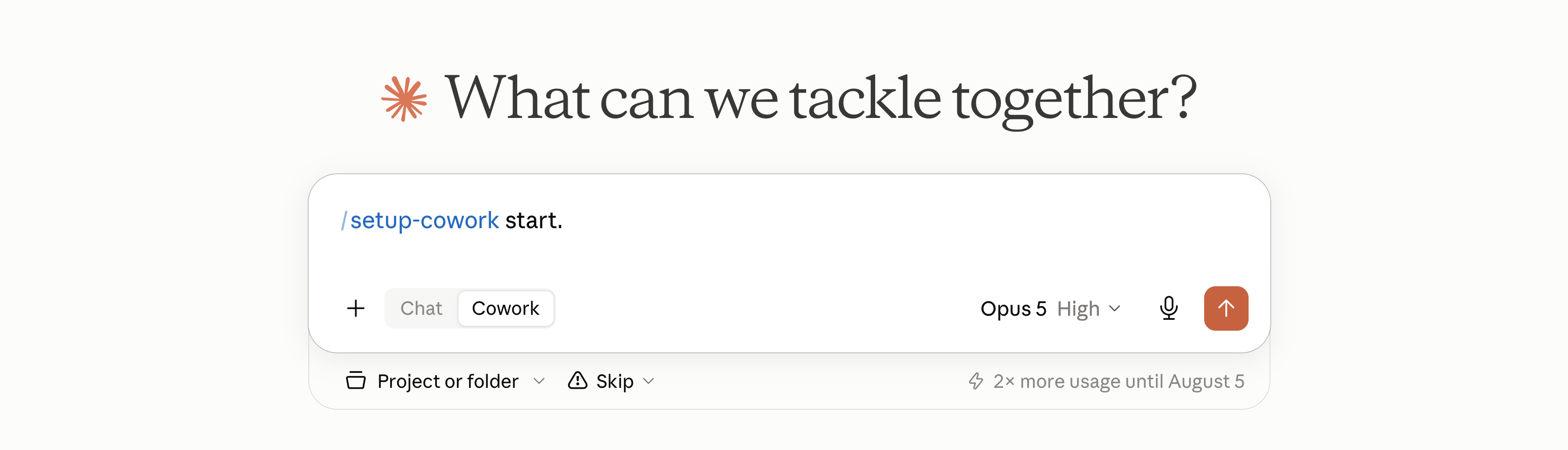
There’s a skill (setup-cowork) that interviews you and configures your Claude: preferences, styles, workflows. And it’s made by Anthropic’s team.
#12. Send a screenshot instead of a description.
In Claude Code and Claude Design, always start with an image: a competitor’s page, a dashboard you like, a photo of a napkin sketch.
To make a design, it’s better to see something than to read words.
PS: It also works on the normal Claude to make HTML designs.
#13. Build your own mini-apps.
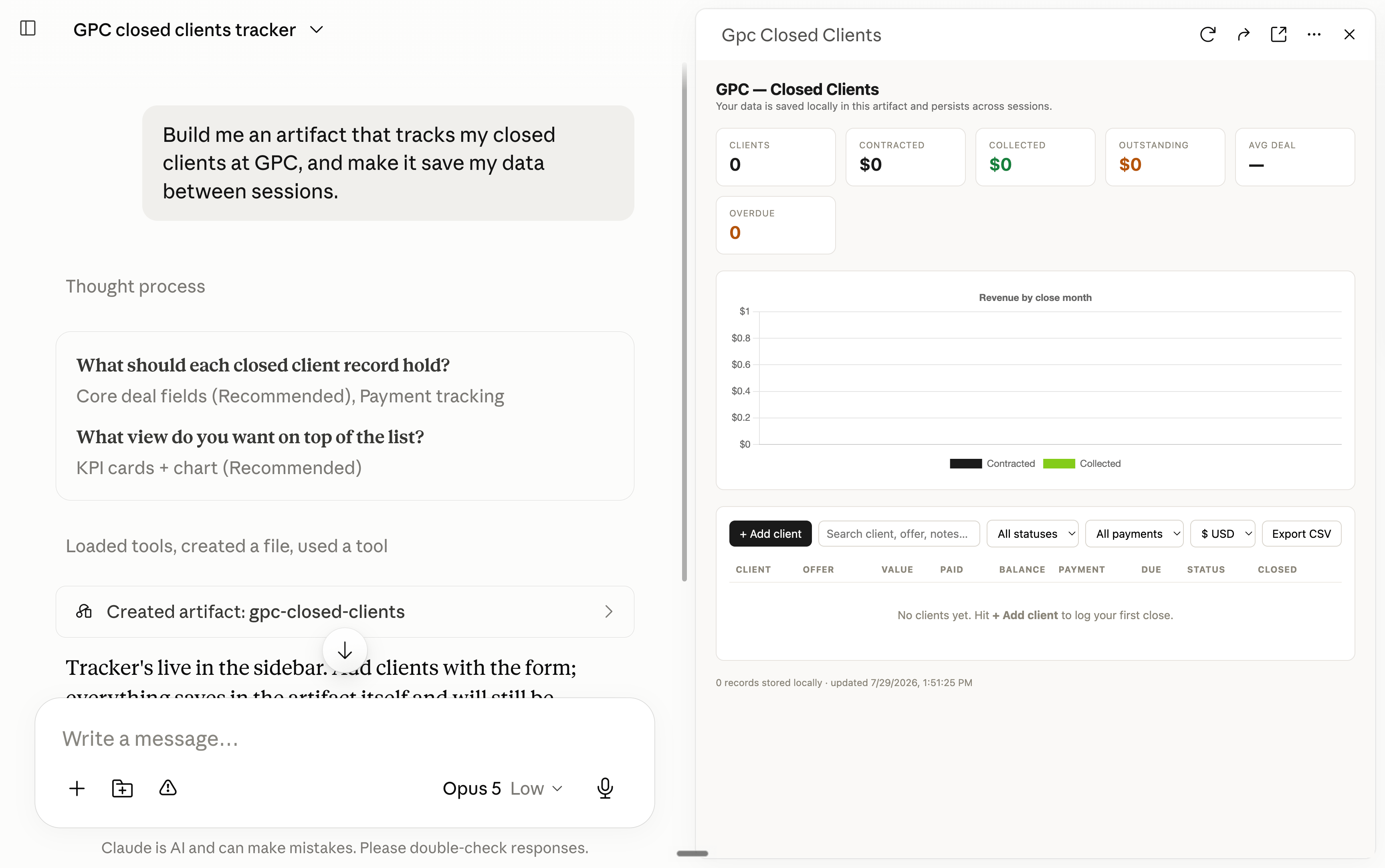
You can create artifacts with Claude. It’s mini-apps.
Try this prompt: “Build me an artifact that tracks [my habits / my client pipeline / my reading list], and make it save my data between sessions.”
#14. Invite Claude in your mini-app.
So the same idea as #13, but with Claude inside your app.
For example, this prompt: “Make it so there is a Claude coach inside I can talk to and it has the context of this artifact.”
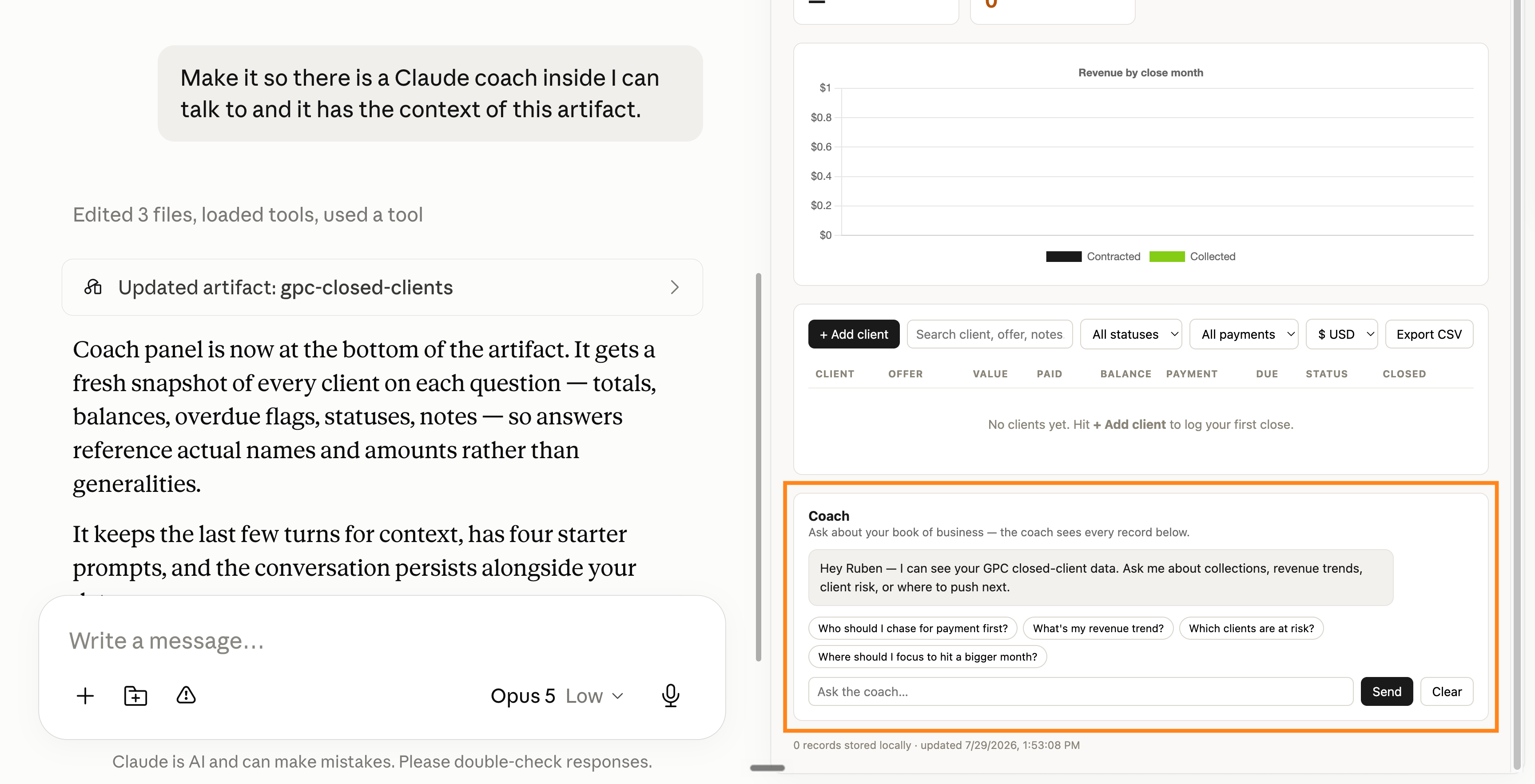
Then publish the artifact and share the link: a proposal analyzer for your clients, a quiz for a new hire, a tone-checker for your team. They don’t need to use Claude. They use Claude through your mini-app.
#15. Stay under 150 seats.
Premium seats (at $100/seat/month) come with usage limits high enough that your team stops thinking about them. But as soon as you cross 150+ seats, you pay per usage no matter what, and it gets very expensive.
#16. Combine Connectors together.
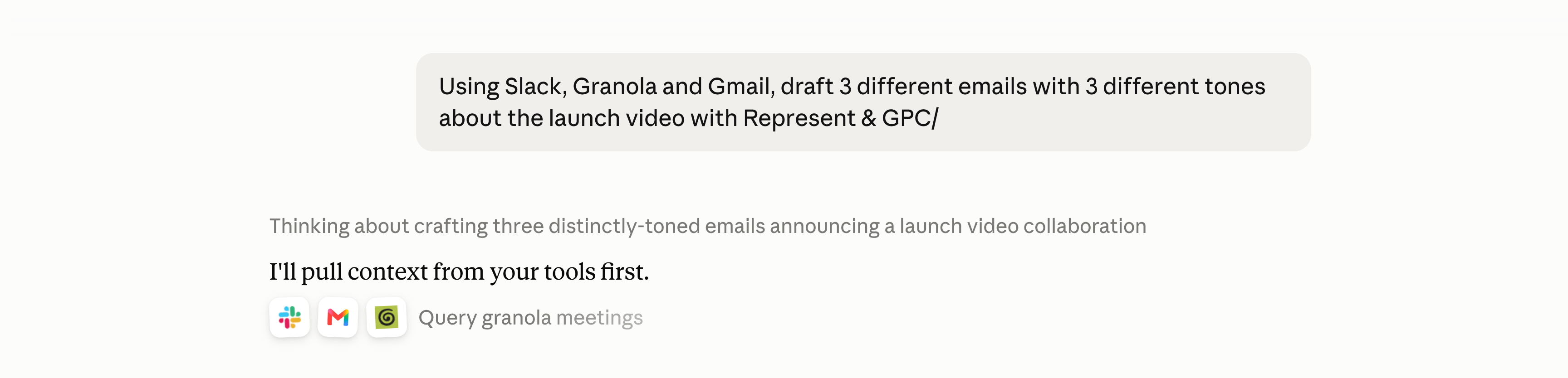
My favorite combo when writing a big email. I connect:
Slack = what was said on our shared threads
Granola = what was decided in the meeting
Gmail = what was promised in writing before
And now I go to Claude with this prompt: “Using Slack, Granola and Gmail, draft 3 different emails with 3 different tones about […].”
#17. Share what you hate.
Adjectives do almost nothing, like when you prompt “make it nicer/punchier”.
It’s much better to prompt: “Never write like this: [paste].”
It draws the exact line to not cross.
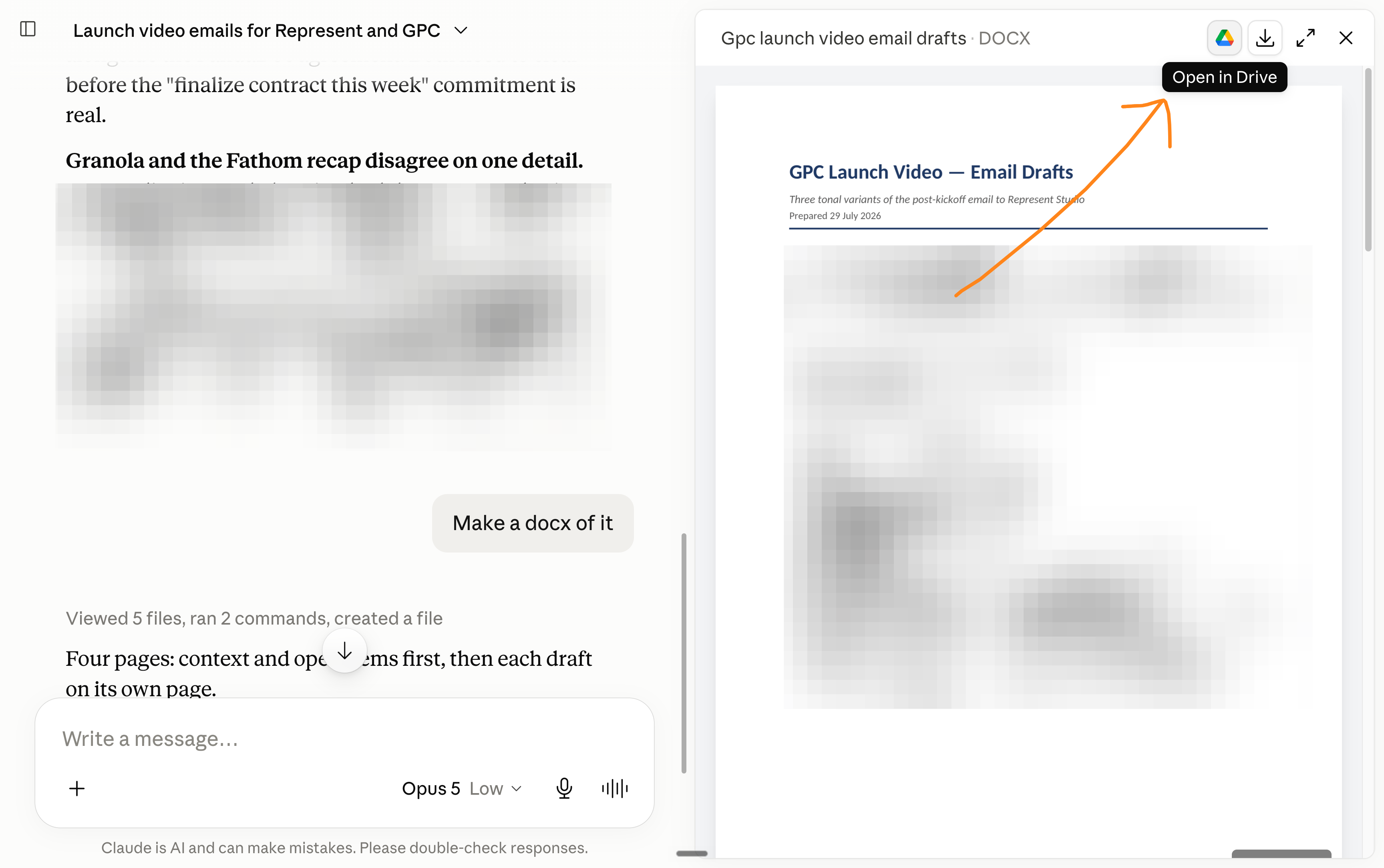
#18. Open files in Google Drive.
I rarely open Claude documents on my computer.
Instead I click here:
#19. Vibecoding won’t make you rich.
Vibecoding a software won’t make you rich. You need so much more things than code to “be rich”.
But next time you have an idea, don’t write a briefing document. Build a rough version in one afternoon and send THAT to your technical team.
This is why vibecoding is cool: you can talk to engineers and designers with an actual (half-baked) website you made quickly. This is useful.
#20. Skills = repeated tasks. Not creative work.
Skills are the best AND the worst.
The best for “do this exact task this exact way”: reports, formats, recurring workflows.
The worst for creativity: every loaded skill bloats your context and narrows what Claude explores. Which is the opposite of what you want for a creative task.
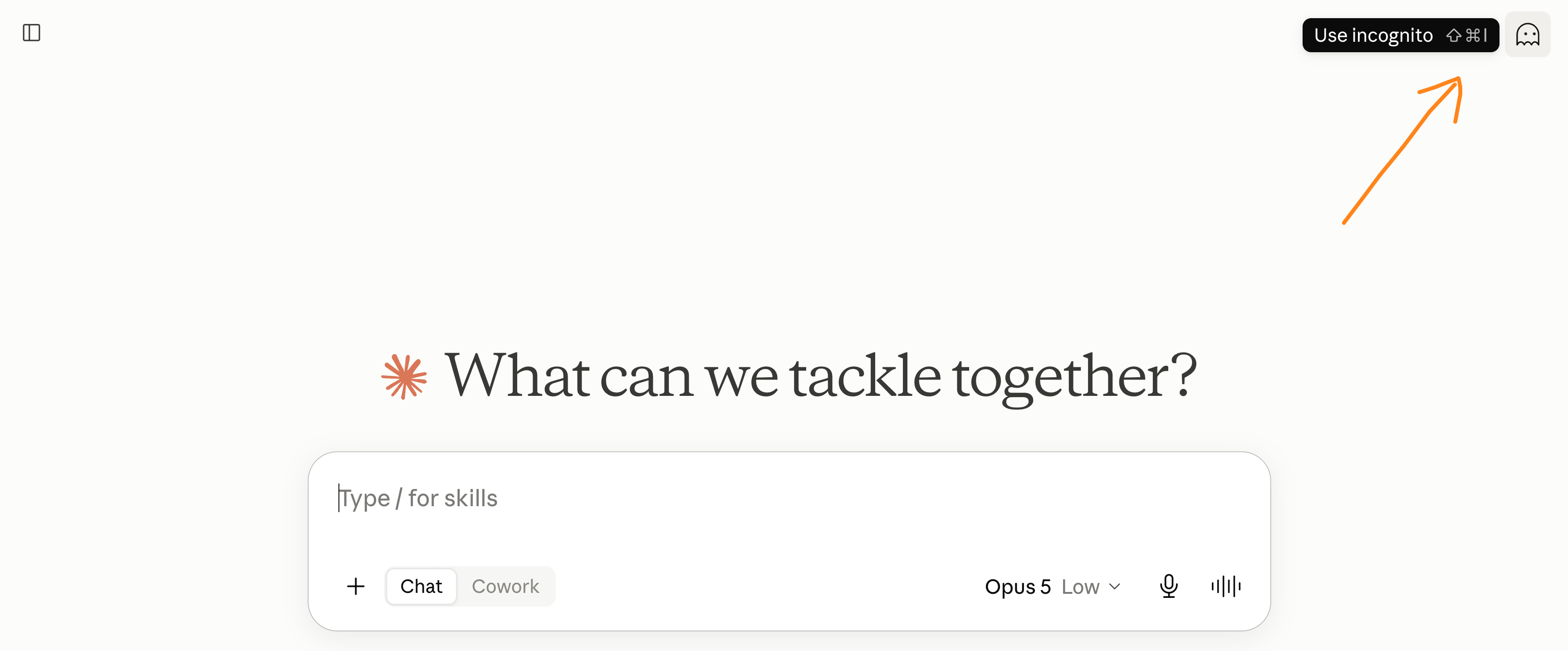
Sometimes I lean even more into “anti-context-bloating,” and I open an incognito mode inside Claude to make sure it has zero context cluttering (I wrote cluttering myself without AI, I know, crazy).
#21. No one uses the “Research” mode.
But it’s good.
It’s not a slower search. It plans, reads dozens of sources, and comes back with a structured report you’d normally pay an analyst for.
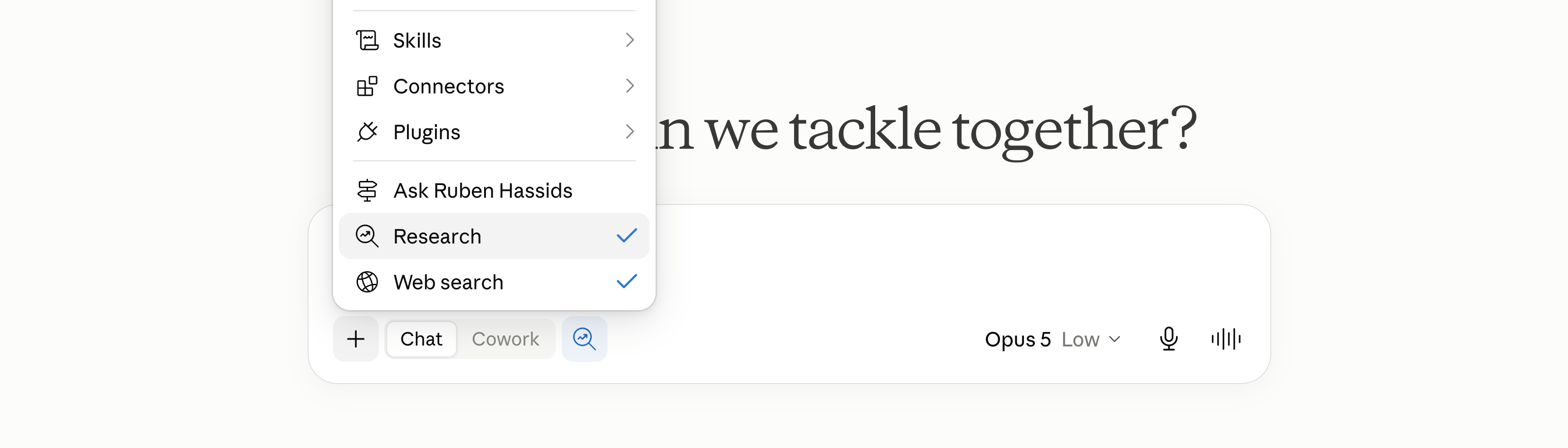
Toggle “Research” in the chat bar, ask your decision question (”Should we price at X? What does the market do?”), and go get a coffee.
#22. Make your data interactive.
Paste your numbers (or a csv.) and ask: “Make this an interactive chart.”
It will make it interactive, right inside your chat. It’s very nice.
#23. Don’t write like an AI.
I built a skill that audits any text to make it passable for AI detectors.
A full guide here:

#24. Ignore “loop engineering” and whatever technique comes out next month.
Every month there’s a new technique with a super-serious name, and you feel behind. You shouldn’t care less. A technique matters once it becomes invisible.
Like for example, Chain-of-Thought prompting gave us reasoning models. You don’t need to understand CoT, you just know that the AI thinking before answering gives you better answers.
Focus on doing your job better, not on falling in love with the technology.
#25. Don’t switch to ChatGPT.
ChatGPT is good. Anyone selling you a 10x difference is selling something.
But I still prefer Claude. My reasons are narrow, though. Claude writes and reasons slightly better, and the Premium company tier is a better deal (tip #15).
The only scenario where I’d reconsider: 5,000+ employees.
At that scale, an open-source setup starts to make sense.
#26. If you use Google, Claude is just as safe.
Back in 2022, when AI was just ChatGPT, people assumed it was terrible for privacy. It was true back then, but today’s AI (like Claude or ChatGPT) is just as safe for your data as Google.
They have business plans and are SOC-2 compliant. You can read this document (link) and sign up for a team account if you have at least 2 seats.
PS: Fable-5 does have a data retention problem. The other models are fine.
#27. An AI solved a math problem that stayed open for 80 years because someone asked.
Some say:
AI is data.
Data is the past.
Creativity looks forward.
So AI can’t be creative.
It’s both true and false.
Hardcore mathematical problems that had remained unsolved for 80 years were solved simply because someone asked the AI, with the right context.
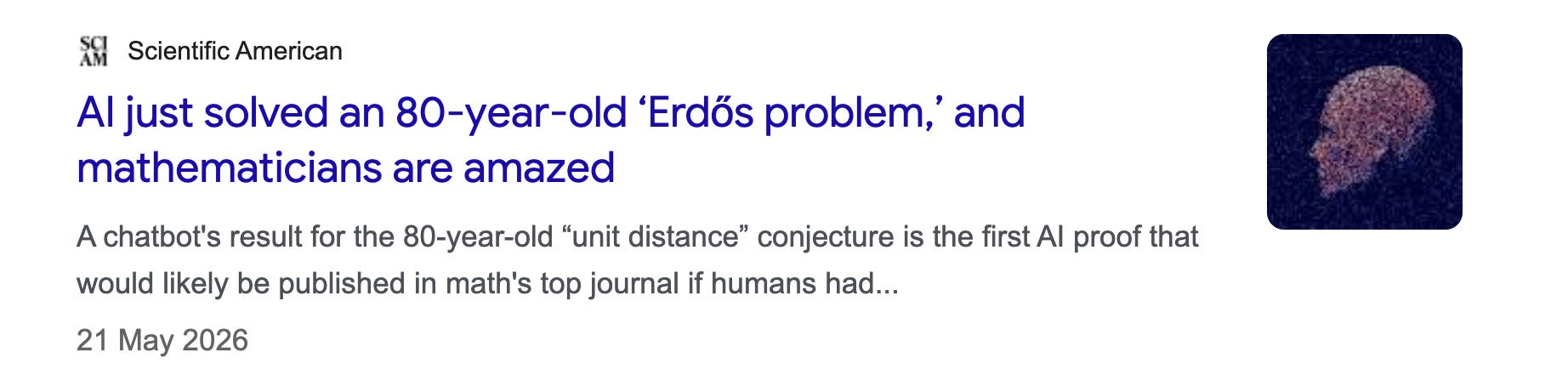
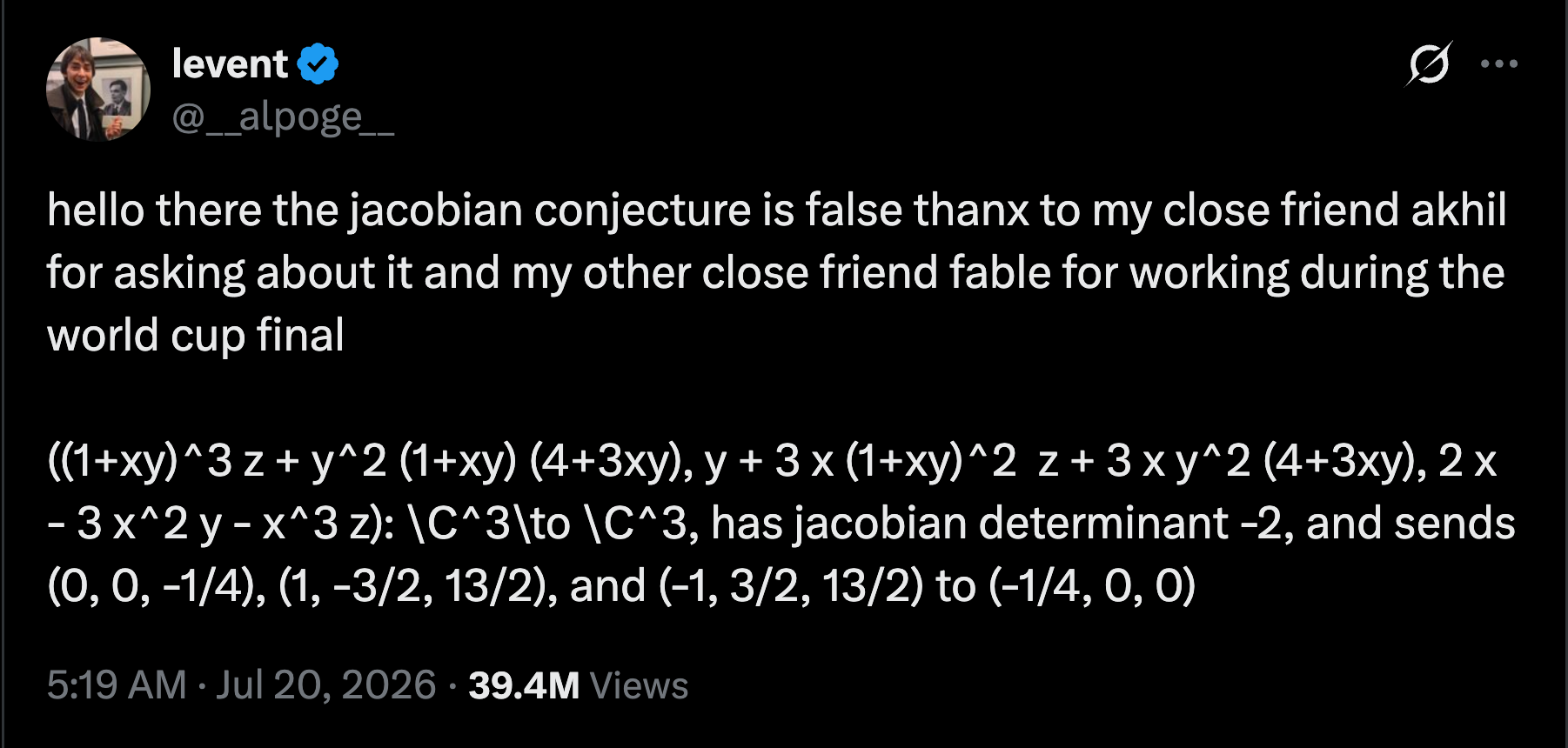
And that was not even a one-off.
Someone else did it again on X:
Share this with someone who says AI is not creative.
Watch me apply the 27 tips.
And get $200 of free AI credits. You just need to become a paid subscriber.
I will share both the link to my next live session & the code to the free AI credits after this paywall: